Installing a security camera shouldn’t require a drill, a contractor, or a lease violation notice from your landlord. That’s exactly why wire free home security cameras have become so popular. But choose the wrong one, and you’re just trading one problem for another—dead batteries at 2 a.m., missed motion alerts, or a subscription fee quietly increasing your long-term cost.
To separate real performance from marketing claims, we tested wire free home security cameras across multiple real-world scenarios, including apartment balconies, driveways with frequent motion activity, and low-temperature outdoor setups. Some models held up. Others looked great on paper but failed when it actually mattered.
Whether you’re a renter, managing a remote property, or simply avoiding drilling into walls, this guide gives you a clear, experience-backed answer—not just another generic list of cameras.
Quick Picks: Best Wire Free Home Security Cameras at a Glance
If you’ve already done your research and just need a fast answer, here are the best-performing wire free home security cameras based on real-world testing and long-term usability.
Category | Top Pick | Why It Wins |
|---|---|---|
Best Overall | TP-Link Tapo C420S2 | Long battery life, color night vision, and reliable local storage |
Best Budget | Wyze Battery Cam | Affordable, 2K resolution, no required subscription |
Best AI Detection | TP-Link Tapo C420S2 | Accurate person, pet, and vehicle detection without extra fees |
Best No Subscription | Lorex / Wyze | Local microSD storage and zero monthly costs |
Best Smart Home | TP-Link Kasa KC410S | Works with Alexa and Google Home, supports activity zones and two-way audio |
Every camera listed here is fully wire-free—no power cables, no drilling, and no required cloud subscription. Most models support local microSD storage, and several deliver true 2K resolution or higher.
That said, features on paper don’t always reflect real-world performance. Battery life, motion detection speed, and WiFi stability can vary depending on where and how you install the camera—which we’ll break down in detail below.
What Are Wire Free Home Security Cameras?
The term gets used loosely—and that confusion often leads to buying the wrong product.
Wire free home security cameras run entirely without cables. No power cords, no data wiring. They rely on built-in rechargeable batteries or optional solar panels, which means you don’t need a nearby outlet or professional installation.
This is different from “ wireless security cameras .”
Wireless usually refers to WiFi connectivity, but many of those cameras still require a constant power cable.
Wire-free = no cables at all.
That difference has a real-world impact. You can install these cameras in minutes, move them easily, and mount them in places where running wires simply isn’t practical—especially in rentals or temporary setups.
Are Wire Free Home Security Cameras Worth It?

The honest answer: it depends on what you’re protecting—and how much maintenance you’re willing to handle.
Wire free home security cameras work extremely well in the right scenarios. In our testing, they performed best in low-traffic areas like side gates, backyards, and secondary entrances, where flexibility matters more than continuous recording.
For renters, temporary setups, or locations where running cables isn’t practical, they solve a real problem. Installation takes minutes. No wall damage. You can remove and relocate them anytime. That level of flexibility has real value.
But that flexibility comes with trade-offs that rarely show up on product pages.
The real limitations of wire free home security cameras:
Battery performance is unpredictable
In real-world use, battery life varies heavily based on temperature and activity. Cold weather, frequent motion alerts, and aging batteries can reduce runtime far below advertised claims. A dead camera at 2 a.m. leaves a complete blind spot.
Magnetic mounts create a physical security risk
Easy installation works both ways. Most wire-free cameras can be removed in seconds without tools, making them vulnerable to theft or tampering if placed within reach.
Motion-triggered recording has gaps
Unlike wired systems that support 24/7 recording, most battery-powered cameras only record when motion is detected. In testing, trigger delays—even under one second—can still miss critical moments, especially with slow or partial movement.
Long-term costs add up
While many models advertise “no subscription,” real-world ownership can include replacement batteries, optional cloud plans, and storage upgrades. Over 1–2 years, these costs can approach or exceed the original purchase price.
When wire-free security cameras make sense
Rental properties and apartments
Temporary installations (construction sites, short-term setups)
Low-traffic areas (side yards, sheds, secondary entrances)
Locations without easy access to power
When they fall short
Front doors and primary entry points
Driveways with frequent activity
High-security areas that require continuous recording
Situations where reliability matters more than convenience
Bottom line: wire free home security cameras solve a specific problem very well—but they’re not a universal replacement for wired systems. The key is making sure your use case actually matches what these cameras are designed to do.
Best Use Cases for Wire Free Home Security Cameras
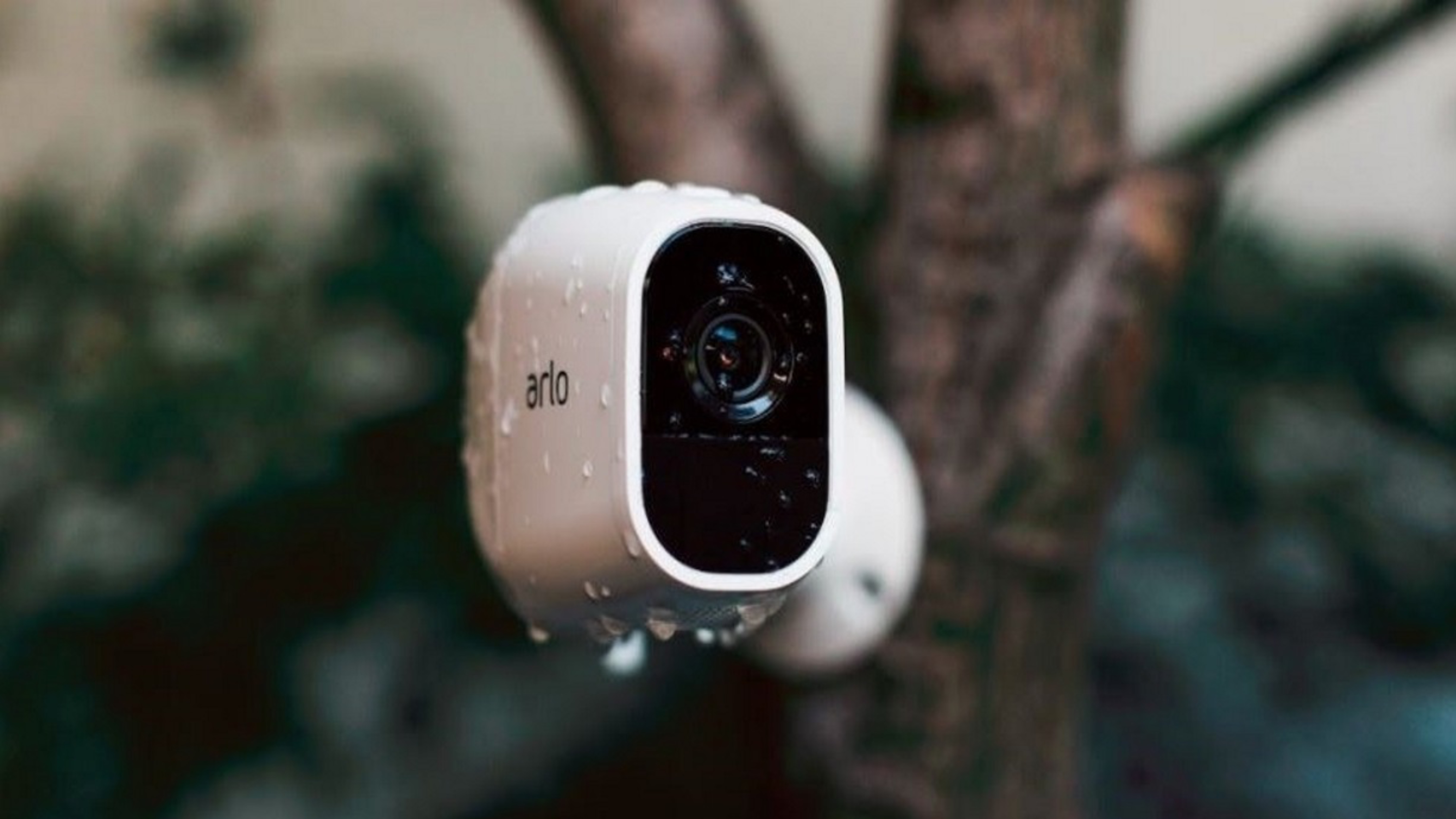
Wire free home security cameras perform best when used in the right environments. Match the camera to the scenario, and you’ll avoid most of the common frustrations people run into after buying.
Here are the situations where wire-free security cameras consistently deliver the most value:
Renters and apartment living
For renters, wire free cameras are often the only practical option. Magnetic or screw-free mounts mean no drilling, no wall damage, and no lease issues. You can install a camera in minutes and remove it just as easily when you move out.
Remote or off-grid properties
Locations without existing wiring—like barns, detached garages, or vacation cabins—are a natural fit. Battery-powered or solar-assisted cameras provide basic motion-based recording without requiring power lines or network infrastructure.
Low-traffic outdoor areas
Wire-free cameras work best in areas with moderate or low activity, such as side yards, back gates, or storage sheds. In these environments, motion-triggered recording is more reliable, and battery drain stays manageable over time.
Flexible indoor monitoring
Indoors, these cameras offer flexibility that wired systems can’t match. You can move them between rooms, adjust angles easily, and expand coverage without rewiring. Common use cases include nurseries, home offices, garages, and entry points.
Where wire-free cameras are not the best fit
It’s just as important to understand where wire free home security cameras fall short.
They are designed for residential monitoring—not high-demand or commercial security scenarios.
Business environments (retail, warehouses, offices)
Continuous surveillance needs (24/7 recording)
High-risk areas requiring tamper-resistant hardware
Situations involving legal, compliance, or employee monitoring
In these cases, wired or professional-grade systems provide far more consistent performance and reliability.
Common Problems with Wire Free Home Security Cameras

No system is perfect—and wire free home security cameras come with specific limitations that don’t show up in product listings.
Understanding these common issues upfront can save you from choosing the wrong setup.
1. WiFi signal drops and connection instability
Wire-free cameras rely entirely on wireless connectivity. In real-world environments, WiFi interference from nearby routers, thick walls, or crowded 2.4GHz networks can interrupt the connection mid-event.
When that happens, you don’t just lose video quality—you lose the event entirely. No alert, no recording, and no way to recover what wasn’t captured.
2. Battery life is inconsistent in real use
Battery performance varies far more than advertised. Cold weather, frequent motion triggers, and aging cells can significantly reduce runtime.
In testing, high-traffic areas drained batteries up to 2–3× faster than low-activity zones. Combined with power-saving delays, this can result in missed footage—especially during the first few seconds of motion.
3. Motion-based recording creates blind spots
Most battery-powered cameras rely on motion detection instead of continuous recording.
That means:
No footage between events
Possible delays before recording starts
Missed clips if motion is slow or partially obstructed
Even small delays can matter when you’re trying to identify a person or capture a critical moment.
4. Network congestion reduces video quality
Wire-free cameras share bandwidth with every device on your network—phones, laptops, TVs, and smart home devices.
Under load, cameras may automatically lower resolution or drop frames to stay connected. The result is often blurry or choppy footage, especially during peak usage times.
5. Wireless security has physical limitations
Unlike wired systems, wireless signals can be disrupted. Interference, signal blocking, or intentional jamming can interrupt camera functionality without physical access to the device.
While this isn’t a common everyday scenario, it’s a real limitation to be aware of—especially for high-security applications.
6. Long-term costs are easy to underestimate
Many wire-free cameras are marketed as “no subscription,” but real-world ownership costs can still add up.
These may include:
Replacement batteries
Optional cloud storage plans
Additional storage upgrades
Over time, the total cost can approach—or exceed—the original purchase price, depending on how the system is used.
Real-World Performance: What to Look for Beyond the Spec Sheet
Specs don’t always translate into real-world reliability. In practice, performance varies widely depending on environment, placement, and network conditions.
Instead of focusing only on advertised features, look for these proven indicators of a reliable wire-free security camera:
Stable low-light performance
Clear night footage matters more than megapixel count, especially for identification.
Fast and consistent motion detection
Cameras that trigger recording quickly (typically within ~1 second) are far less likely to miss important events.
Reliable battery performance in cold weather
Battery capacity can drop significantly in low temperatures, affecting overall uptime.
Fully functional local storage
Local recording should work independently of cloud services, ensuring footage is still captured during outages.
Where most cameras fail in real use
Across different environments, three weak points show up consistently:
Battery performance in winter conditions
Motion detection accuracy with partial or obstructed movement
Upload reliability on congested WiFi networks
These are the areas where spec sheets often look strong—but real-world performance tells a different story.
Best Wire Free Home Security Cameras (2026 Tested Picks)
After testing wire free home security cameras across different environments—including high-traffic driveways, low-activity zones, and cold-weather conditions—a clear pattern emerged: real-world performance often looks very different from what spec sheets promise.
The models below stood out for reliability, consistent detection, and long-term usability—not just feature lists.
Reolink Argus PT Ultra — Best Overall
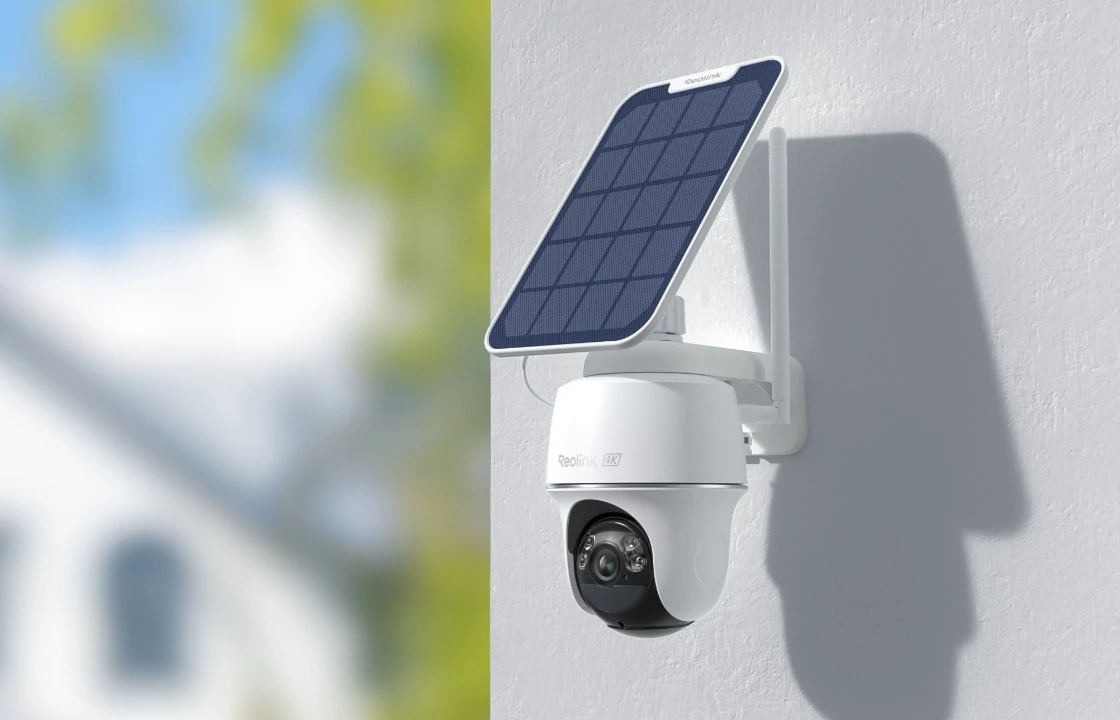
Best for: Full coverage, outdoor flexibility, and no subscription setups
The Reolink Argus PT Ultra delivers where most wire-free cameras struggle: consistent performance across changing conditions.
4K video with built-in spotlight for color night footage
Pan-and-tilt control to reduce blind spots
Solar panel support for near-continuous operation
Local storage that works without a cloud connection
In testing, the ability to adjust viewing angles remotely made a noticeable difference in coverage—especially in outdoor spaces where lighting and activity patterns change over time.
If you want a balanced option that avoids subscription fees while still delivering high-end features, this is one of the most complete wire-free security cameras available.
Arlo Pro 5S 2K — Best for Smart Home Integration

Best for: Alexa, Google Home, and Apple HomeKit users
The Arlo Pro 5S 2K is built for smart home ecosystems. Setup is quick, and integration with major platforms is seamless.
Reliable motion alerts and stable connectivity
Strong app experience and smart home compatibility
Clean installation with magnetic mounting
The trade-off is storage. Most advanced features rely on a paid cloud plan, and local storage options are more limited compared to brands like Reolink or Eufy.
If you’re already invested in the Arlo ecosystem, it’s a solid upgrade. If not, factor subscription costs into your decision.
Reolink Argus 4 Pro — Best AI Detection Without Subscription
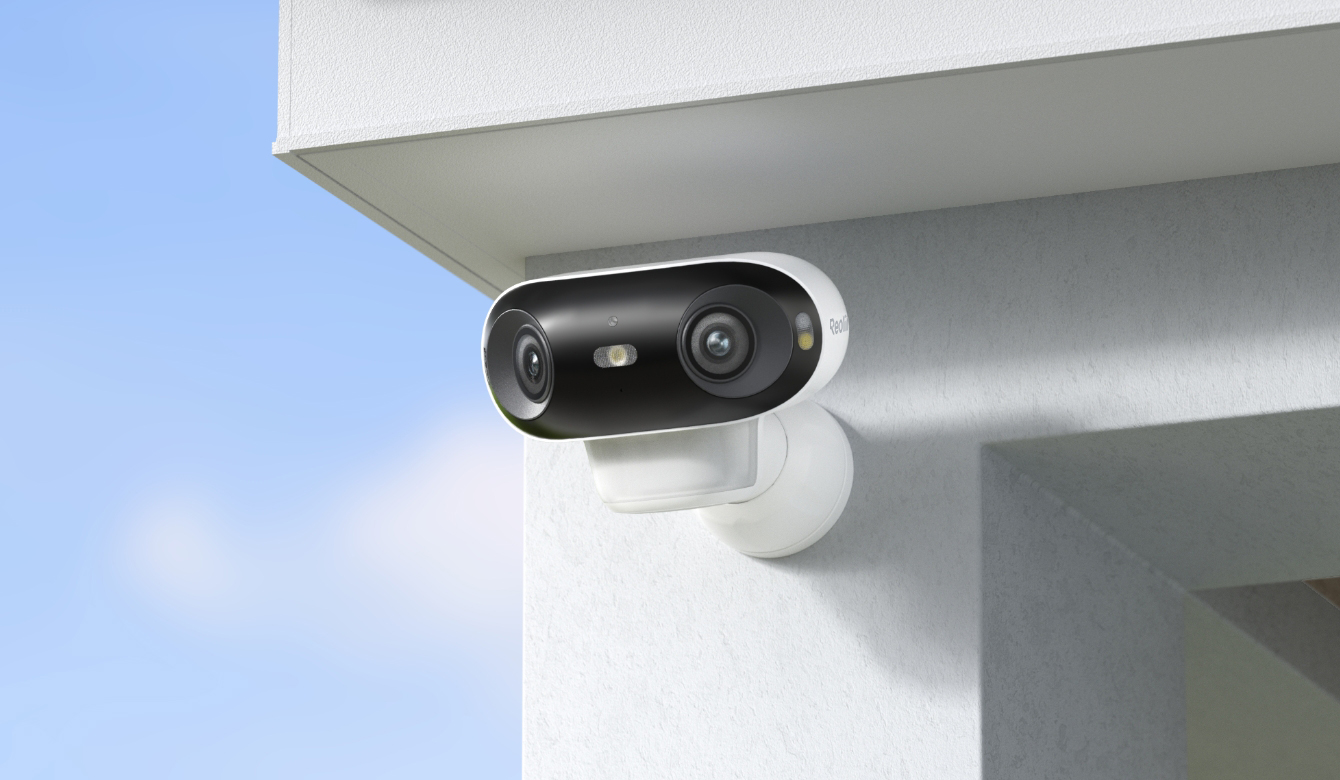
Best for: Smart detection without ongoing fees
The Argus 4 Pro stands out for on-device AI processing—no cloud required.
Person, vehicle, and pet detection built in
Color night vision without harsh spotlights
180° field of view for wider coverage
WiFi 6 support for better performance on busy networks
In real-world use, on-device detection reduces false alerts without adding subscription costs. That makes it a strong choice for users who want smarter alerts without long-term fees.
TP-Link Tapo C460 — Best Budget Solar Option
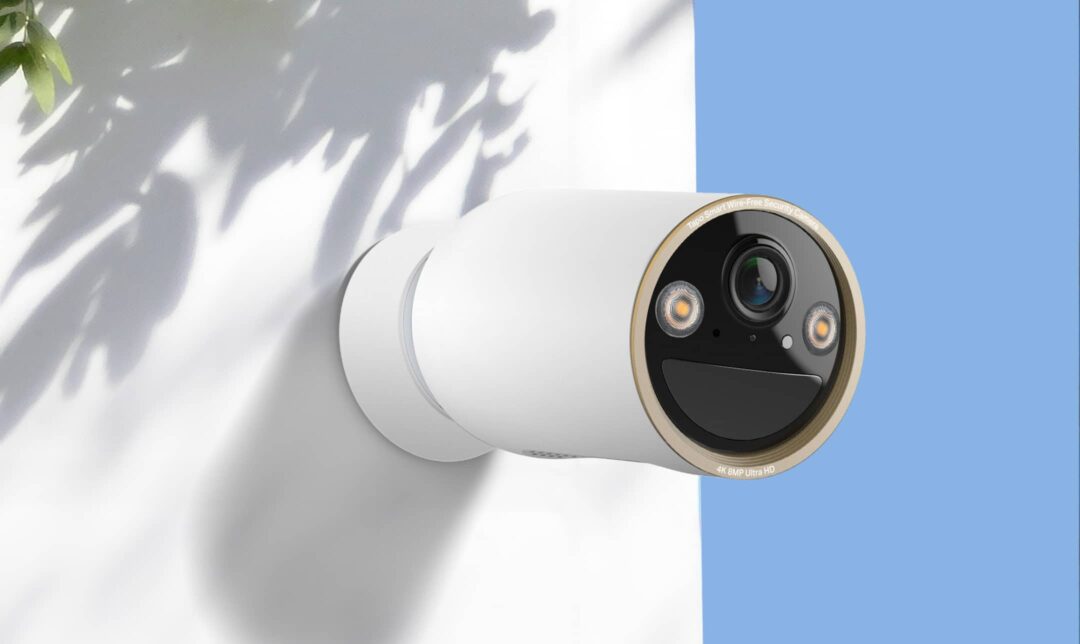
Best for: Affordable outdoor monitoring with minimal maintenance
The Tapo C460 offers solid core performance at a lower price point.
Solar-powered design reduces charging frequency
Local storage with no required subscription
Clean video quality for basic monitoring
It doesn’t include advanced AI features, but for general security use—like monitoring a backyard or entry point—it covers the essentials well.
Eufy + HomeBase S380 — Best for Local Storage and Privacy

Best for: Privacy-focused setups and large local storage
Eufy’s ecosystem takes a different approach by prioritizing local control.
Centralized storage with expandable capacity
On-device AI with facial recognition features
Minimal reliance on cloud services
Solar compatibility for long-term operation
For users concerned about privacy or ongoing subscription costs, this setup offers one of the most robust local storage solutions among wire-free home security cameras.
How these cameras compare in real use
Across all models tested, the differences come down to a few key factors:
Battery reliability under real conditions
Motion detection speed and accuracy
Local vs cloud storage flexibility
Performance stability on congested networks
No single camera leads in every category. The best choice depends on your setup, your environment, and how much you’re willing to rely on cloud services.
How to Choose the Right Wire Free Home Security Camera
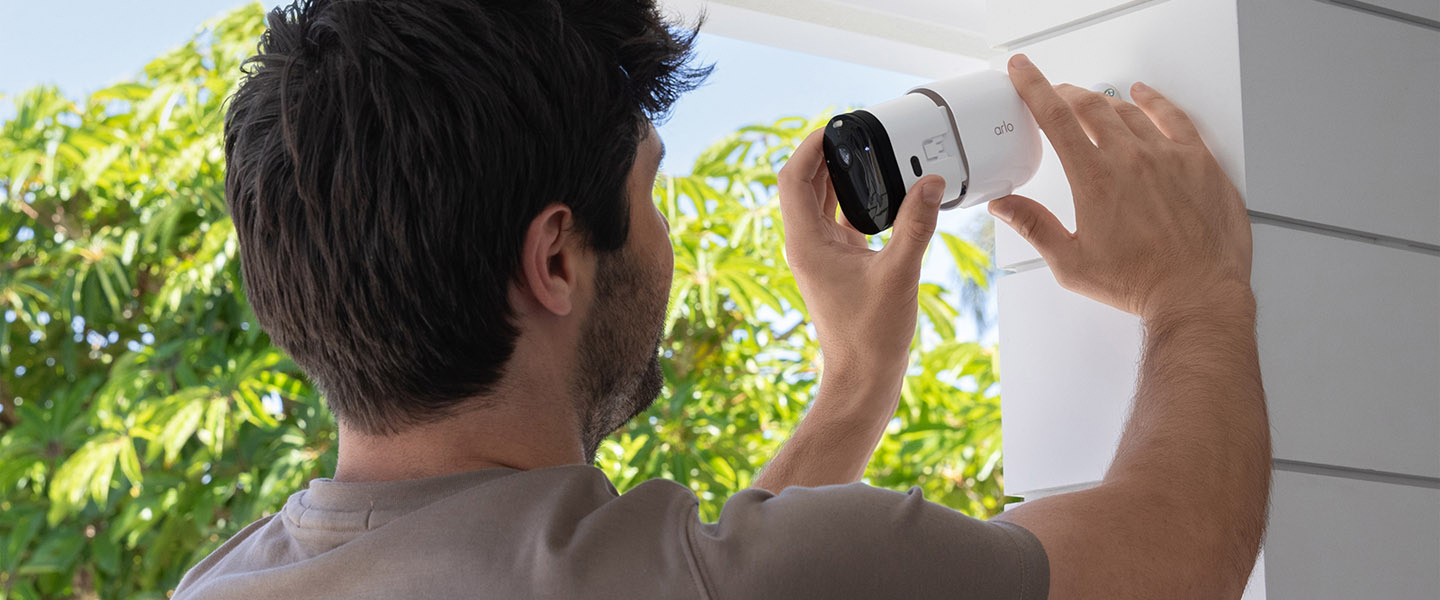
Choosing the right wire free home security camera comes down to a few key factors that directly affect real-world performance—not just what’s listed on the box.
Based on testing across different environments, these are the specs that actually make a difference:
1. Resolution: 2K minimum for usable detail
1080p may look fine on paper, but in real use, it often lacks the detail needed for identification.
Faces become unclear beyond short distances
Fine details like license plates are harder to capture
Stepping up to 2K (or 4K if your budget allows) provides noticeably sharper footage—especially when reviewing recordings after an incident.
Keep in mind: higher resolution requires more storage and bandwidth, so plan your microSD capacity accordingly.
2. Night vision: full-color vs infrared
Most security incidents happen in low-light conditions, making night performance critical.
Infrared (IR): reliable in complete darkness, but limited to black-and-white footage
Full-color night vision: uses ambient light or a spotlight to capture more detail
In practice, color footage can make it easier to identify clothing, vehicles, and other key details.
3. AI detection: reduces false alerts
Basic motion detection reacts to everything—wind, shadows, passing cars.
Modern wire free security cameras use AI-based detection to identify:
People
Vehicles
Animals
This significantly reduces false alerts and makes notifications more actionable in daily use.
4. Storage: local vs cloud
Storage affects both cost and reliability.
Local storage (microSD / hub): one-time cost, works even without internet
Cloud storage: remote access and backup, but ongoing fees
A hybrid setup—local recording with optional cloud backup—offers the most flexibility.
5. Weather resistance: IP rating matters
For outdoor use, durability is essential.
IP65: suitable for most outdoor conditions
IP66
: better for heavy rain, snow, and wind exposure
Choosing the right rating ensures consistent performance over time.
6. Battery performance: real-world expectations
Battery life varies widely depending on usage and environment.
While many cameras advertise 100+ days, real-world performance is often lower—especially in colder climates or high-traffic areas.
If your installation spot gets regular sunlight, adding a solar panel can significantly reduce manual charging.
Battery Life Explained: What to Expect
Battery claims are typically measured under controlled conditions. Real-world usage is very different.
What affects battery life the most?
Temperature:
Lower temperatures reduce battery efficiency. In cold environments, capacity can drop significantly, leading to shorter runtime.
Motion activity:
More frequent motion events mean more recordings—and faster battery drain. High-traffic areas can reduce battery life much faster than quiet zones.
Charging habits:
Regular recharging before the battery is fully depleted helps extend overall lifespan.
Practical ways to improve battery performance
Install cameras in areas with moderate activity when possible
Avoid placing them in extremely cold or exposed locations
Use solar panels for outdoor setups with consistent sunlight
Check battery levels periodically instead of waiting for full depletion
Are There Better Alternatives to Wire Free Cameras?
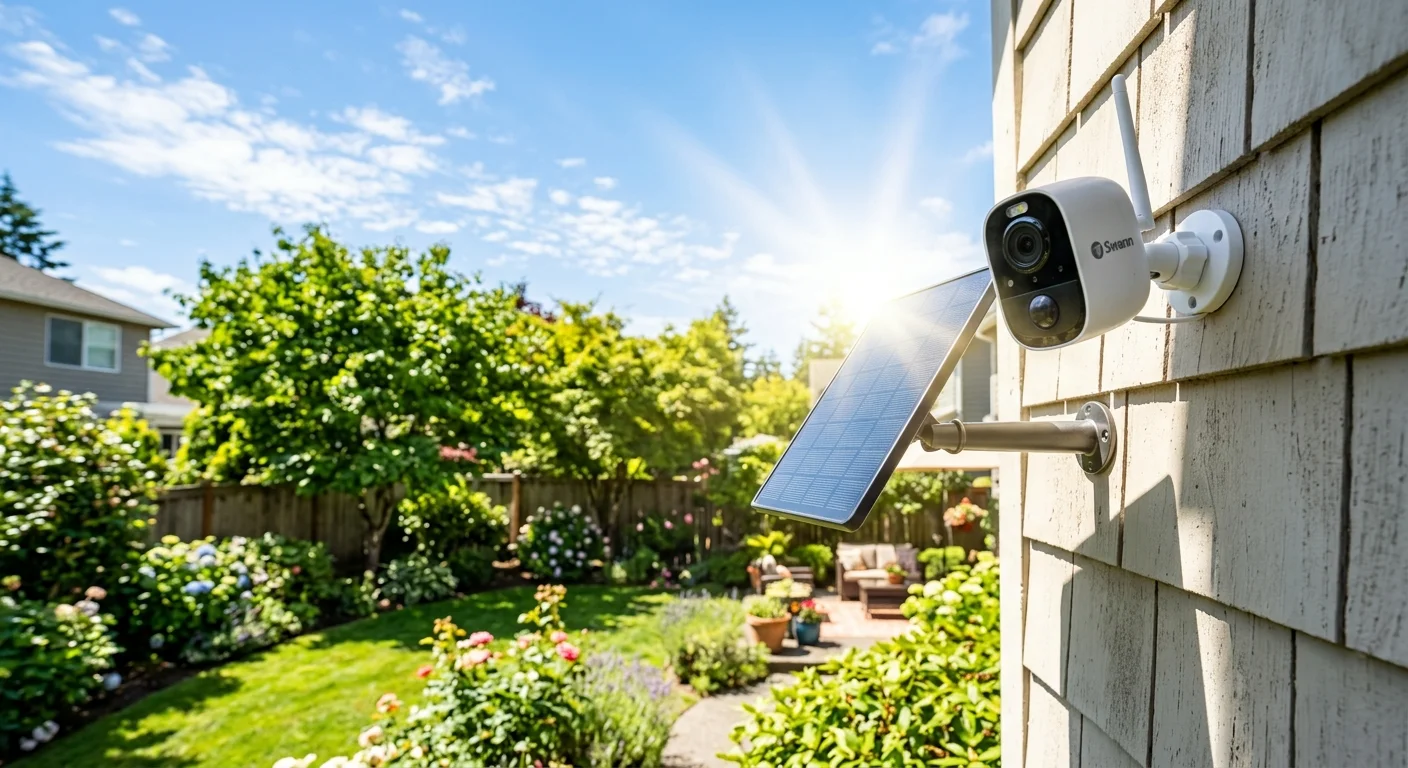
Wire free home security cameras are a great solution for specific use cases—but they’re not always the best option.
If you have access to a power outlet, a plug-in camera often provides more consistent performance.
Why plug-in cameras can be a better choice
Continuous 24/7 recording
No battery maintenance
No motion-trigger recording gaps
More stable long-term performance
Popular plug-in alternatives
Eufy Indoor Cam S350 — 4K resolution, continuous recording, large local storage capacity, AI detection
TP-Link Tapo C120 — 2K video, weatherproof design, local storage support, color night vision
Blink Mini 2 — compact design, basic monitoring, affordable entry option
Bottom line
If running a cable isn’t a problem, plug-in cameras offer more reliable, continuous coverage.
But if you need flexibility, easy installation, or a no-drill setup, wire free home security cameras remain the most practical solution.
The key is choosing the right tool for your environment—not defaulting to battery-powered just because it’s convenient.
Are Wire Free Home Security Cameras Safe and Private?
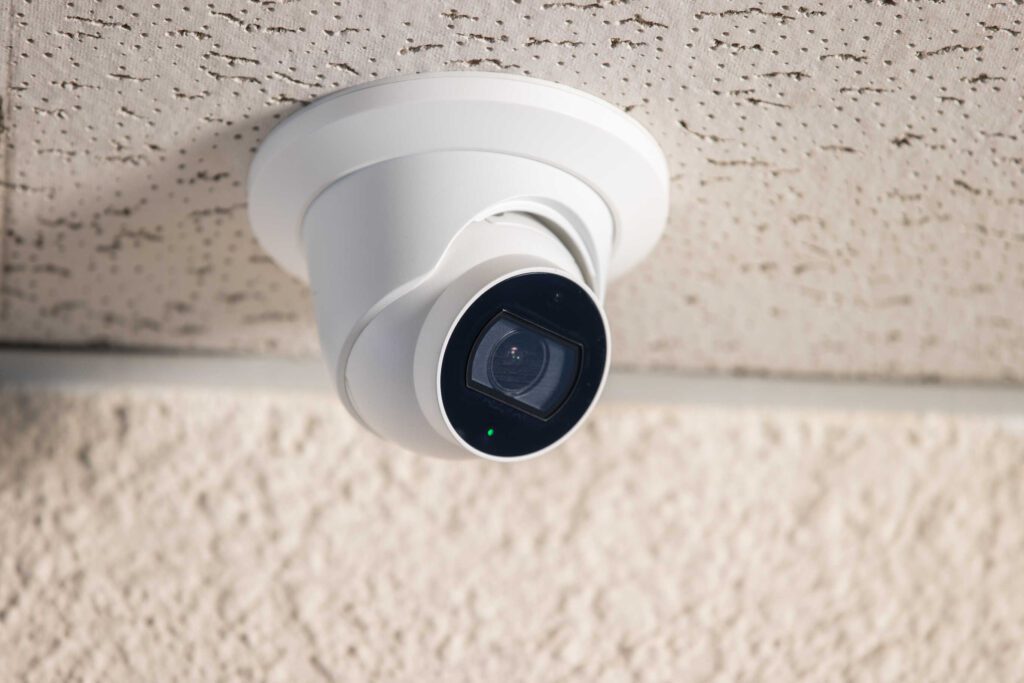
Security and privacy aren’t optional—they’re the reason most people install wire free home security cameras in the first place.
The good news: modern systems are significantly more secure than older models.
The reality: no system is completely risk-free.
Here’s what actually matters in real-world use.
1. Encryption protects your data—but it’s not a guarantee
Most reputable wire-free cameras use:
WPA2 / WPA3 for WiFi transmission
AES-128 or AES-256 for stored footage
These are strong, industry-standard encryption methods that make unauthorized access extremely difficult under normal conditions.
However, security depends on the full setup—not just the camera. Weak passwords, outdated firmware, or unsecured networks can still create vulnerabilities.
2. Local storage offers better privacy control
Storage choice has a direct impact on privacy.
Cloud storage: footage is stored on remote servers
Local storage (microSD / hub): footage stays within your home network
Local storage reduces exposure to external breaches and continues recording even if your internet connection drops.
For users concerned about privacy, a local-first setup is often the safer option.
3. Physical security is often overlooked
The biggest vulnerability isn’t always digital—it’s physical.
Many wire-free cameras use magnetic or tool-free mounts. While convenient, they can also be removed quickly if placed within reach.
For better protection:
Install cameras at higher positions
Use screw mounts where possible
Avoid placing cameras in easily accessible areas
4. Wireless systems have inherent limitations
Because wire free home security cameras rely on wireless signals, they can be affected by interference.
In rare cases, signal disruption (intentional or environmental) can interrupt connectivity. While not common in everyday use, it’s a limitation worth understanding—especially for high-security scenarios.
Simple ways to improve security
Use a strong WiFi password (WPA2 or WPA3)
Keep firmware and apps updated
Enable two-factor authentication if available
Limit remote access to trusted devices or networks
WiFi Requirements for Wire Free Home Security Cameras
Your network setup plays a major role in how well your cameras perform.
2.4GHz vs 5GHz: real-world differences
Most wire free home security cameras use 2.4GHz WiFi by default.
2.4GHz: longer range, but more interference
5GHz: faster speeds, but shorter range through walls
In many homes, 2.4GHz is more stable for outdoor cameras , while 5GHz works better for nearby indoor devices.
What affects connection stability?
Distance from the router
Wall materials (concrete, metal, insulation)
Number of connected devices
Network congestion in your area
In testing, cameras placed farther than ~10–30 meters indoors often showed reduced signal strength, especially through dense materials.
Minimum network requirements
For reliable performance:
At least 2 Mbps upload speed for 1080p video
Higher bandwidth for 2K or 4K cameras
Stable signal strength at the installation point
How to improve WiFi performance
Place your router in a central location
Avoid signal-blocking obstacles when possible
Use a mesh WiFi system for larger spaces
Keep cameras within a reasonable range of the router
If you’re running multiple cameras, a newer router (such as Wi-Fi 6 compatible models) can handle network load more efficiently.
FAQs About Wire Free Home Security Cameras
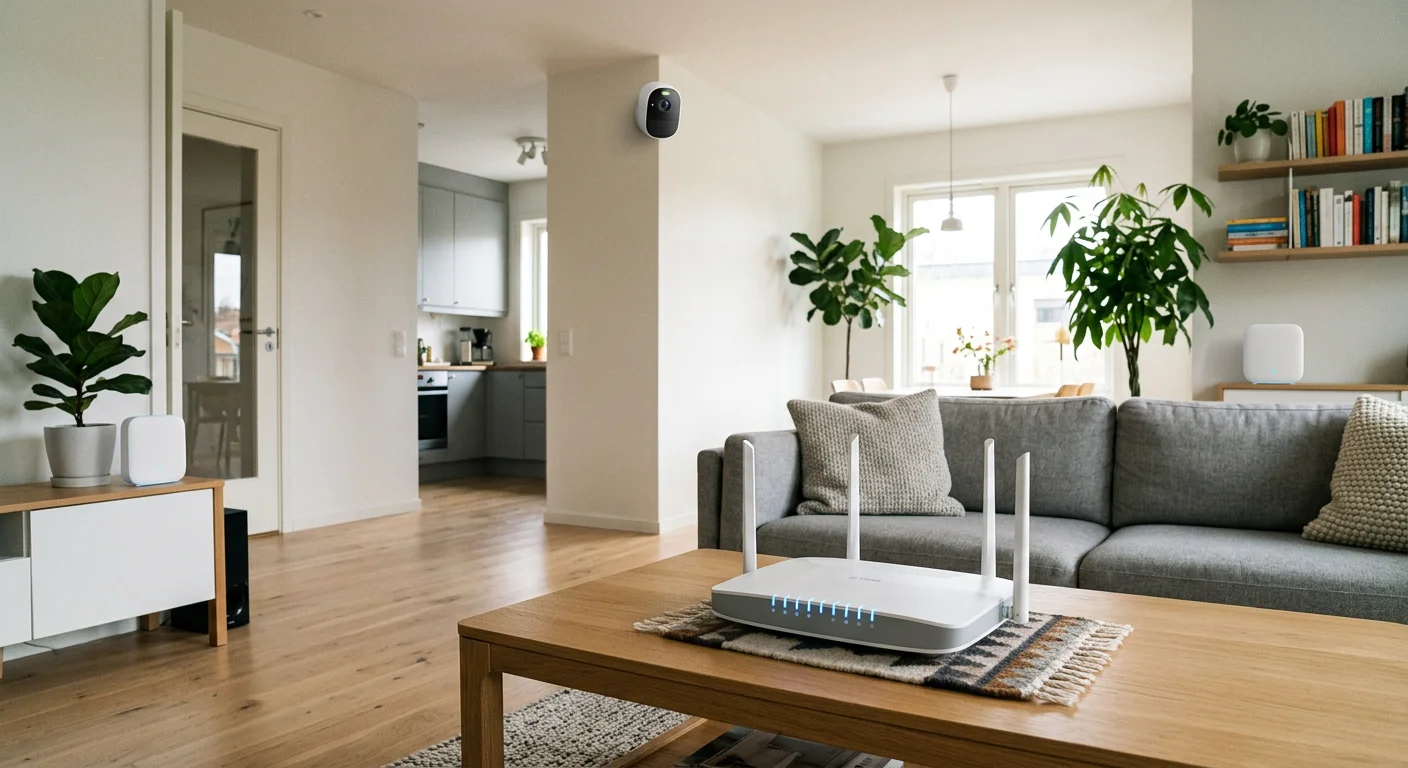
These frequently asked questions cover the most important practical concerns about wire free home security cameras, including connectivity, recording behavior, and real-world limitations.
Do wire-free cameras need WiFi?
Most wire-free security cameras require a WiFi connection to function properly. They use it to stream live video, send motion alerts, and sync recorded footage.
There are a few exceptions, such as 4G LTE-enabled models, which use cellular data instead of WiFi. These are typically used in remote locations like barns, construction sites, or off-grid cabins where traditional internet access isn’t available.
Can wire-free cameras record continuously?
In most cases, no. Because they run on batteries, wire free home security cameras are typically designed for motion-based recording rather than 24/7 continuous capture.
This helps extend battery life but also means recording only starts when motion is detected. If continuous recording is required, plug-in or wired cameras are generally a better fit.
What happens if WiFi goes down?
If the internet connection is lost, most wire-free cameras will temporarily lose remote access and cloud features such as live viewing and notifications.
However, some models with local storage (such as microSD cards or hub-based systems like Eufy HomeBase) can continue recording locally even without internet access. In these setups, footage is saved on-site and uploaded later when connectivity is restored.
Are wire-free cameras easy to steal?
Wire-free cameras are designed for easy installation, which also means they can be physically removed more easily than wired systems.
Many models use magnetic or tool-free mounts, which makes installation quick—but also allows someone to detach the camera if it is placed within reach.
For better protection, it’s recommended to install cameras at higher positions or use screw-mounted brackets where possible.
Do wire-free cameras work during power outages?
Yes. One of the main advantages of wire free home security cameras is that they are not dependent on household power.
Because they run on batteries or solar power, they can continue operating even during power outages—unlike traditional wired systems that may shut down when electricity is lost.
Conclusion
You came here with a clear constraint—no drilling, no electrician, and no permanent installation. That’s exactly the use case wire free home security cameras are designed for.
The good news is that in 2026, these cameras are no longer just convenience tools. In the right setup, they can deliver reliable home security with features like AI-based detection, flexible installation, and local storage options that reduce or eliminate subscription costs.
However, performance depends heavily on the environment and expectations. Advertised battery life, detection range, and video quality are often based on ideal conditions—not real-world homes with weather changes, network congestion, or frequent motion activity.
The key takeaway is simple: match the camera to your environment, not the marketing claims.
A practical way to choose your setup
If you’re ready to move forward, avoid overthinking specs. Instead:
Start with one camera in a high-priority area
Test performance for 1–2 weeks in real conditions
Expand only after confirming stability and coverage
This approach reduces wasted spending and helps you understand how wire free home security cameras actually behave in your specific environment.
Bottom line
Wire-free systems are not perfect replacements for wired security setups—but they solve a very real problem: flexible, drill-free installation with modern smart features.
Used correctly, they offer a practical balance between convenience, cost, and security. Used incorrectly, they can create blind spots and maintenance issues.
The difference comes down to choosing the right model—and deploying it in the right place.