
Leading Security Camera Manufacturer of YCC365 Plus Cameras
As a leading security camera manufacturer, we design and produce high-quality YCC365 Plus compatible cameras. By sourcing SoCs, SDKs and core components directly from official developers, we ensure stable performance, seamless app integration, and large-scale production to support wholesalers, distributors, and e-commerce sellers worldwide.
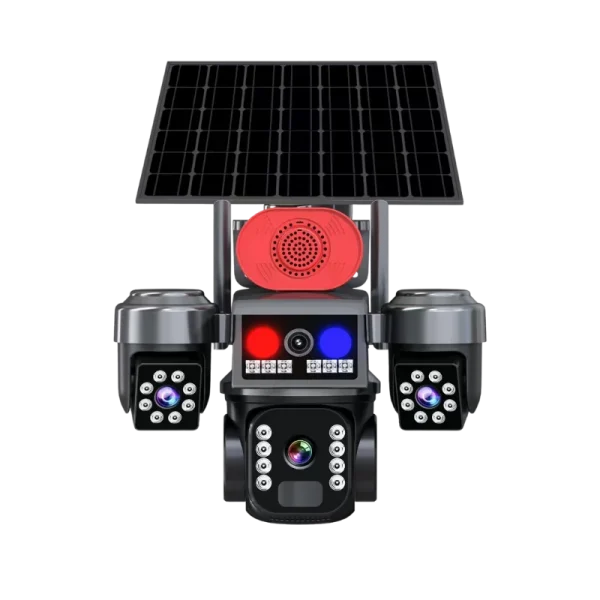
Explore Our Best-Selling YCC365 Plus Camera Collection
Discover full range of YCC365 Plus Camera models designed for different security needs. From indoor monitoring to outdoor protection, each camera offers reliable performance, smart features, and seamless cloud connectivity. Perfect for wholesalers, distributors, and e-commerce sellers looking for trusted security solutions.
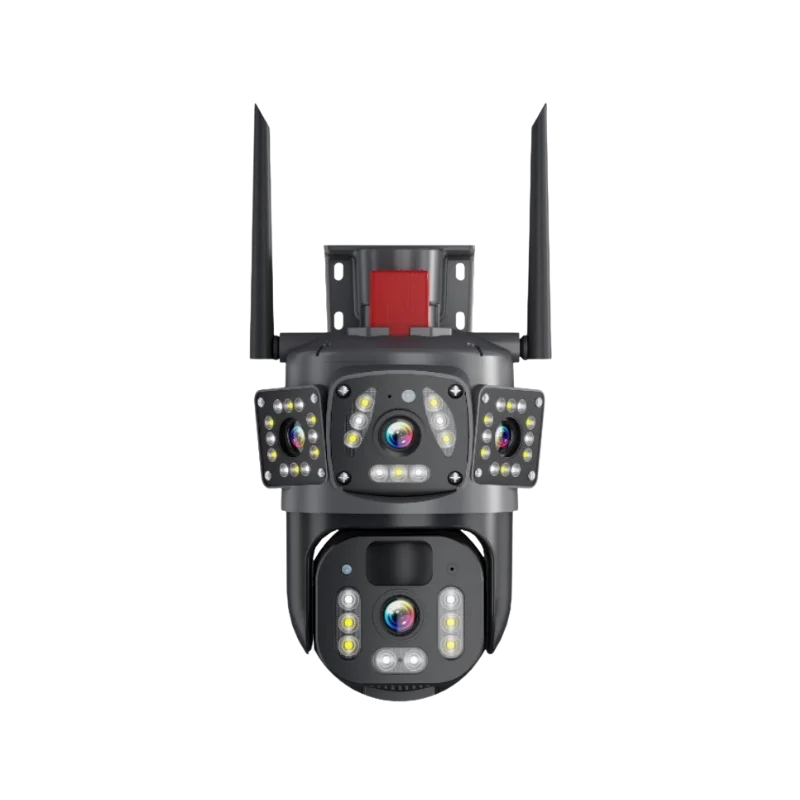
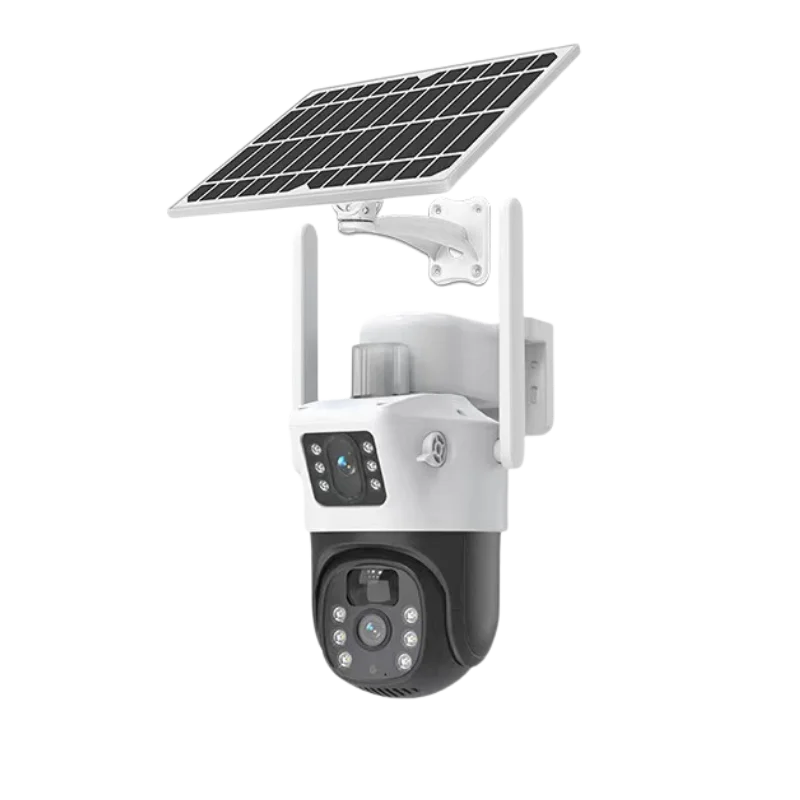
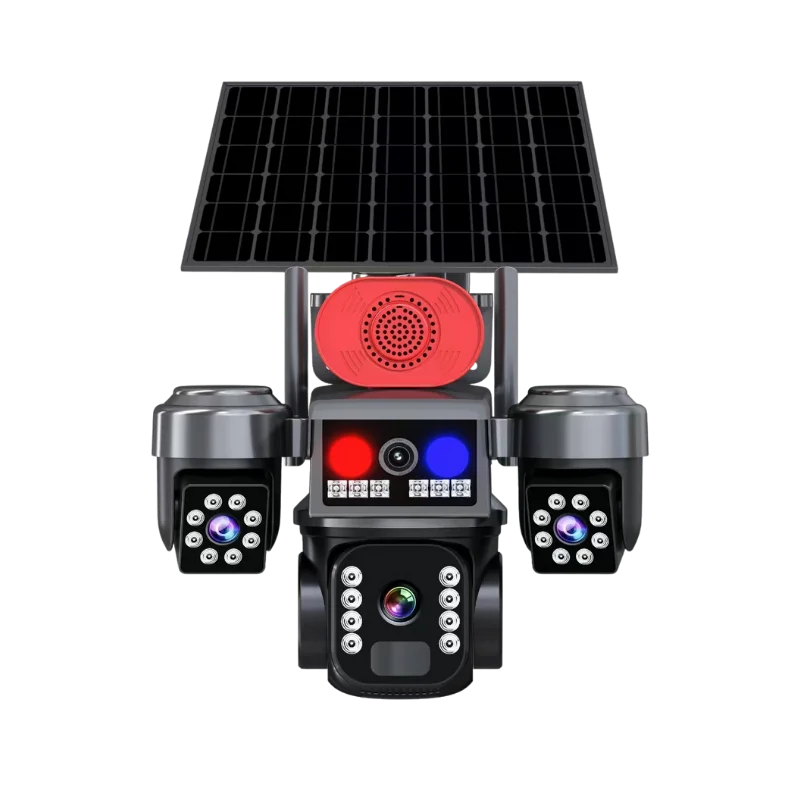
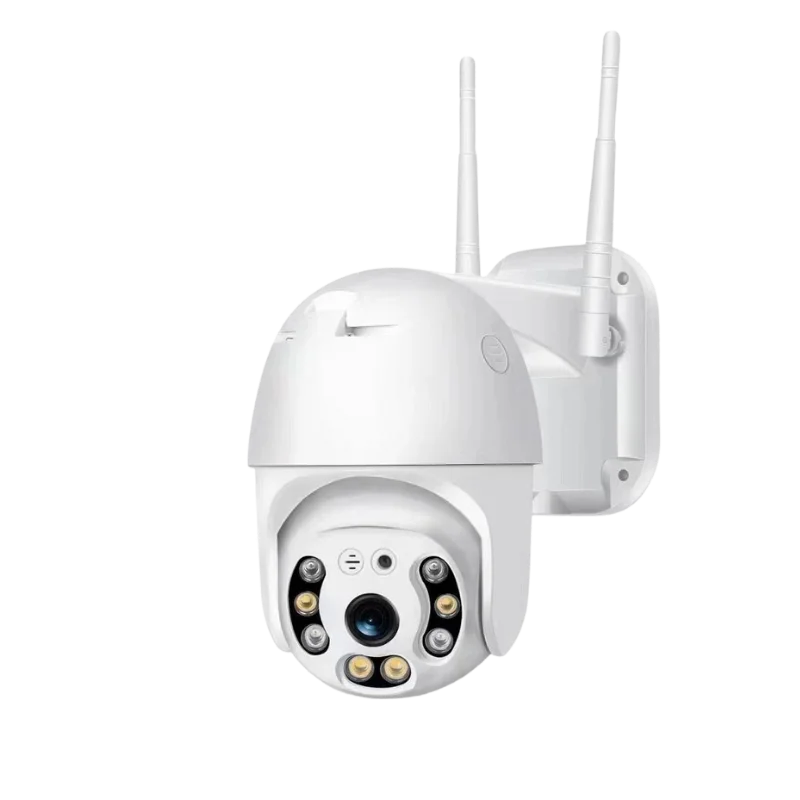
Cloud WiFi Camera YCC365 Plus
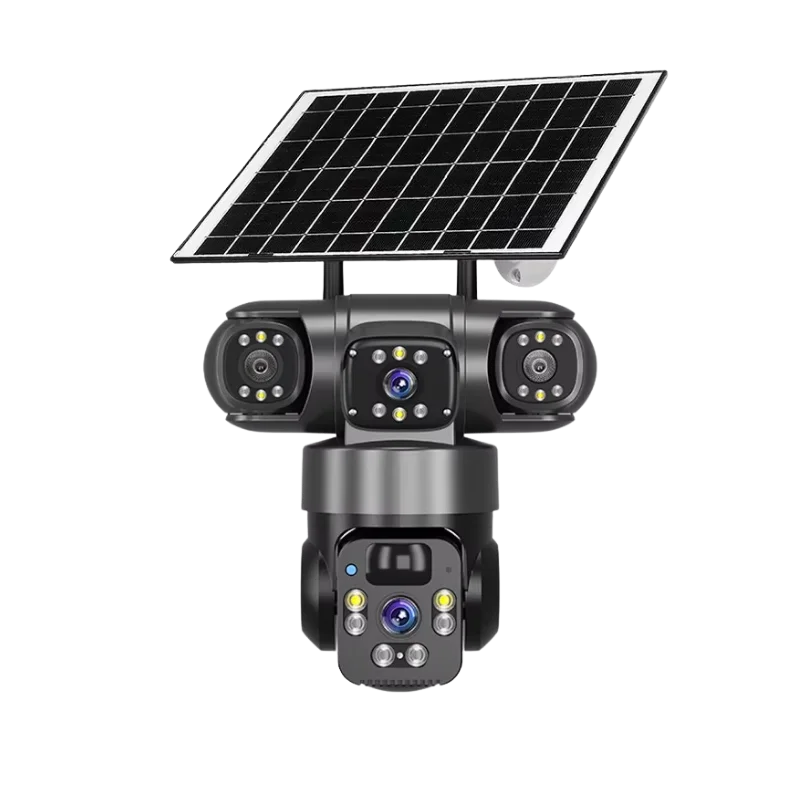
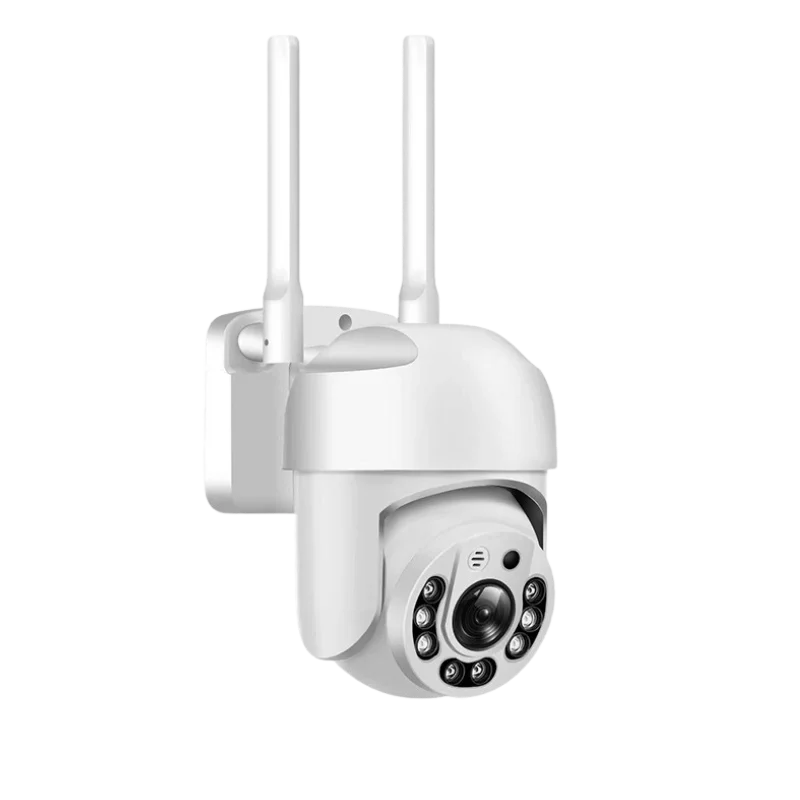
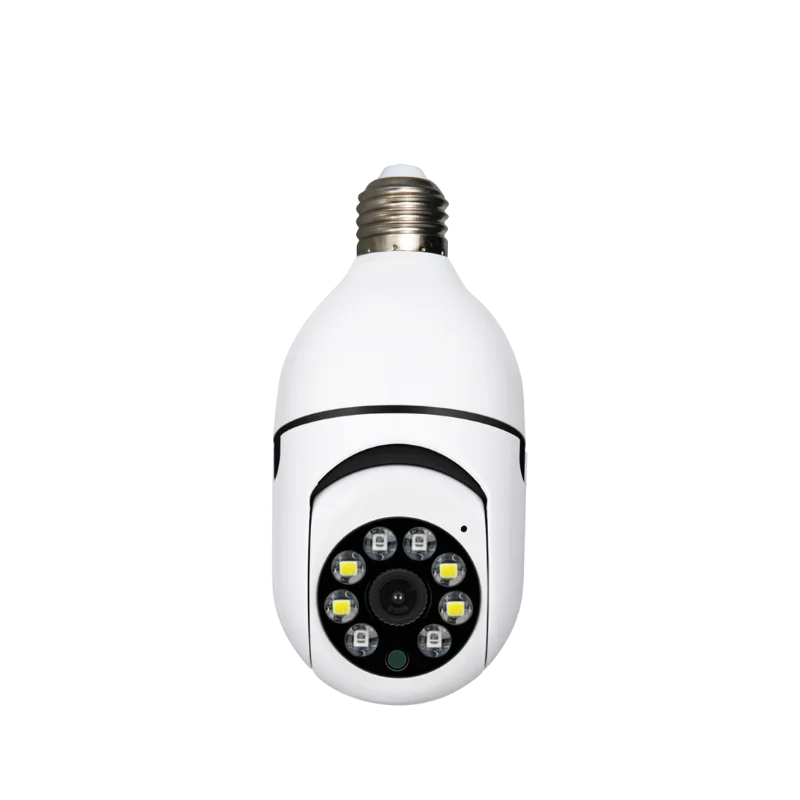
Cloud Camera YCC365 PlusA6
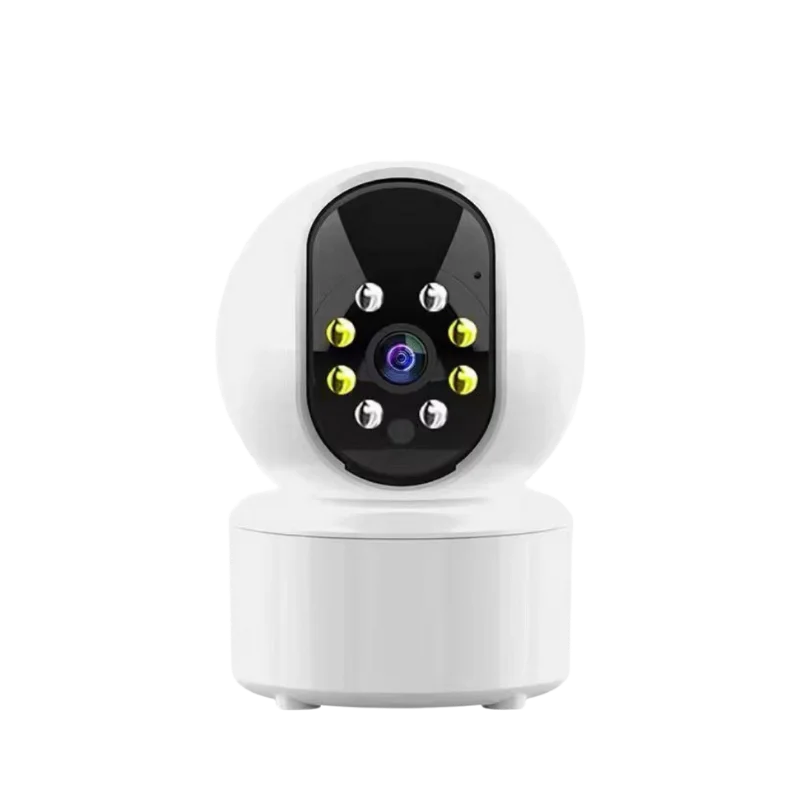
Smart Solutions with YCC365 Plus Cameras
YCC365 Plus Cameras deliver affordable and reliable surveillance for different daily scenarios. With HD video, motion alerts, two-way audio, and easy remote access, they provide practical protection for homes, families, pets, and businesses.
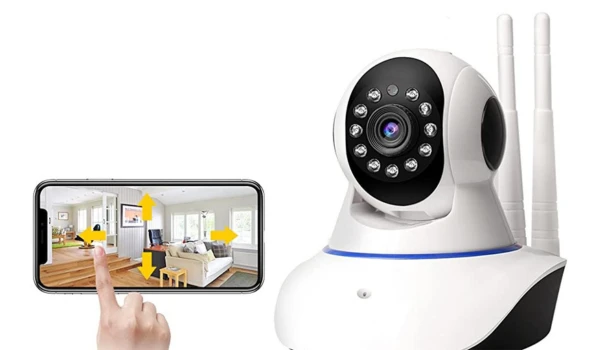
Home Security
360° pan/tilt, night vision, and instant motion alerts make YCC365 Plus Cameras ideal for entrances, driveways, and hallways. Users receive real-time notifications and clear video to protect their property day and night.
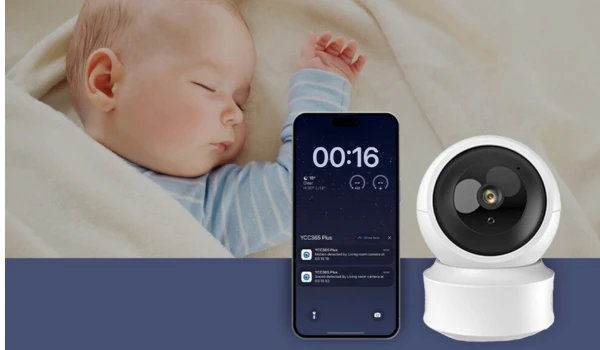
Baby & Family Monitoring
Sound & motion detection instantly notify parents of baby cries or activity. Two-way audio allows remote soothing, while night vision ensures clear monitoring in dark rooms. Multi cameras can be managed in one app.
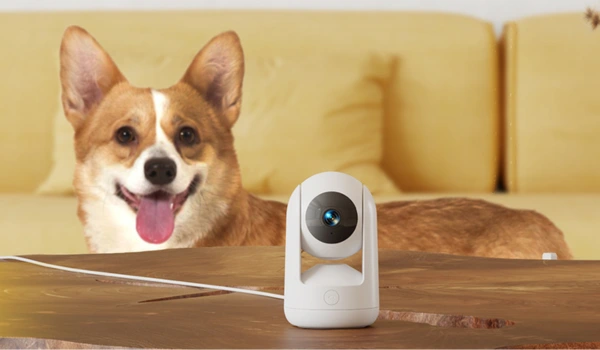
Pet Monitoring
Auto-tracking follows pets around the room, while motion and sound alerts keep owners updated on barking or playful activity. Two-way audio lets users talk to pets remotely, reducing stress while away.

Business & Remote Property
Multi-device support, continuous recording, and remote access make YCC365 cameras perfect for shops, offices, and warehouses. Owners can monitor assets anytime, without the cost of expensive professional systems.
Custom YCC365 Plus Cameras to Match Your Market Needs
We help wholesalers, distributors, and security brands create the right YCC365 Plus cameras for their target customers. From design to performance, every detail can be tailored to fit your business strategy.
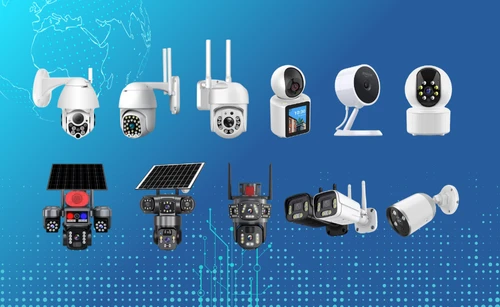
Various YCC365 Plus Camera Models
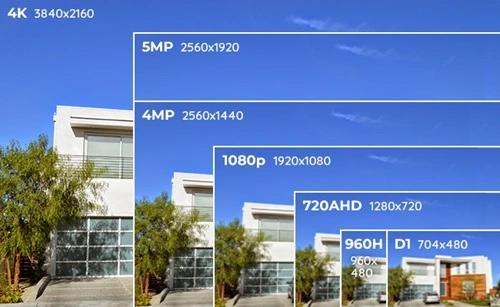
YCC365 Cameras with Flexible Resolution

YCC365 Camera Support Multi Connections
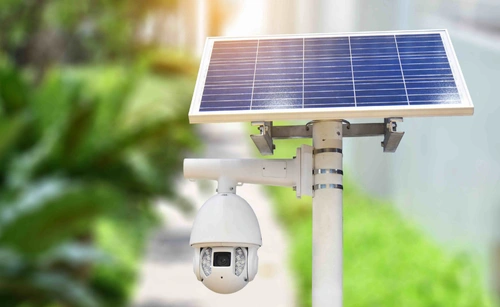
Reliable Power Choices for YCC365 Cameras

Custom Software & Protocol Support
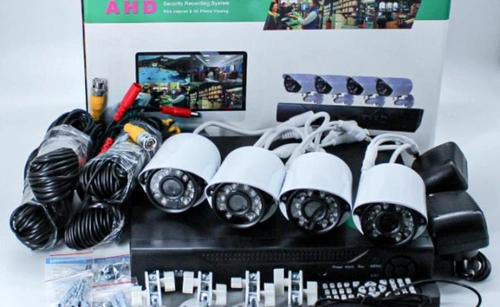
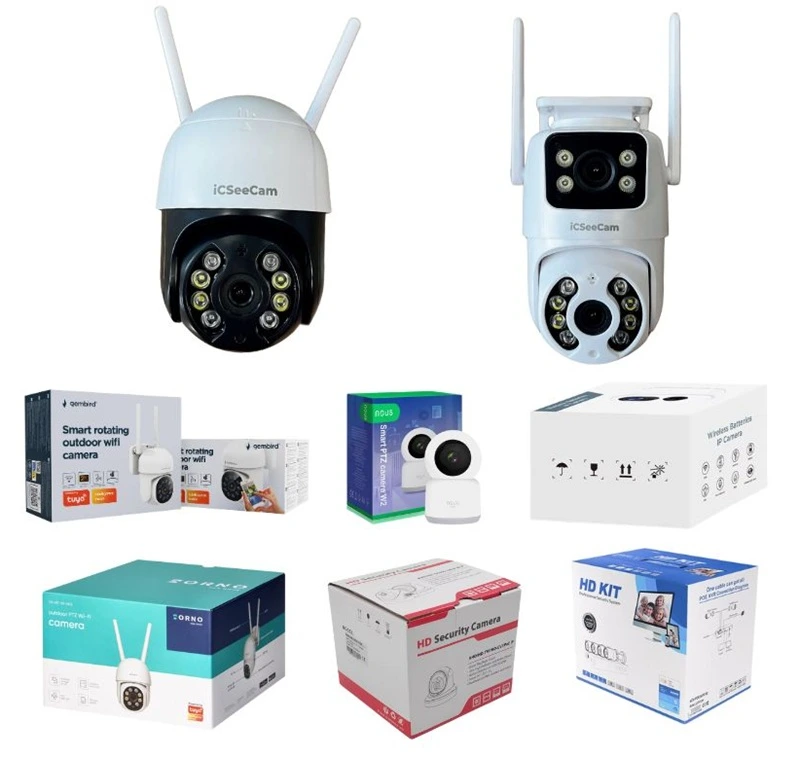
YCC365 IP Camera Branding & Packaging
Grow Your Brand with OEM YCC365 Cameras
Launch or expand your product line with OEM YCC365 Plus cameras in just 4 simple steps. We provide tailored, brand-ready solutions that help new sellers, wholesalers, and global security brands reduce risk, cut costs, and strengthen their market position.
For New Sellers:
Start with our proven best-selling YCC365 Plus models—tested by the market and trusted across major e-commerce platforms. This lowers decision costs and lets you enter the market quickly with products that already perform well.
For Wholesalers & Distributors:
Order from as low as 100 units to test new models, resolutions, power options, or network types. Customize key specs to match local market demands, giving you flexibility while keeping investment risk low.
For Established Brands:
Boost brand visibility with full OEM services: engraved logos on cameras, custom packaging, and tailored user manuals. Our mature OEM solutions turn your ideas into real products quickly, helping you stay competitive and lead the global market.
4 Step Get Your Custom YCC365 Plus Camera Orders
Requirements Discussion
Work with our sales team to clarify your use case, confirm the MOQ, and outline your feature requirements. We’ll tailor an Eseecloud Camera solution that meets your exact needs.
Rapid Sampling
We provide prototypes of mature Eseecloud camera models within 7–15 days. For advanced technical features or new app integrations, delivery times may vary depending on complexity.
Bulk Production
Once sample approved, we start mass production. 100% quality inspection before shipment, 3rd-party inspections are also supported to ensure consistency with the approved sample.
Global Delivery
Match you with the most suitable method – land, air, sea, or rail freight – based on destination. We track the status of shipments throughout the entire process to ensure 100% transparency.
YCC365 Plus Camera FAQs
What is YCC365?
What is YCC365 Plus?
YCC365 Plus is an upgraded version of the YCC365 APP for smart home monitoring, offering easier setup, live feeds, and features like motion alerts and cloud storage. It’s free to download but pushes ads and subscriptions.
YCC365 Plus vs. YCC365: What are the differences?
YCC365 Plus offers more advanced features such as real-time customizable motion detection alerts, enhanced smart device integration, multi-language support, and remote live viewing from various platforms including PC.
What are common connection issues with YCC365 Camera?
Many users report trouble connecting to Wi-Fi, often because the camera only supports 2.4GHz networks, not 5GHz. Solutions include switching to 2.4GHz mode on your router, resetting the camera by holding the reset button until it beeps, and ensuring the phone’s GPS is on for Android devices during setup.
Why does the YCC365 APP crash or show a black/white screen?
How do I handle video playback problems in YCC365 APP?
How to integrate YCC365 Camera with other software like iSpy?
How to fix offline or disconnected YCC365 Plus Camera?
Check power and internet, restart the camera, or remove and re-add it in the app. Move it closer to the router or reset to factory settings by holding the reset button for 10 seconds.
What about cloud service and subscriptions for YCC365 Plus?
Is YCC365 Plus Camera compatible with smart home devices?
It depends. Many YCC365 plus models can work with Alexa for voice control and integrate with some smart locks or sensors. Some models may also support multi-device viewing on phones, tablets, or PCs via emulators. Generally, you’ll need to confirm this support with your seller.
How to share YCC365 Plus Camera access with family?
Do YCC365 Plus cameras support RTSP?
Yes, YCC365 Plus cameras support RTSP (Real Time Streaming Protocol).
The typical RTSP URL format is: rtsp://[username]:[password]@[ip_address]:554
The default credentials are usually:
- Username: admin
- Password: 123456 (or sometimes blank)
- Port: 554
You can use this stream with third-party software like VLC, video management systems, or NVRs. Common URL variants that may work include:
- rtsp://admin:[email protected]:554
- rtsp://admin:[email protected]:554/onvif/device_service
- rtsp://admin:[email protected]:554/0/av0
Note: The default password may vary, and you might need tools like ONVIF Device Manager to create or modify user credentials for the camera.
Where is the ycc365 plus camera reset button
The reset button on the YCC365 Plus camera is located next to the memory card slot, on the camera head. To reset the camera, press and hold this small button until you hear the voice prompt saying “Reset success.” This indicates the camera has been reset and is ready to be configured again.
Get Started with YCC365 Plus Camera OEM Solutions Today!
Interested in bringing the high-quality YCC365 Plus Camera to your brand? Contact us now to receive the latest product information, hot-selling product lists, and exclusive offers. Our flexible OEM solutions are designed to meet your business needs—whether you’re a wholesaler, distributor, or e-commerce seller.