OEM Tuya Smart Camera Manufacturer in China
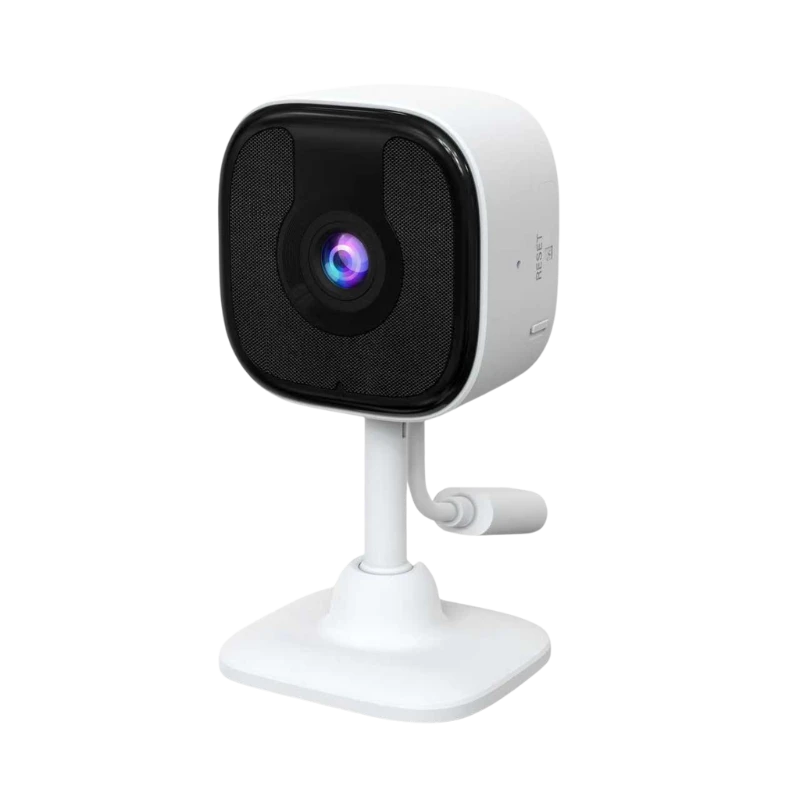
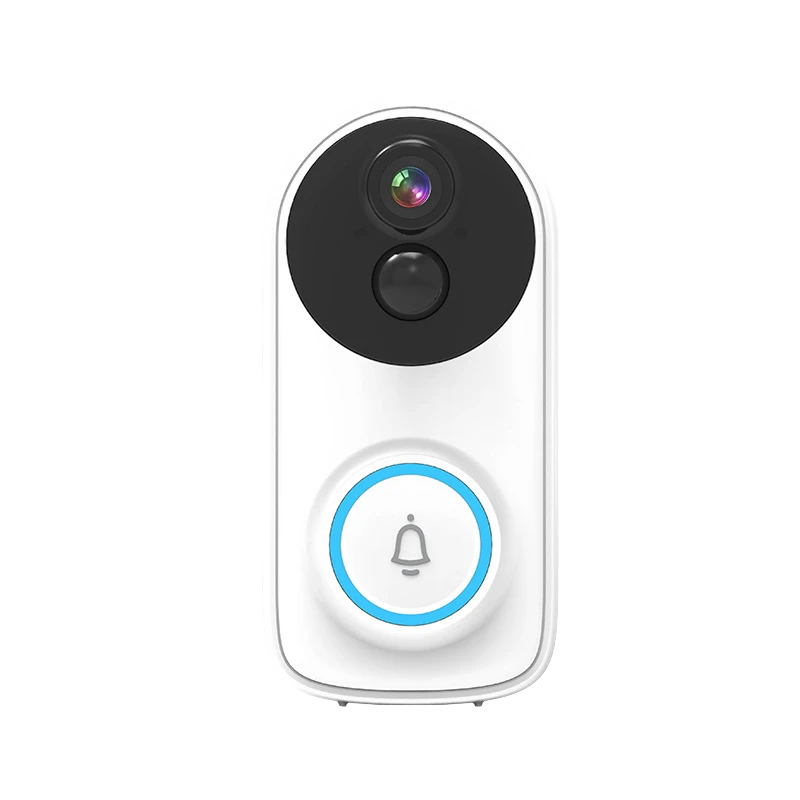
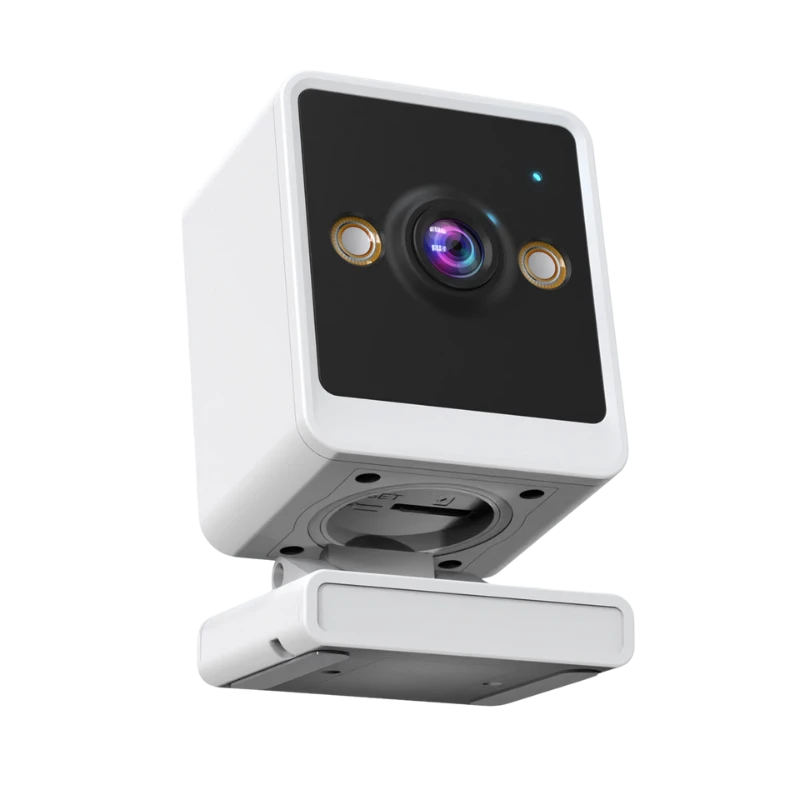
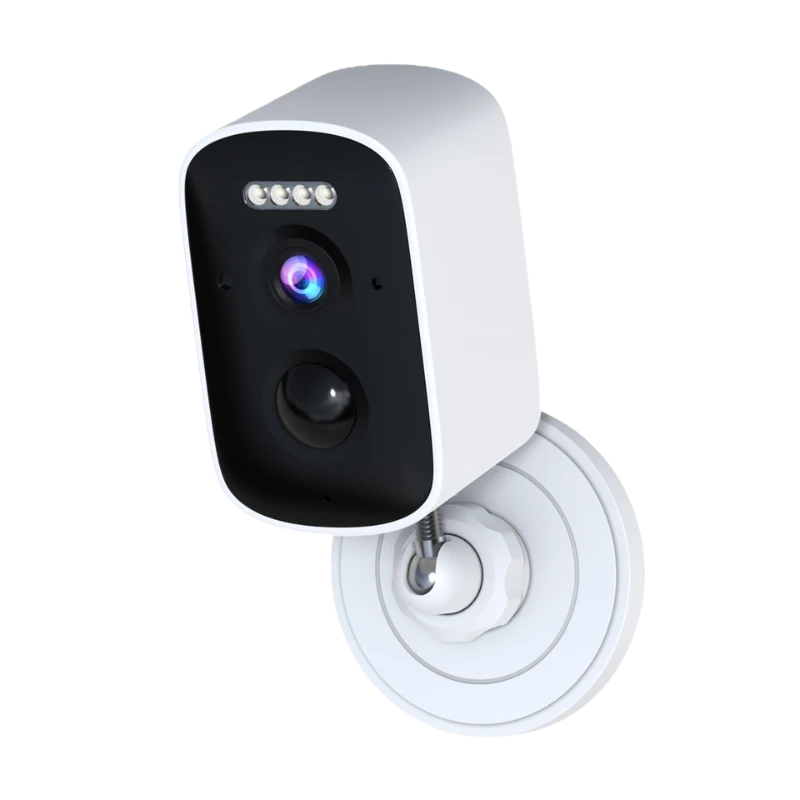
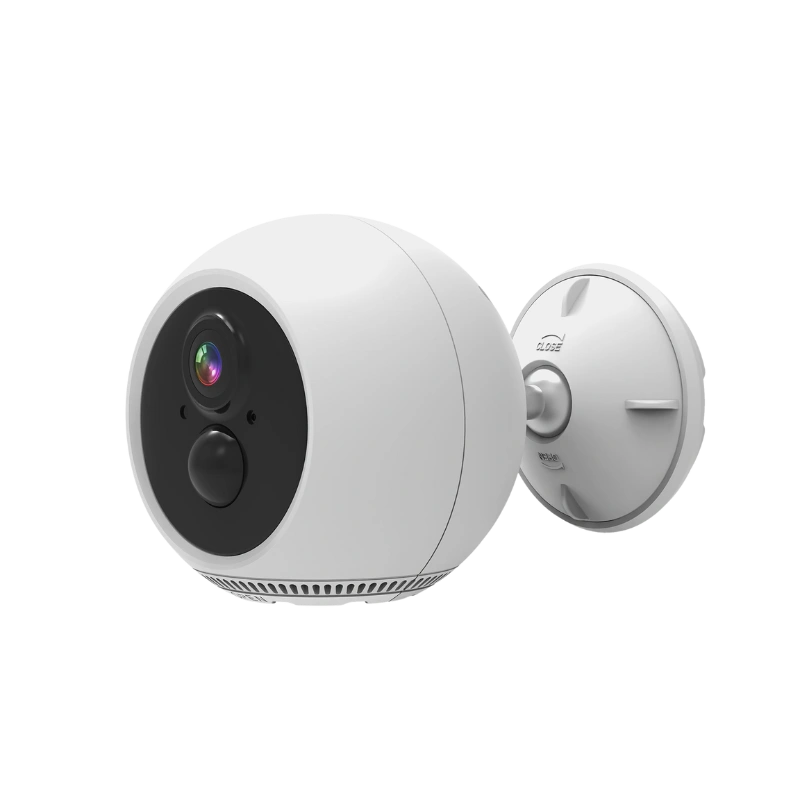
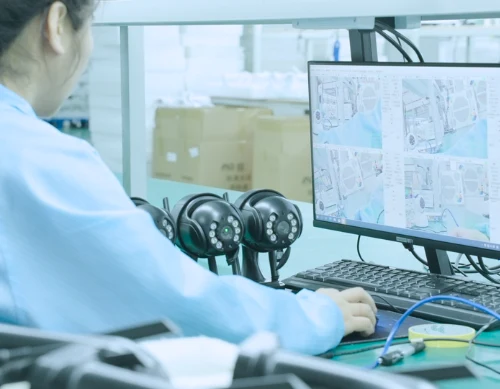
We specialize in producing and supplying Tuya smart cameras for global CCTV brands and distributors. Our cameras feature HD night vision, multi-screen live view, intelligent PTZ control, stable P2P connection, accurate AI detection, and cost-effective cloud storage. Partner with us for reliable OEM and wholesale solutions.
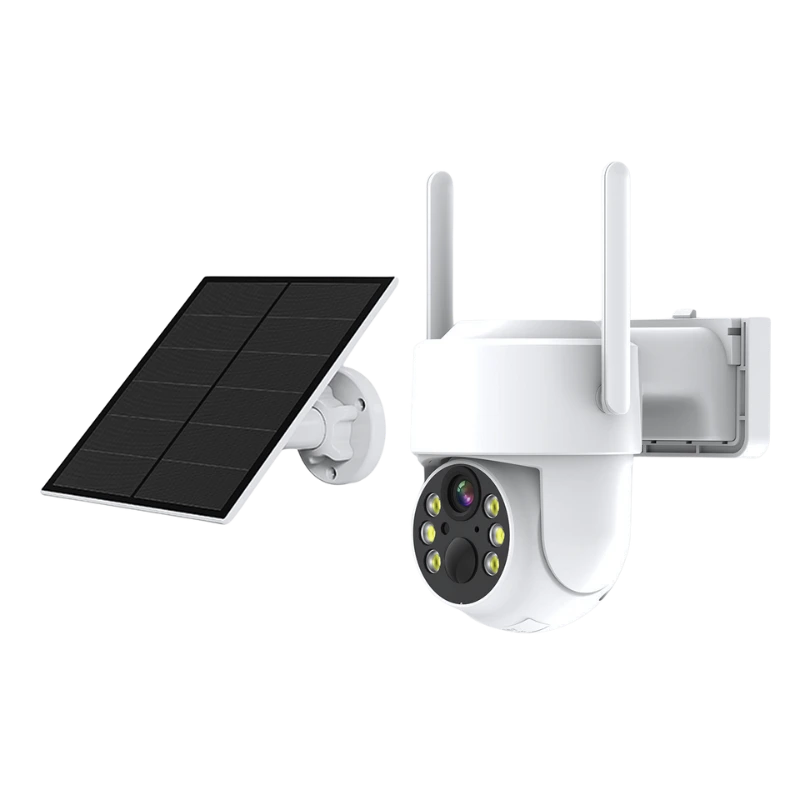
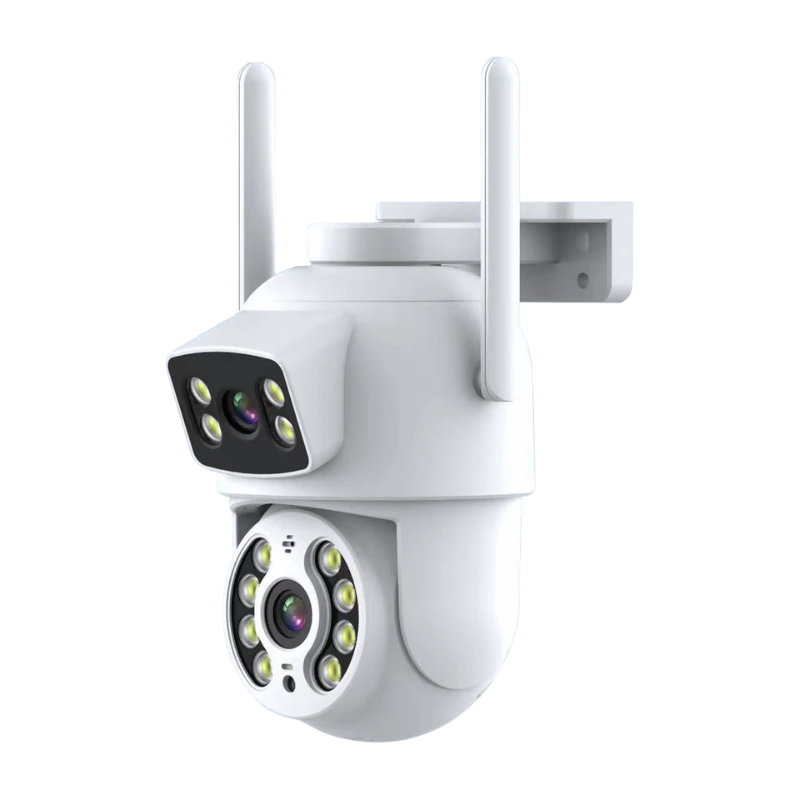
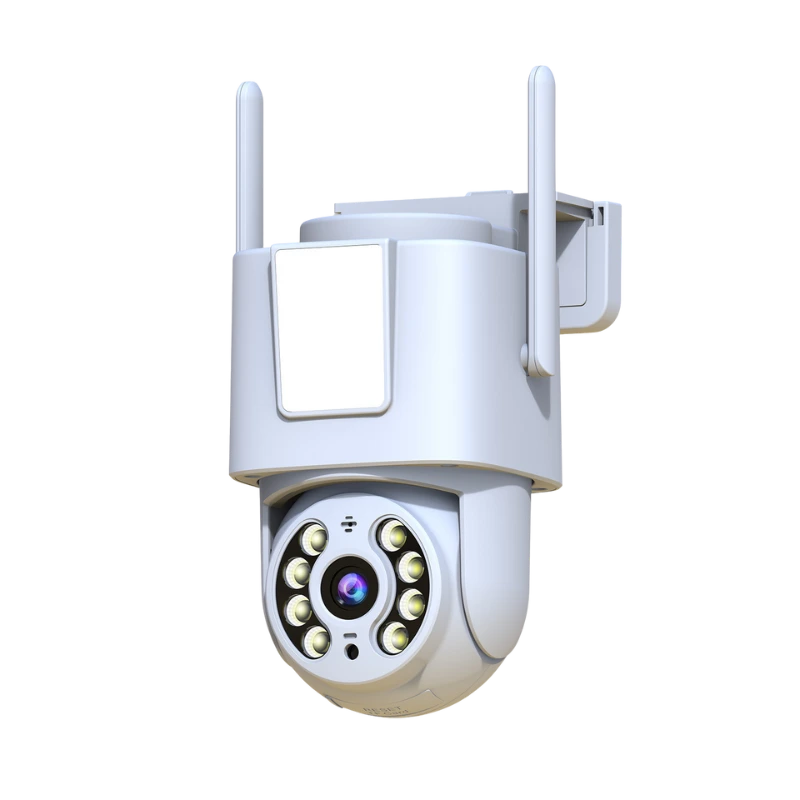
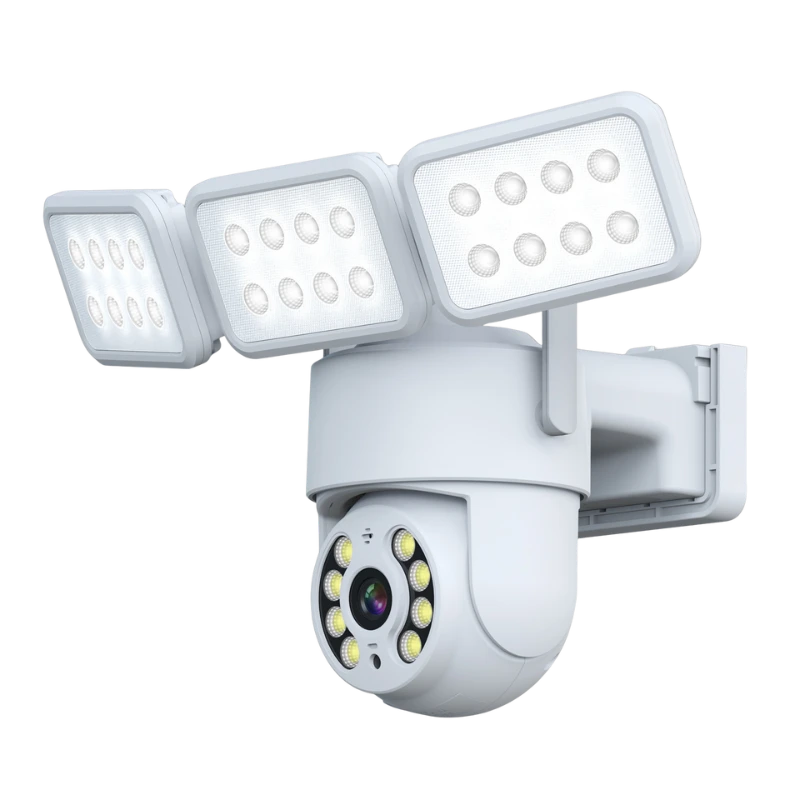
Best Selling Tuya Smart Cameras
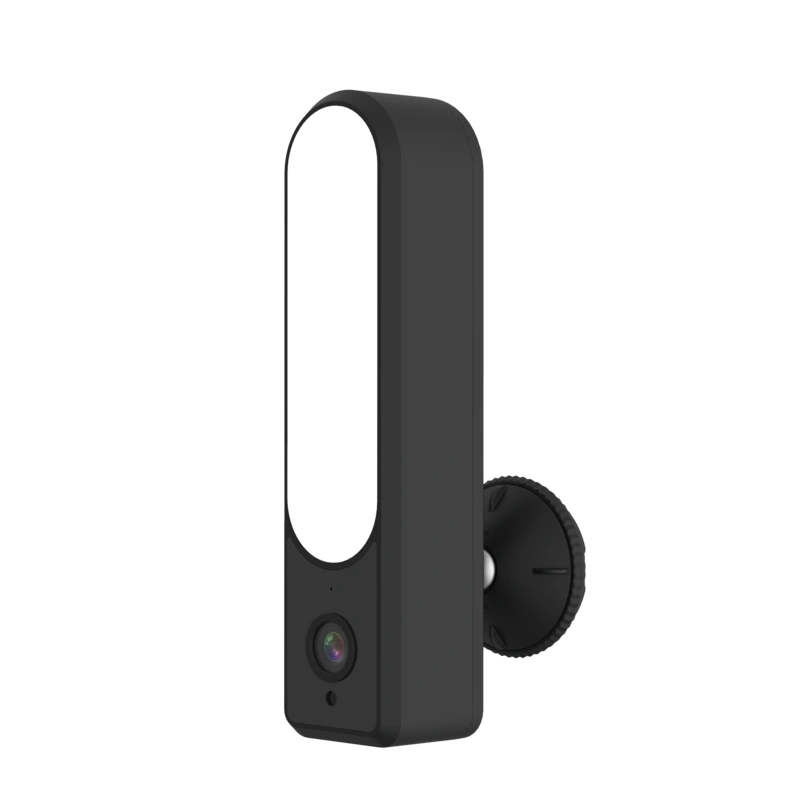
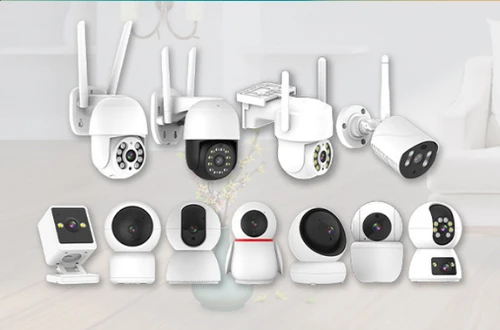
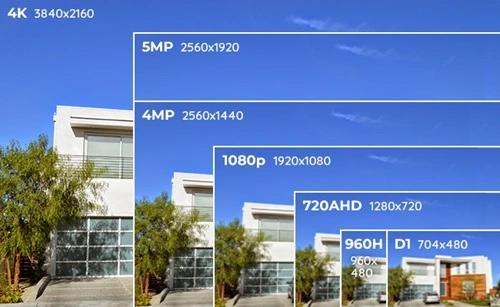
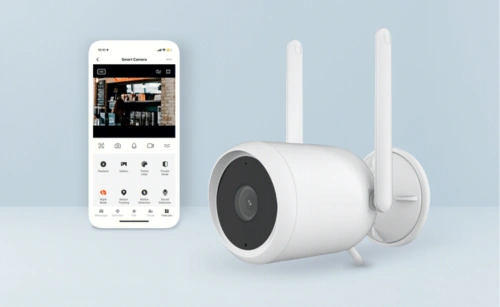
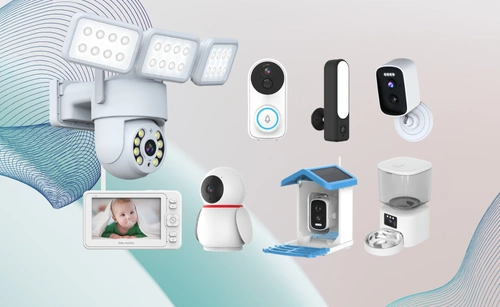
As a leading security camera manufacturer in China, we customize high-quality Tuya smart cameras (indoor/outdoor, WiFi/4G, 2MP-4K) for home, business, or urban use, with private label options and factory-direct pricing.
Why Choose Us As Your Tuya Smart Camera Manufacturer
With our deep expertise in IoT integration, proven OEM manufacturing experience, and end-to-end support, we deliver smart security solutions that combine advanced features, cost efficiency, and seamless compatibility with the Tuya ecosystem. From product design and customization to large-scale production, we ensure your brand stands out in today’s growing smart home and security market.
Privacy & Data Security
Seamless Assistant Integration
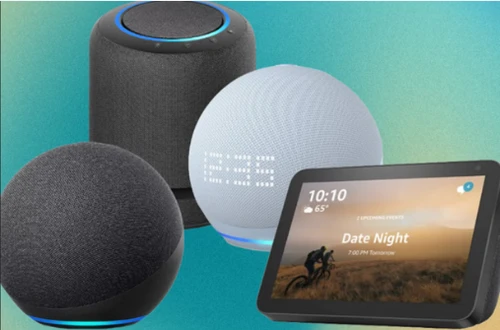
Fully compatible with Amazon Alexa and Google Assistant, allowing end users to view live feeds and use two-way audio directly on smart displays like Echo Show and Google Nest Hub.
AI & IoT Platform
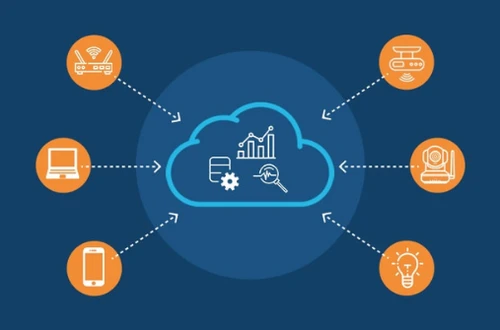
Built on Tuya’s global IoT ecosystem, ensuring your products are compatible with millions of smart devices across categories—making your brand more competitive.
Indoor & Outdoor Solutions
Low-Cost & Rapid Product Development
With Tuya’s SDKs, modules, and cloud services, we help you launch new security camera products to market quickly and at lower cost.
Professional OEM Manufacturing
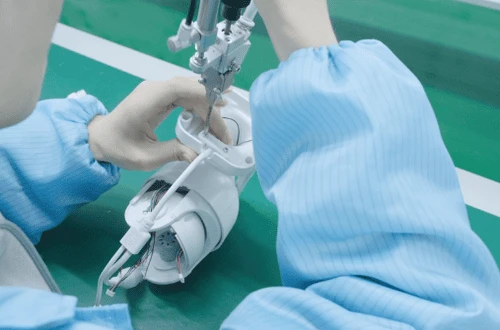
20+ years of CCTV OEM manufacturing, we design, customize, and mass-produce cameras to match your brand’s appearance, features, and packaging needs.
Industrial Solutions of Tuya Smart Cameras
Tuya smart cameras are designed to solve real-world security and monitoring challenges across multiple industries. With AI-powered detection, flexible connectivity, and seamless integration into Tuya IoT ecosystem, they help businesses and households improve safety, reduce risks, and increase efficiency.
Smart Home Security
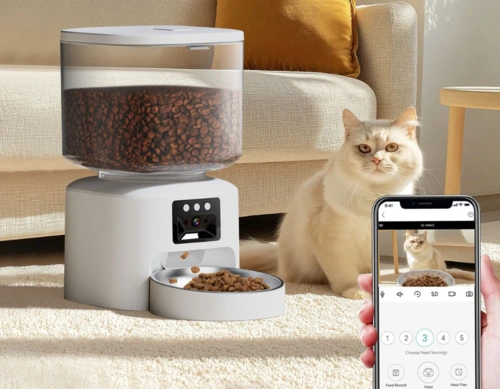
Tuya cameras detect unauthorized intrusions through human presence detection, infrared sensing, and AI facial recognition, then deliver instant alerts to your mobile device. Beyond surveillance, they integrate with other Tuya IoT devices—such as pet feeders, floodlights, and doorbells—to enable home automation, energy management, and even health monitoring.
Commercial Venues
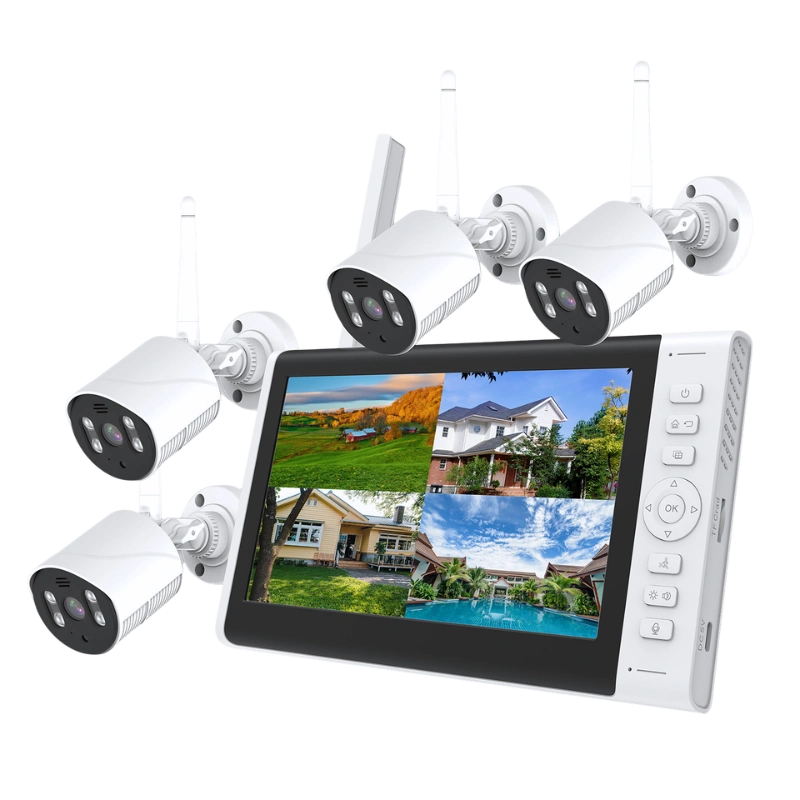
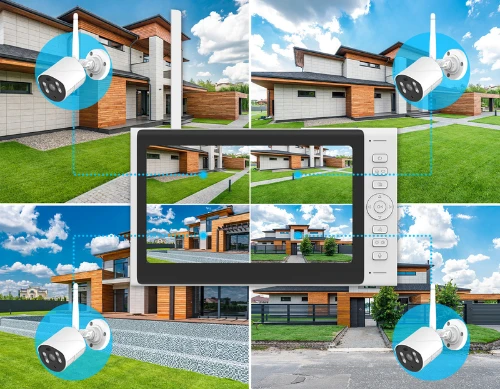
Tuya smart cameras offer HD video, AI detection, and remote access, ensuring offices, warehouses, and retail stores are fully monitored. Integrated with analytics platforms to reduce theft risk and provide traceable records. With multi-channel previews and all-around monitoring, giving business managers peace of mind and reducing operational risks.
Construction Sites
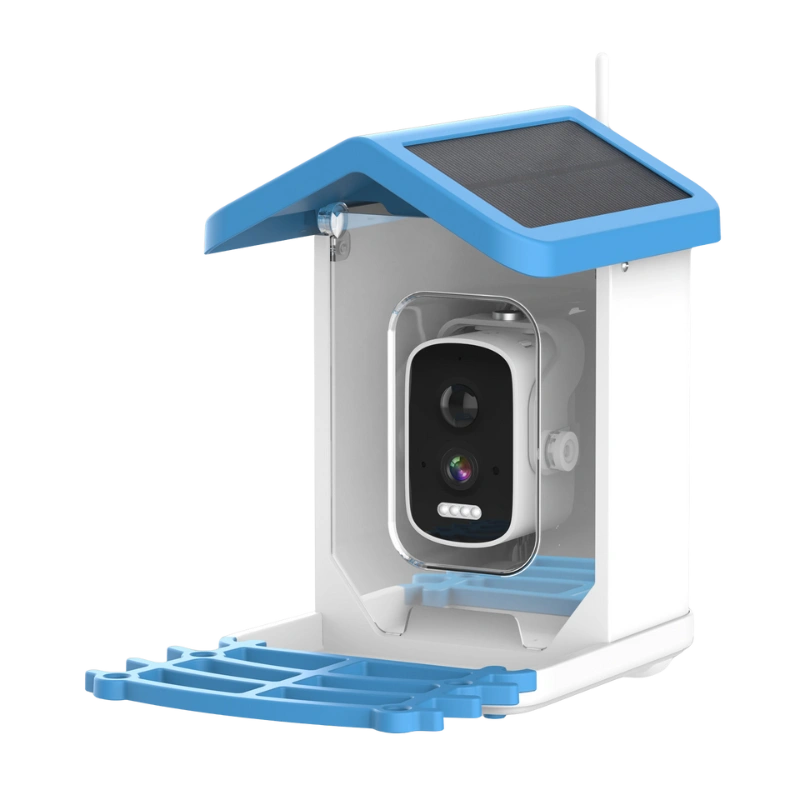
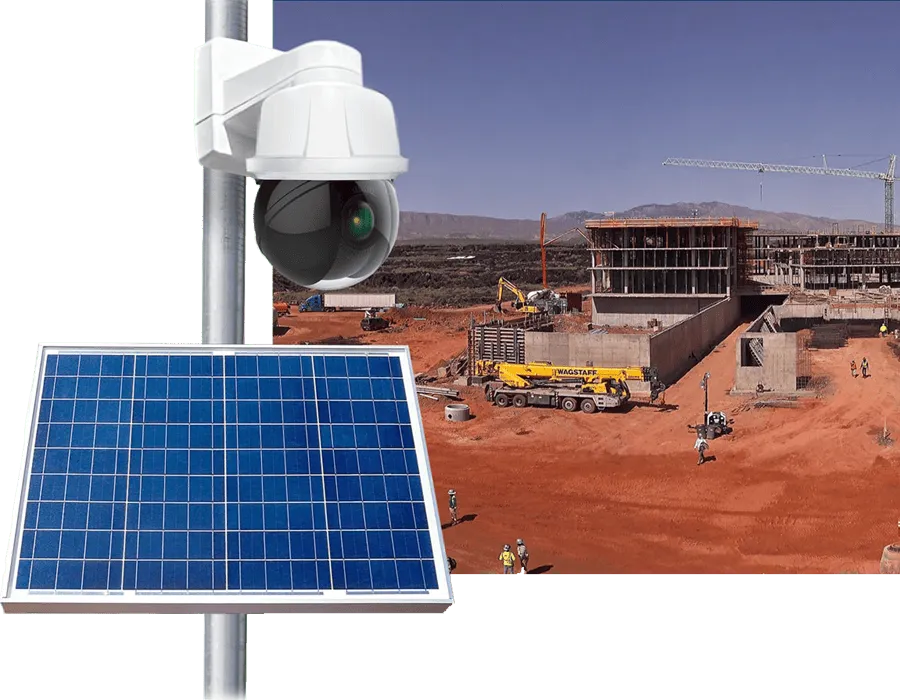
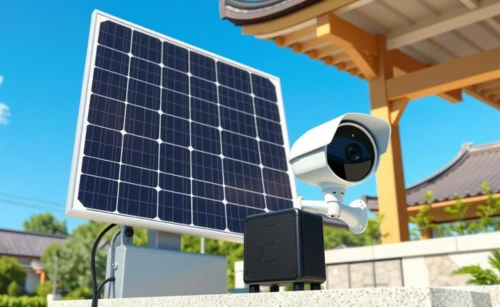
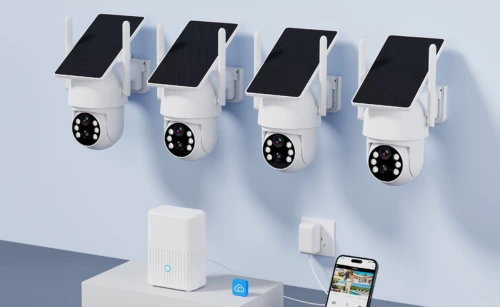
Construction projects often require security in remote or temporary locations. Tuya provide solar powered solutions for 24/7 monitoring without relying on fixed electricity. Managers can view live feeds remotely, receive activity alerts, and prevent unauthorized access. It improves site safety and reduce equipment loss, and help companies save time and cost.
Manufacturing
Tuya smart cameras can be integrated with industrial IoT gateways for edge computing and centralized management. Managers receive real-time alerts for unusual activities, enabling fast response and higher operational efficiency. By reducing risks(such as fire and other personal safety risks) and supporting digital transformation, Tuya help manufacturers build smarter and safer plants.
Custom Tuya Smart Camera Solutions
As a professional Tuya Smart Camera manufacturer, we provide fully customizable solutions to meet the needs of wholesalers, distributors, and global security brands. From hardware design to software integration, our cameras can be tailored for different markets, ensuring your products stand out with advanced features, reliable performance, and seamless Tuya IoT compatibility.
Tuya Camera with Multi Features
Tuya Wireless Camera Solutions
Battery Solar Powered Tuya Cameras
Multi-Function Integrated Tuya Smart Cameras
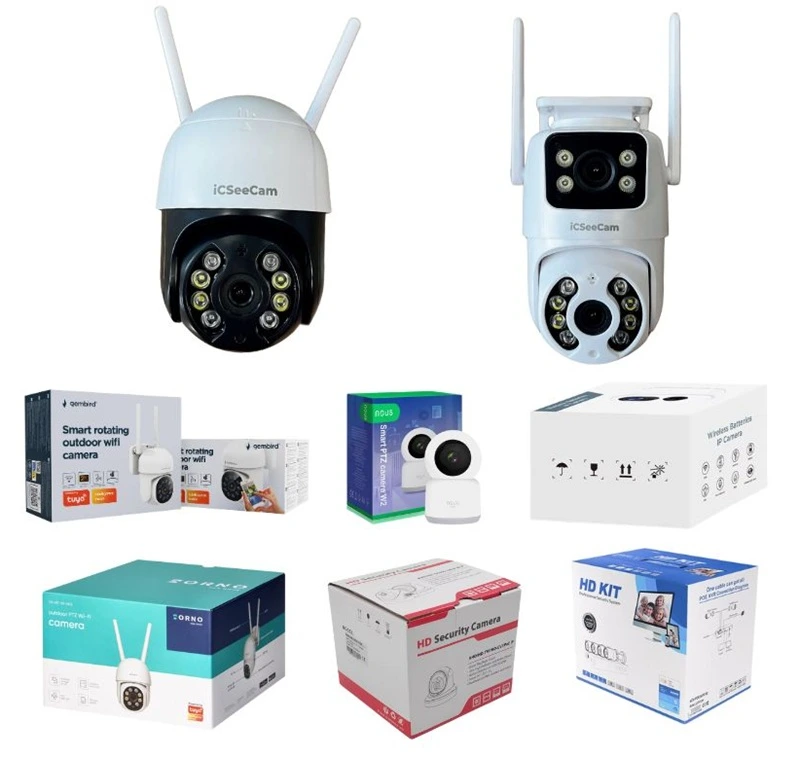
Custom Appearance of Tuya Cameras
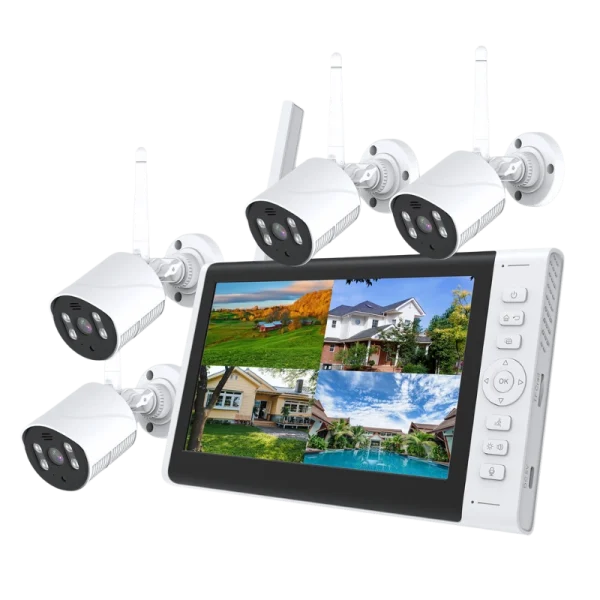
Full CCTV System Integration
OEM Tuya Smart Camera to Boost Your Brand
4 simple steps to get a custom Tuya smart camera quote and grow your brand. We help different types of customers grow their business with tailored Tuya smart camera solutions:
For new sellers: We provide a list of best-selling Tuya smart devices from major e-commerce platforms, helping you choose proven products and reduce decision-making costs. This makes it easy to test the market with confidence.
For wholesalers and distributors: We offer low minimum order quantities (starting at 500 units) so you can test new models at low risk. You can also customize specifications, features, and camera functions to meet market demand.
For established brands: We provide complete brand customization, including logo engraving, branded packaging, and custom user manuals. In addition, our branding strategies leverage the Tuya IoT ecosystem to increase your brand visibility and competitiveness in the market.
Requirements Discussion
Work with our sales team to clarify your use case, confirm the MOQ, and outline your feature requirements. We’ll tailor an Eseecloud Camera solution that meets your exact needs.
Rapid Sampling
We provide prototypes of mature Eseecloud camera models within 7–15 days. For advanced technical features or new app integrations, delivery times may vary depending on complexity.
Bulk Production
Once sample approved, we start mass production. 100% quality inspection before shipment, 3rd-party inspections are also supported to ensure consistency with the approved sample.
Global Delivery
Match you with the most suitable method – land, air, sea, or rail freight – based on destination. We track the status of shipments throughout the entire process to ensure 100% transparency.
FAQs About Tuya Smart Cameras
How to change WiFi on Tuya Smart Camera?
To change the WiFi network on a Tuya smart camera, first remove the device from the Tuya Smart app, then reset the camera to restore factory settings to enter pairing mode. After that, reconnect the device to the new WiFi network through the app. This process clears previous network details and allows connecting to the new WiFi network fresh.
How to connect Tuya camera to WiFi?
To connect a Tuya camera to WiFi:
- Ensure the camera is powered on with a blinking indicator.
- In the Tuya app, click the “+” icon, select “Camera & Lock,” then “Smart Camera Wifi.”
- Enter your 2.4GHz WiFi password correctly.
- The app will generate a QR code, which you then scan using the camera lens.
- After hearing a prompt from the camera, finish the setup.
- The camera will then connect to the WiFi and appear in your devices list in the app.
Can you use another app for Tuya smart camera?
The Tuya cameras are intended to be used with Tuya Smart or Smart Life apps, as the cameras have Tuya modules built-in and are easily managed through these apps. Some users mention integrations with platforms like Home Assistant, but official support and full functionality are primarily through Tuya apps.
How to find Tuya camera IP address?
Within the Tuya Smart app:
- Go to the device information section via the upper right corner.
- You can see the device’s ID, MAC address, and public IP address.
- For the local IP address, check your router’s device list. The IP address displayed in the app is often the public IP.
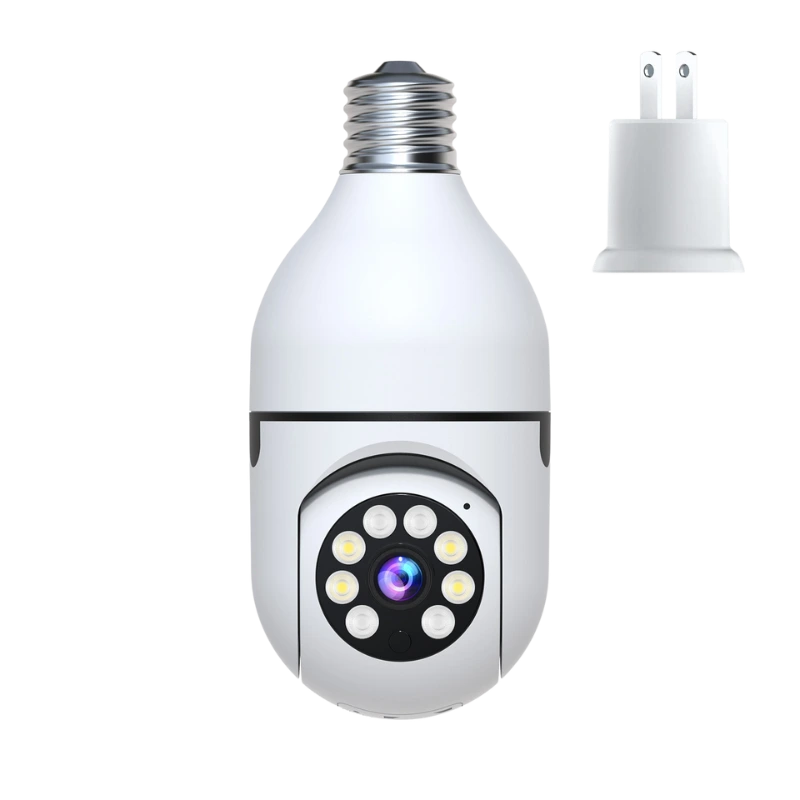
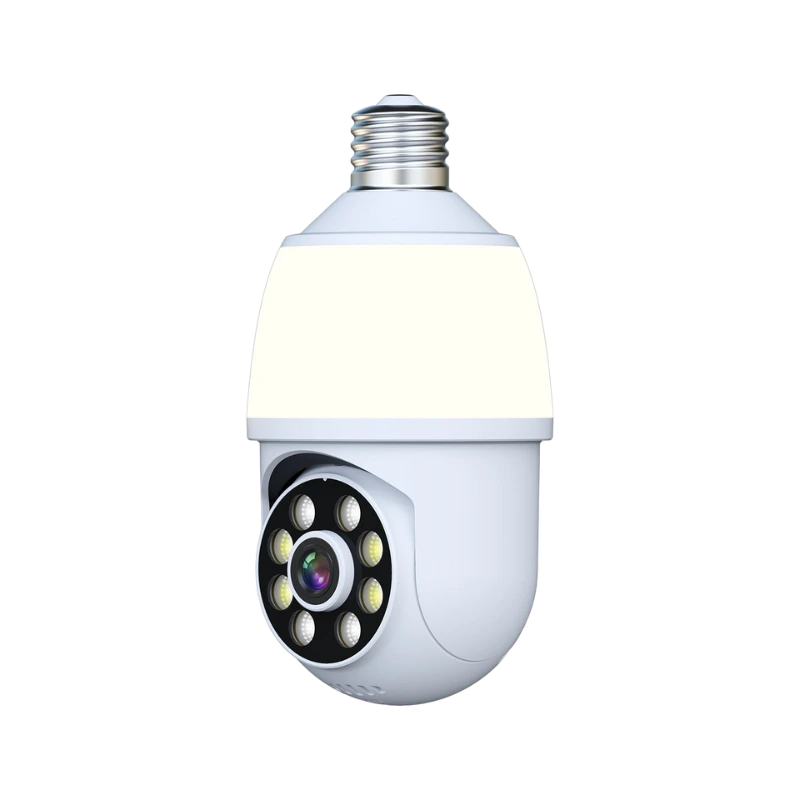
How to set up Tuya light bulb cameras?
Setup for a Tuya light bulb camera usually follows similar steps to other Tuya devices:
- Power the device.
- Use the Tuya Smart app to add a new device.
- Select the camera/light bulb category.
- Connect it via your 2.4GHz WiFi by scanning a QR code generated by the app with the device camera.
Though specific manuals for light bulb cameras vary, the process mirrors other Tuya smart camera setups.
How to see Tuya camera in Google Home app?
To display Tuya cameras in Google Home:
- Link your Tuya account to Google Home app via account linking.
- After linking, the Tuya cameras appear under the devices list.
- You can use voice commands like “Hey Google, show me [camera name]” to stream the feed on Google Chromecast devices.
This connection requires authorization in Google Home and matching device names for voice commands.
How to reset Tuya smart camera?
To reset the camera to factory settings:
- Locate the reset button on the camera.
- Press and hold the reset button for about 5 seconds until a beep or voice prompt is heard.
- This restores the default settings and clears WiFi network information, enabling fresh setup.
The exact reset method can vary slightly by model, but the holding reset button method is typical.
If more detailed or model-specific guidance is needed, referring to the Tuya Smart Camera user manual is recommended.
Why is my Tuya smart camera keeps going offline?
Tuya cameras go offline mainly due to:
- Network drops or unstable WiFi connections.
- Power disruptions or disconnections.
- The camera being too far from the router.
- Sync loss with Tuya cloud servers.
Troubleshooting includes checking power, WiFi signal strength, router connection, and ensuring the camera is within range.
How to link Tuya cameras to Alexa for voice control and live viewing?
To link Tuya cameras to Alexa for voice control and live viewing, follow these key steps:
- First, ensure the Tuya cameras are fully set up and connected to your Tuya Smart app with your account.
- Open the Alexa app on your smartphone, go to “Skills & Games,” and search for the “Tuya Smart” skill.
- Enable the Tuya Smart skill and log in with your Tuya account to authorize Alexa access to your devices.
- Ask Alexa to discover devices by saying, “Alexa, discover my devices,” so it can find your Tuya cameras.
- Once discovered, you can use voice commands to view the live feed on Alexa-enabled devices with screens (like Echo Show) or control the cameras.
- For live viewing, you can say commands like “Alexa, show [camera name]” to see the camera feed on an Echo Show or the Alexa app.
- Note that for some cameras, additional permission or activation of the Alexa skill feature for cameras might be required by the seller due to privacy settings.
This process allows voice control and live camera streaming on Alexa-compatible devices that support smart cameras, especially those with screens like Echo Show, enabled through integrated live stream protocols supported by Tuya and Alexa.
Become Our Tuya Smart Camera Partner Today
Expand your business with our best-selling and newly launched Tuya Smart Cameras. Whether you are a wholesaler, distributor, or online seller on platforms like Amazon, we provide competitive OEM solutions, reliable supply, and full branding support to help you grow faster in the smart security market.