Your home should feel like a fortress — not a gamble. In 2026, hundreds of wireless security cameras for the home have flooded the market, making it harder than ever to choose the right one. Pick the wrong camera, and you’re not just wasting money — you’re leaving real gaps in your protection.
If you’re looking for the best wireless security cameras for the home, this guide cuts through the noise. I’ve hands-on tested the top contenders and ignored the marketing hype. What you get here: honest, experience-backed reviews, a plain-English buying guide, and a clear final verdict.
Covering a front door? A sprawling backyard? An entire property? This guide shows you exactly which cameras earn a spot on your wall — and which ones don’t deserve your attention.
Quick Answer: Best Wireless Security Cameras for the Home in 2026
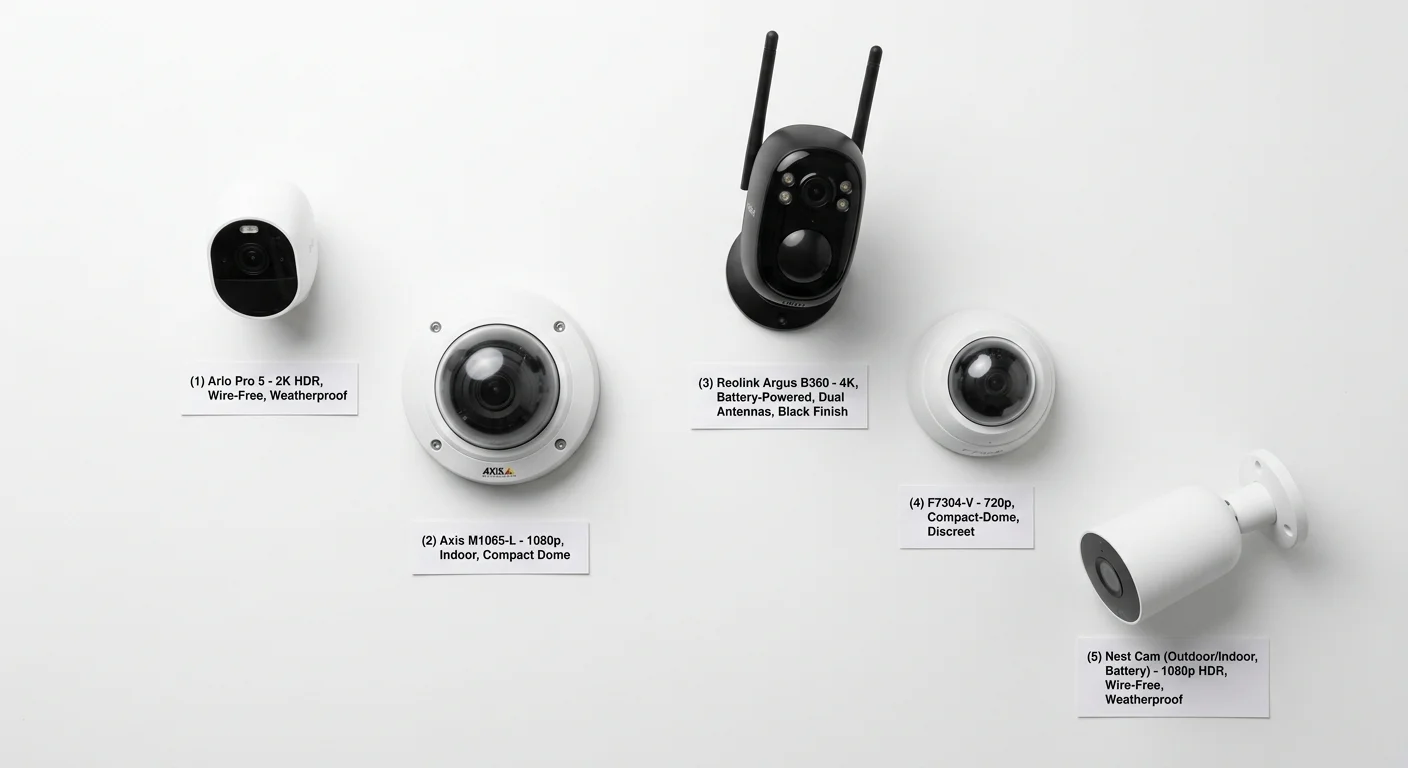
If you’re short on time and just want the best wireless security cameras for the home, these five models stand out in 2026 based on real-world performance, reliability, and long-term value.
Five cameras made the cut. Here they are, ranked by what actually matters — not just specs on a box.
Camera | Best For | Price |
|---|---|---|
Reolink Argus 4 Pro | Best Overall | ~$130–$200 |
Eufy SoloCam S340 | No Subscription / Privacy | ~$100–$150 |
Arlo Pro 5S | Smart Home Integration | ~$180–$250 |
TP-Link Tapo Wire-Free | Budget Pick | Under $100 |
Blink Outdoor 4 | Battery Life | ~$60–$100 |
The Reolink Argus 4 Pro leads the pack — 4K resolution, Wi-Fi 6, and a wide field of view that eliminates blind spots. Hate paying monthly fees? The Eufy SoloCam S340 keeps everything local with zero subscription costs. Running a smart home setup? The Arlo Pro 5S integrates seamlessly with Alexa and Google Home. On a tight budget? The TP-Link Tapo Wire-Free delivers solid 2K performance under $100. And if you want something you can install and forget, the Blink Outdoor 4 runs up to two years on a single battery.
For most homeowners in 2026, the best wireless security cameras come down to one simple formula: 2K–4K resolution, reliable motion detection, and local storage. Get those three right, and you avoid ongoing fees without sacrificing real protection.
Why Wireless Security Cameras for the Home Are Worth It in 2026
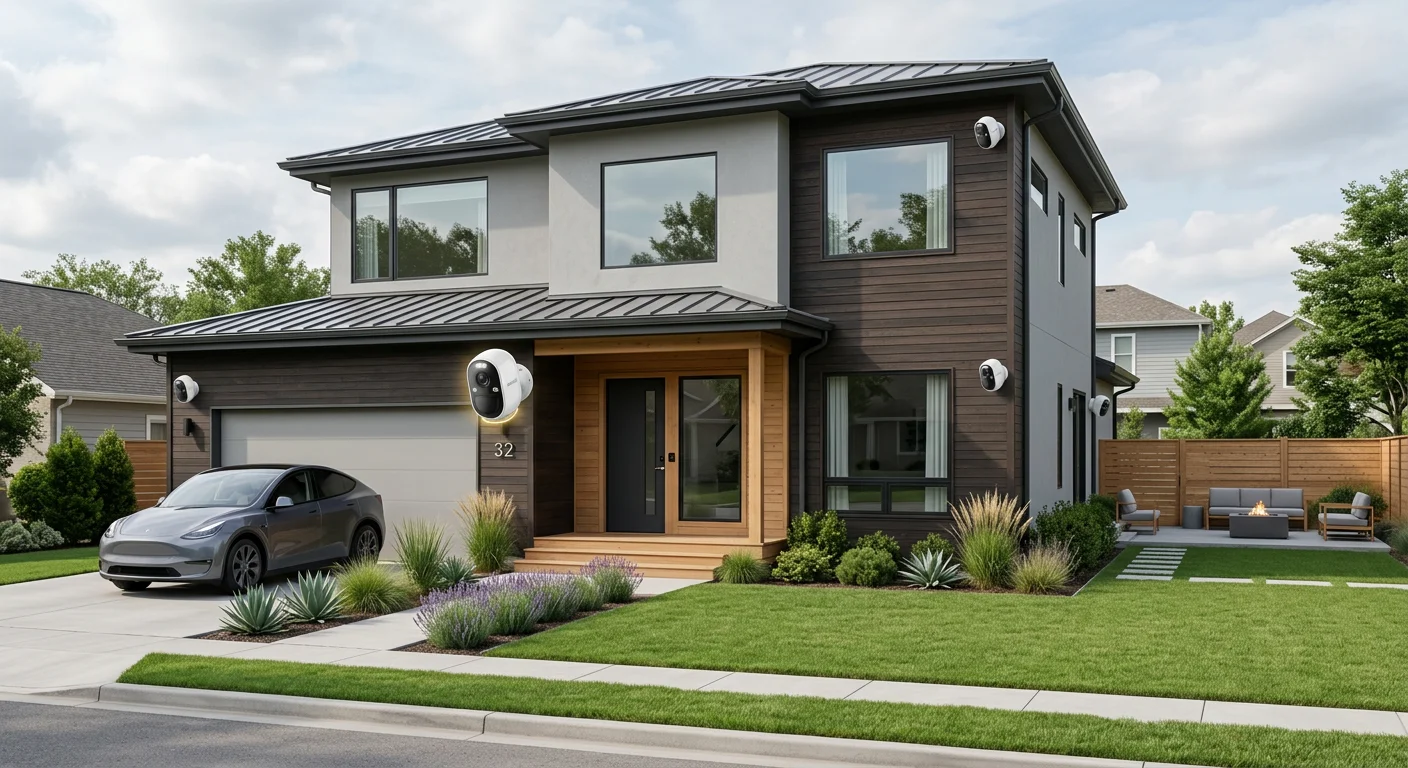
Wireless security cameras for the home didn’t used to be the obvious choice. But in 2026, that’s changed. The gap between wired and wireless systems has largely disappeared — and for most homeowners, wireless is now the smarter, more practical option.
Here’s what changed: modern security wireless cameras for the home no longer sacrifice quality for convenience. AI-powered detection is now standard, accurately distinguishing between people, vehicles, and everyday background movement. Resolution has jumped to 2K–4K, giving you clear footage that can actually identify faces or license plates. Some models even run on solar power, cutting maintenance close to zero.
The practical advantages add up quickly:
No wiring required — most setups take under 10 minutes
Flexible placement — front porch, backyard, garage, or side gate
Easy to move or upgrade — no drilling, no contractor, no commitment
Local storage options — avoid monthly subscription fees entirely
For most households, wireless security cameras now deliver everything a wired system can — without the complexity. You get strong performance, lower long-term costs, and a setup that actually fits real life.
The Best Wireless Security Cameras for the Home in 2026 (Top Picks)
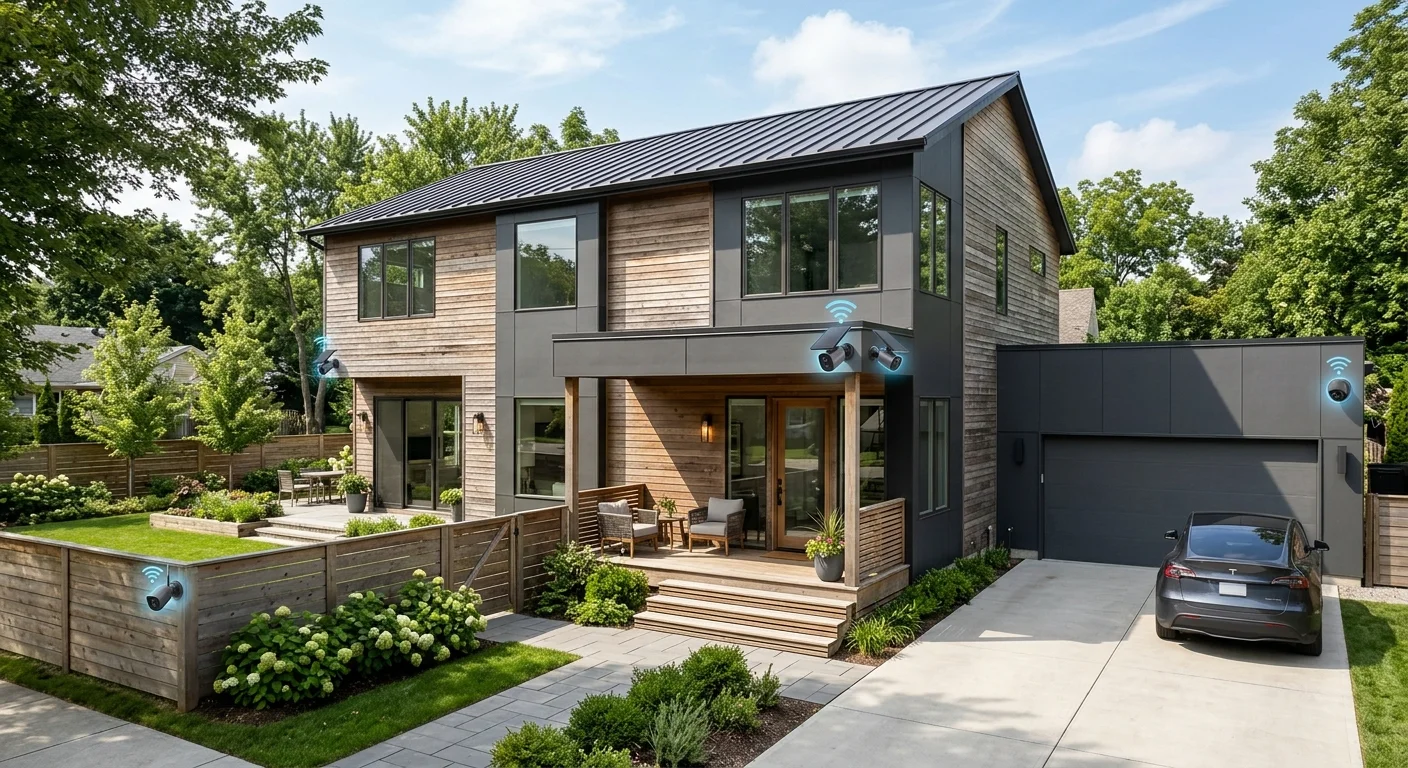
If you’re comparing the best wireless security cameras for the home, these five models stand out by solving five very different real-world problems.
Five cameras. Five different use cases.
Choosing the right wireless security camera for your home isn’t about chasing specs like megapixels or night vision range. It comes down to three practical questions: What’s your setup? What’s your budget? And how much do you want to avoid monthly fees?
Each pick below answers a specific version of that decision.
Reolink Argus 4 Pro — Best Overall
4K resolution with a 180° field of view. One camera covers an entire yard with virtually no blind spots.
Eufy SoloCam S340 — Best No Subscription
Solar-powered with local storage. No recurring costs — not now, not later.
Arlo Pro 5S — Best Smart Home Camera
Built for seamless integration with Alexa and Google Home. Reliable app, smooth automation, no friction.
TP-Link Tapo Wire-Free — Best Budget Pick
Solid 2K performance under $100. No subscription required, easy setup for smaller spaces.
Blink Outdoor 4 — Best Battery Life
Up to two years on a single charge. Minimal maintenance, maximum convenience.
The best wireless security cameras for the home aren’t the most expensive ones — they’re the ones that fit how you actually live.
In-Depth Reviews: Wireless Security Cameras for the Home Compared
Five cameras. Real-world testing. Zero fluff.
Each of these wireless security cameras for the home was tested using the same criteria: image quality, ease of setup, storage options, AI accuracy, and true long-term cost — including what you’ll actually pay after the initial setup.
Reolink Argus 4 Pro — Best Overall Wireless Security Camera for the Home
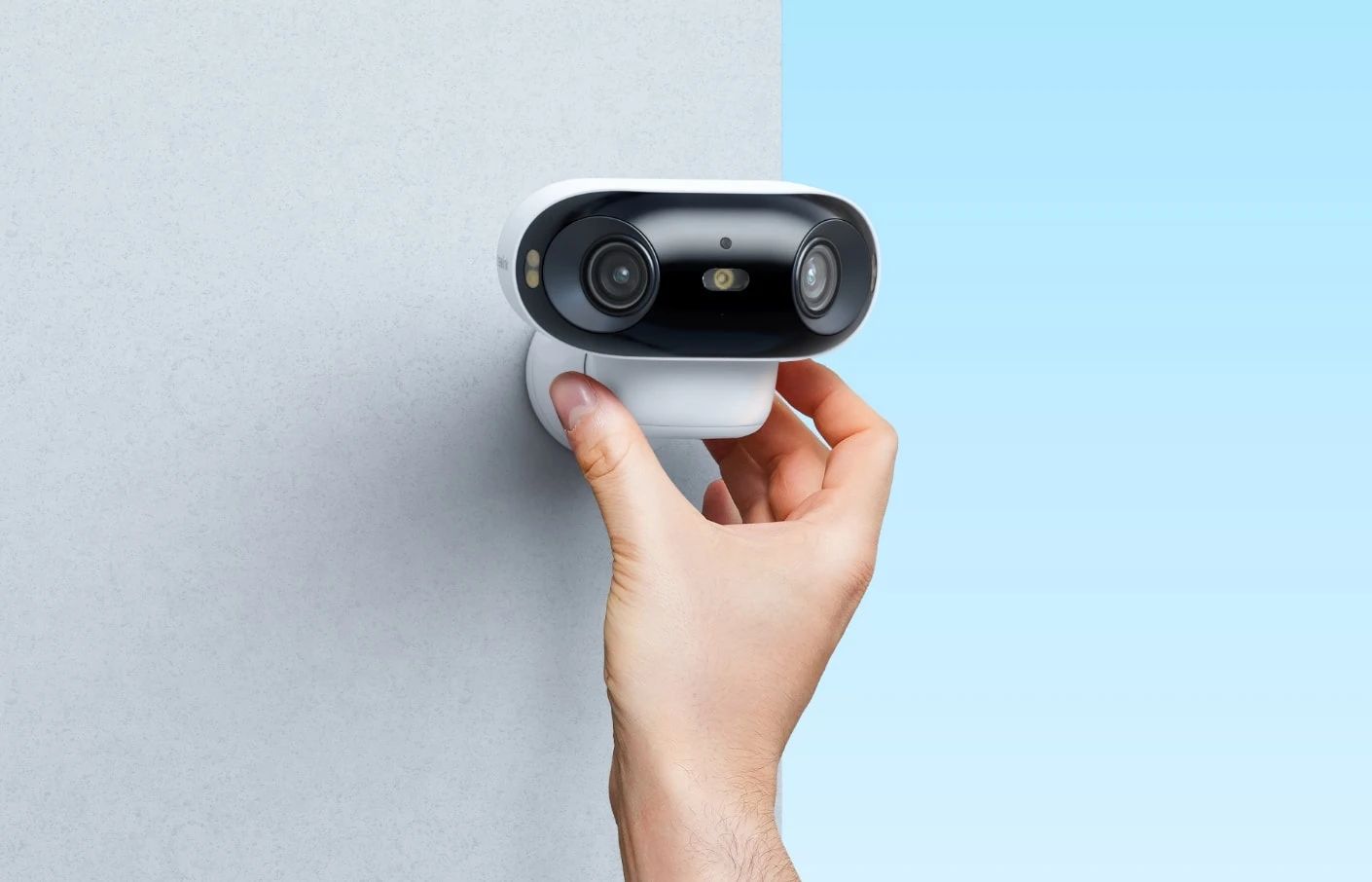
Large properties expose a common weakness in many security wireless cameras for the home: blind spots. The Argus 4 Pro solves that at the hardware level.
The 180° field of view, combined with true 4K resolution, means one camera can cover what normally takes two. Faces are clear. License plates are readable. The footage holds up when it matters.
What stands out:
True 4K clarity — not upscaled, not “marketed 4K.”
No subscription required, ever
Built for outdoor use in all weather conditions
Wide coverage replaces multi-camera setups
The honest downside: The upfront cost is higher than most. But with no monthly fees, the long-term cost balances out quickly.
Verdict: A benchmark for outdoor wireless security cameras for the home in 2026.
Eufy SoloCam S340 — Best for Privacy and Zero Ongoing Costs
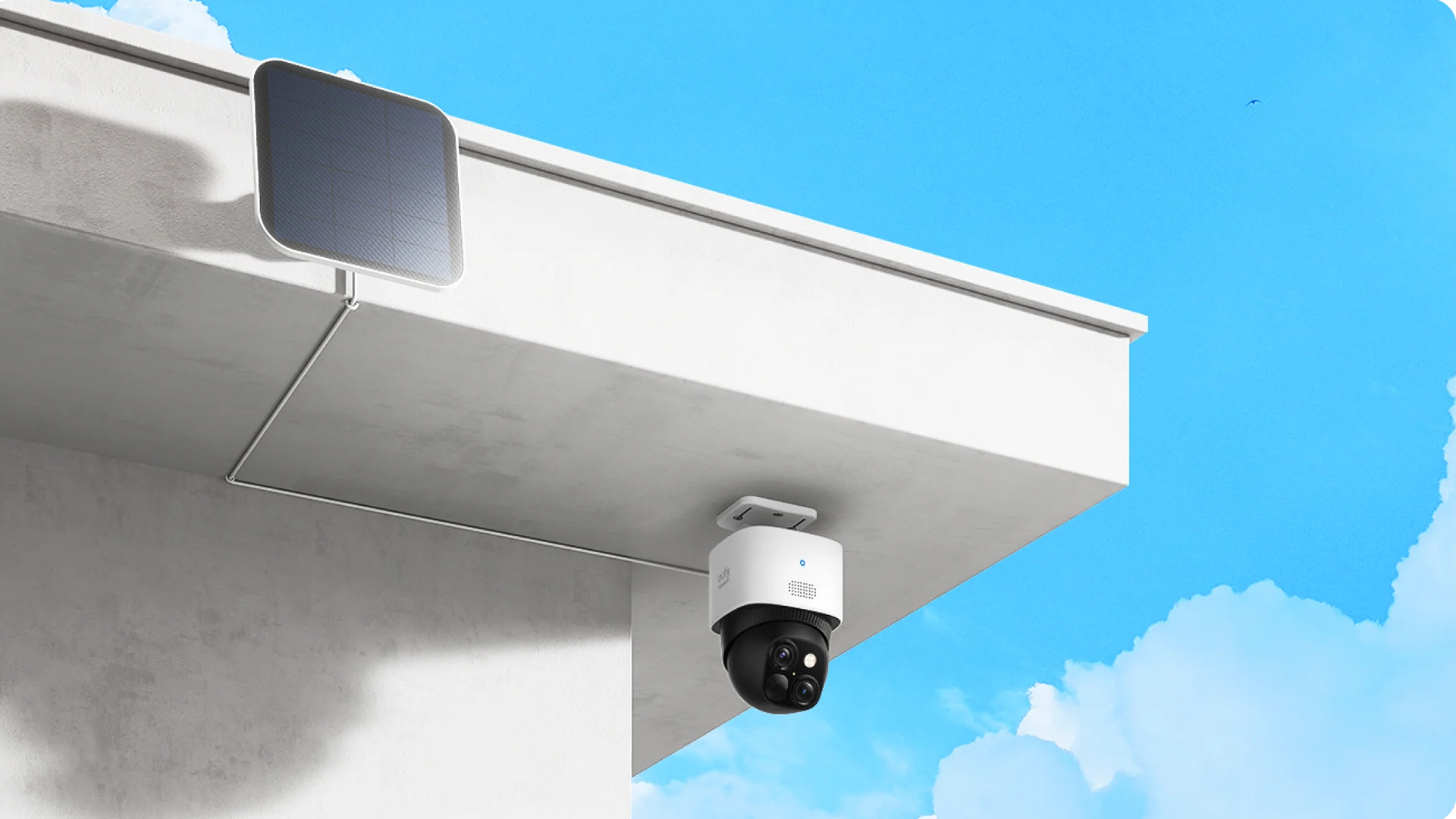
Some homeowners don’t want their footage stored in the cloud. The SoloCam S340 is built for that exact concern.
All AI processing happens directly on the device. No uploads. No subscriptions. No ongoing costs. With solar charging, it’s a near hands-off setup once installed.
What stands out:
On-device AI detection with no data leaving your home
Solar-powered for minimal maintenance
Wide-angle coverage with strong night performance
True $0 ongoing cost
The honest downside: Smart home integrations are limited. If you rely heavily on Alexa or Google automation, you’ll notice the difference.
Verdict: One of the best wireless security cameras for the home if privacy and long-term savings matter most.
Arlo Pro 5S — Best for Smart Home Integration
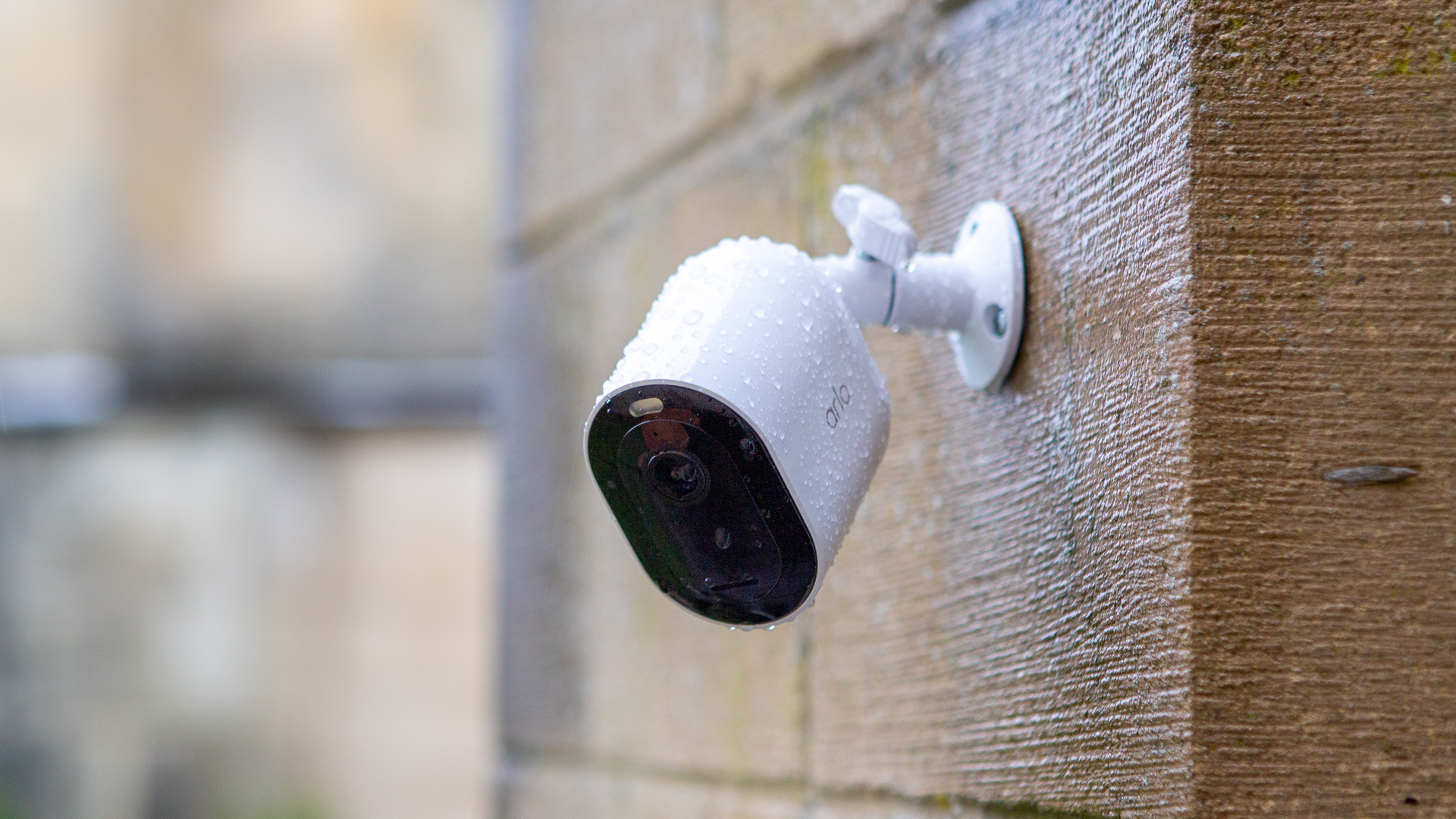
The Arlo Pro 5S doesn’t just connect to smart home systems — it integrates smoothly and reliably.
Notifications are fast. The app experience is polished. Automations trigger consistently, making it a strong fit for connected homes.
What stands out:
Seamless integration with Alexa and Google Home
High-quality app with clear, actionable alerts
Durable design for year-round outdoor use
The honest downside: Full features require a subscription. Without it, the value drops compared to other wireless security cameras for the home.
Verdict: A strong choice for smart home users who want everything working together without friction.
TP-Link Tapo Wire-Free — Best Budget Wireless Security Camera

For renters or first-time buyers, flexibility matters. The Tapo Wire-Free keeps things simple and affordable.
Installation takes minutes. No drilling, no permanent setup. Despite the low price, the 2K video quality holds up well for everyday use.
What stands out:
No tools or installation commitment required
Local storage included — no subscription needed
Solid 2K performance under $100
The honest downside: Battery life is shorter than that of premium models, and AI detection is more basic.
Verdict: One of the most accessible wireless security cameras for the home, especially for small spaces or temporary setups.
Blink Outdoor 4 — Best Battery Life
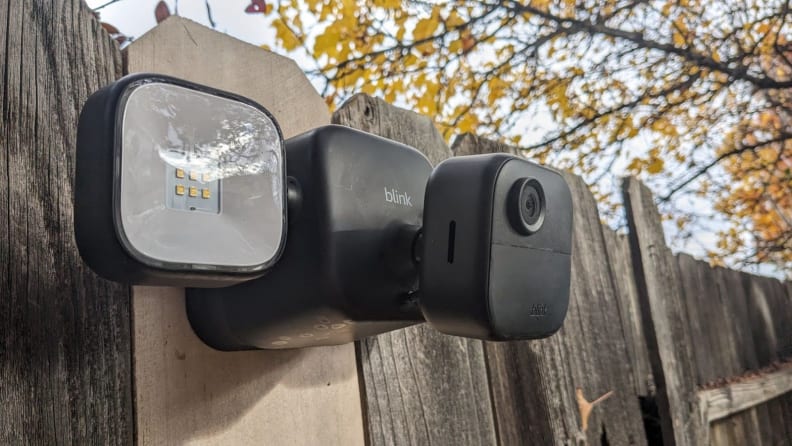
Two years on a single charge — that’s the core appeal of the Blink Outdoor 4.
For homeowners who don’t want to think about maintenance, this camera delivers a true “install and forget” experience.
What stands out:
Up to 2-year battery life
Affordable and reliable for basic security needs
Simple app with consistent motion alerts
The honest downside: 1080p resolution and limited AI features mean less detail compared to higher-end wireless security cameras for the home.
Verdict: Ideal for low-maintenance setups where battery life matters more than advanced features.
Side-by-Side Comparison of Wireless Security Cameras for the Home
Five cameras. One table. All the data you need to choose the right wireless security cameras for the home — no second-guessing.
Camera | Resolution | Battery Life | Storage | Subscription | Best For |
|---|---|---|---|---|---|
Reolink Argus 4 Pro | 4K | Months (solar optional) | Local | ❌ None | Outdoor coverage |
Eufy SoloCam S340 | 3K | Solar-powered | Local | ❌ None | Privacy / no fees |
Arlo Pro 5S | 2K | ~6 months | Cloud + local | ✅ Optional | Smart home users |
TP-Link Tapo Wire-Free | 2K | 3–6 months | Local | ❌ None | Budget buyers |
Blink Outdoor 4 | 1080p | Up to 2 years | Cloud | ✅ Optional | Low maintenance |
Three patterns stand out when comparing security wireless cameras for the home:
Zero subscription models: Reolink, Eufy, and TP-Link Tapo are the cleanest choices. No monthly fees, no lock-in.
Longest battery life: Blink Outdoor 4 leads by a wide margin with up to two years on a single charge.
Best smart home integration: Arlo, Nest, and Ring are designed for users already invested in ecosystems like Alexa or Google Home — pick based on what you already use.
How to Choose the Best Wireless Security Cameras for the Home in 2026
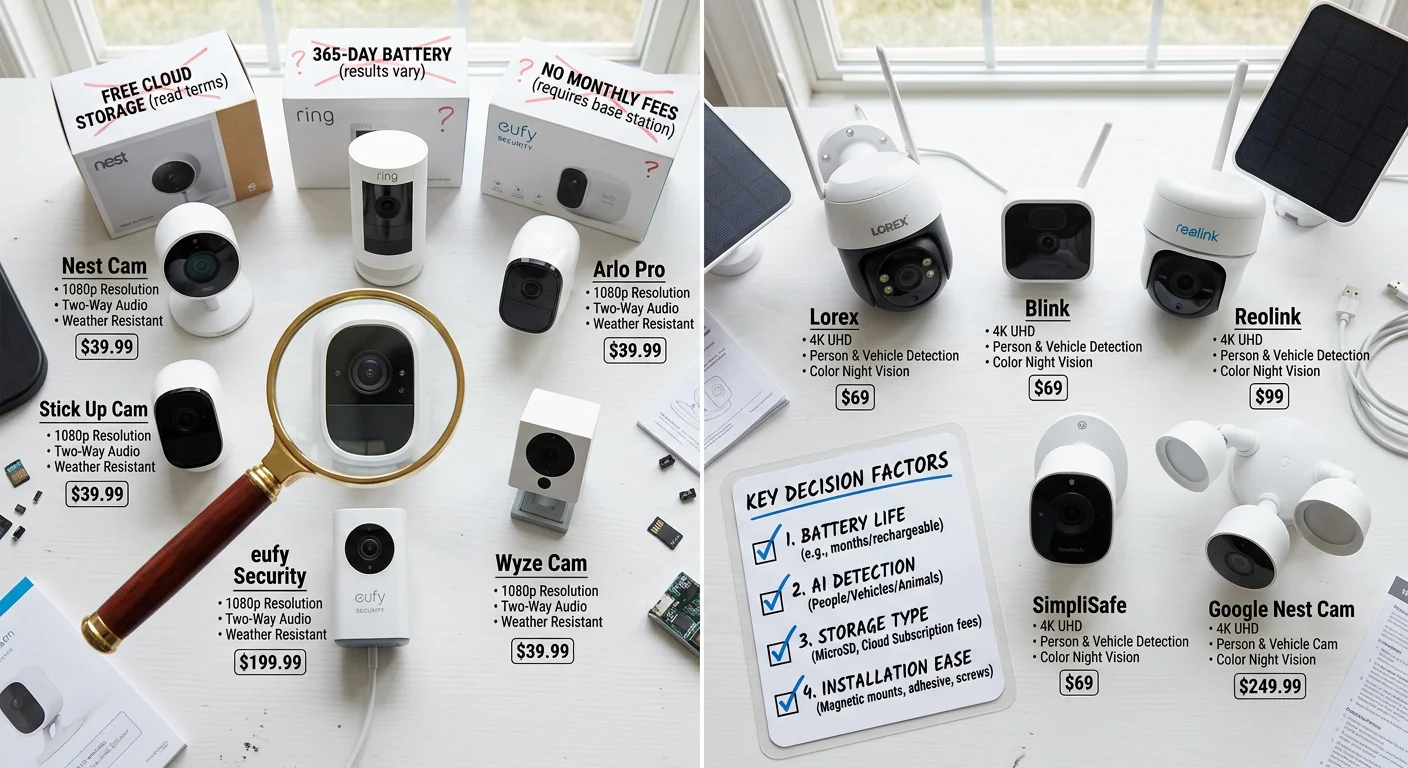
Specs lie. Marketing lies even harder. When choosing wireless security cameras for the home, what actually matters comes down to four practical factors — and none of them are the ones printed most prominently on the box.
Battery Life Is the First Filter
Battery life is usually overstated. Manufacturers test under ideal conditions, but real-world use is very different. Motion events, cold weather, Wi-Fi distance, and night recording all reduce performance.
A camera rated for 6 months might last closer to 8–12 weeks in a high-traffic area like a front door or driveway.
For wireless security cameras for the home, always plan for real usage — not advertised numbers.
AI Detection Accuracy Matters More Than Resolution
A camera that alerts you for every leaf, shadow, or passing car isn’t helpful — it becomes noise.
The best wireless security cameras for the home in 2026 can reliably distinguish between:
People
Vehicles
Background motion
This difference is what separates a useful security system from one you eventually ignore.
Storage Type Determines Long-Term Cost
Storage is where most hidden costs appear.
Cloud storage = ongoing monthly fees
Local storage ( SD card / onboard storage) = one-time cost
For most homeowners, local storage is the better long-term option because it avoids subscriptions entirely and keeps footage under your control.
Installation Ease Defines “True Wireless”
A true wireless security camera for the home should not require:
Drilling complex mounts
Running cables
Hiring a contractor
The best systems install in minutes and can be relocated easily if needed.
Match the Camera to the Problem
To keep the decision simple, use this breakdown:
Budget under $100 → TP-Link Tapo Wire-Free or Blink Outdoor 4
No subscription ever → Eufy SoloCam S340 or Reolink Argus 4 Pro
Smart home setup → Arlo Pro 5S, Nest Cam, or Ring
Large outdoor coverage → Reolink Argus 4 Pro (wide field of view advantage)
Final Rule to Remember
When choosing wireless security cameras for the home, reliability always beats raw specs.
A well-optimized 2K camera with accurate AI detection will outperform a poorly tuned 4K model every time. Resolution looks impressive in marketing — but accuracy is what actually protects your home at night.
Best Wireless Security Cameras for the Home by Scenario
The wrong camera in the right place still fails you. When choosing wireless security cameras for the home, your living situation matters more than specs, resolution, or marketing claims.
Here’s the direct breakdown:
Renters and apartment dwellers → TP-Link Tapo Wire-Free
No drilling, no permanent setup, no damage to walls. It comes down easily when you move — no deposit lost, no hassle. Ideal for temporary living situations where flexibility matters.
Families with kids or pets → Eufy SoloCam S340
On-device AI helps reduce false alerts significantly. Instead of constant notifications, you only get meaningful activity — which makes it easier to actually respond when something matters.
Large outdoor areas, wide lots, deep backyards → Reolink Argus 4 Pro
The 180° field of view covers a wide area with fewer blind spots. In many setups, one camera replaces two standard units, making it ideal for open outdoor spaces.
Smart home households → Arlo Pro 5S, Google Nest Cam, or Ring Spotlight Cam
Choose based on your existing ecosystem. If your home already runs on Alexa, Google Home, or Ring, sticking within that system ensures smoother automation and fewer compatibility issues.
Low-maintenance owners → Blink Outdoor 4
Install it once and forget about it. With long battery life, it’s designed for users who don’t want ongoing maintenance or frequent charging.
The pattern is simple: your scenario determines the right wireless security cameras for the home — not the other way around.
Wireless vs Wired Security Cameras for the Home: Which Should You Choose?
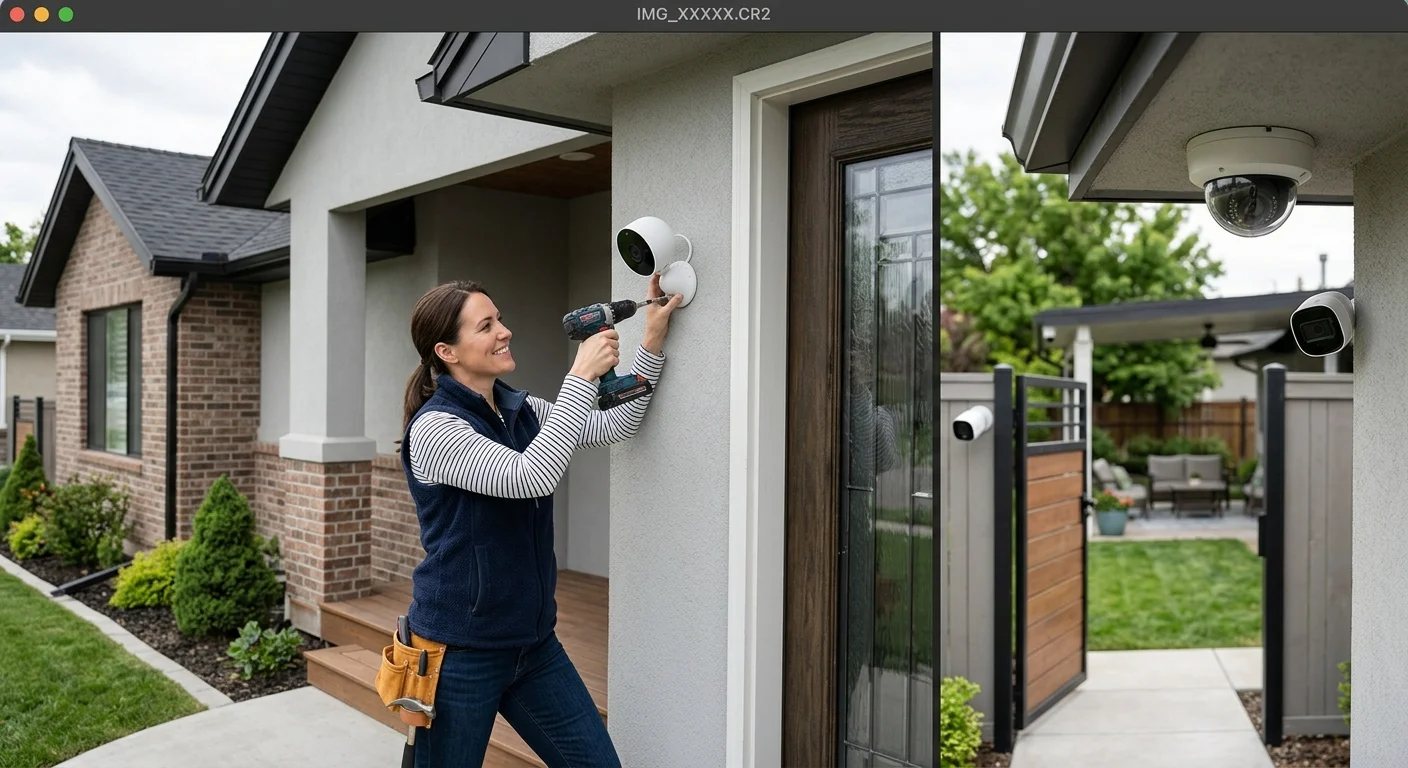
The debate isn’t really close anymore.
Wired systems still have their place. They’re common in large commercial properties, permanent installations, or setups where running cables through walls isn’t an issue. In those cases, wired security cameras offer slightly more stable connections and eliminate any concern about battery life.
But for most homeowners choosing wireless security cameras for the home in 2026, the decision is much simpler.
Here’s the honest breakdown:
Wireless security cameras for the home
Install in minutes
Mount almost anywhere
Easy to move or relocate
No contractor or wiring required
Much lower setup friction
Wired security cameras for the home
Very stable, consistent connection
Better suited for permanent or large-scale installations
Requires drilling, cabling, and a more complex setup
Higher installation cost and effort
The real question isn’t “which is better?”
It’s: which one fits your actual life?
If you’re covering a front porch, backyard, driveway, or side gate, wireless security cameras for the home are usually the most practical choice. No drilling into walls, no running cables through attics, no hiring installers.
For most homeowners in 2026, wireless systems strike the best balance between cost, flexibility, and performance — which is why they’ve become the default choice in modern home security setups.
FAQs About Wireless Security Cameras for the Home
Four questions come up constantly when choosing wireless security cameras for the home. Here are straight, no-fluff answers.
Do wireless security cameras need Wi-Fi?
For remote access and real-time alerts — yes, Wi-Fi is required.
However, most wireless security cameras for the home still support local recording. That means if your internet goes down, footage continues to save directly to the device or storage card. You won’t receive live notifications until the connection returns, but your recordings are not lost.
How long do the batteries last?
Battery life varies widely depending on usage.
Most wireless security cameras for the home last between 3 and 12 months under normal conditions. High-traffic areas like front doors or driveways will drain batteries faster due to frequent motion triggers.
The standout exception is the Blink Outdoor 4, which can last up to two years in low-activity environments. Cold weather and heavy motion activity will reduce battery life for any model.
Are no-subscription cameras worth it?
Yes — for many homeowners, they’re one of the biggest long-term savings.
No-subscription wireless security cameras for the home, such as the Eufy SoloCam S340 or Reolink Argus 4 Pro, store footage locally instead of relying on cloud services. That means:
No monthly fees
No mandatory cloud account
Full control over your recordings
For long-term ownership, this often results in significantly lower total cost.
Can wireless security cameras be hacked?
The risk exists, but it’s manageable with basic precautions.
Most security issues don’t come from advanced attacks — they come from weak setups. To reduce risk:
Use a strong, unique password
Keep firmware updated regularly
Wireless security cameras for the home with updated software and secure credentials are generally very safe for everyday residential use.
Final Verdict: Which Wireless Security Cameras for the Home Should You Buy?
Three wireless security cameras for the home stand out as genuine top recommendations in 2026.
Reolink Argus 4 Pro — best overall performance, especially for wide outdoor coverage, strong AI detection, and subscription-free local storage
Eufy SoloCam S340 — best value if you want privacy-focused, no-subscription wireless security cameras for the home with strong on-device AI and local storage
Arlo Pro 5S — best fit if your home already runs on a smart ecosystem and you want polished app control and integrations
The rest depends entirely on your situation — your budget, property size, and how much you’re willing to pay in ongoing subscription fees all shape the right choice.
Across modern wireless security cameras for the home, one pattern is consistent: the biggest differences are not just resolution or battery life, but whether you’re locked into a subscription or not.
Top specs don’t automatically equal the best wireless security camera for your home. The right fit — based on your setup and priorities — is what actually matters most.
Protecting your home doesn’t have to be complicated — but the wrong camera can make it feel that way.
The right wireless security cameras for the home come down to three things:
Where do you need coverage
How much maintenance are you willing to handle
What your budget allows
Whether you choose a budget-friendly option or a flagship model with advanced AI detection, the goal is the same: reliable protection that actually works in real situations.
Don’t overthink it. Pick the wireless security camera for the home that fits your setup, install it, and get it running this weekend. A system sitting in a box doesn’t protect anything.
At the end of the day, the best wireless security camera for the home is the one that’s actively recording when something happens — not the one with the best specs on paper.