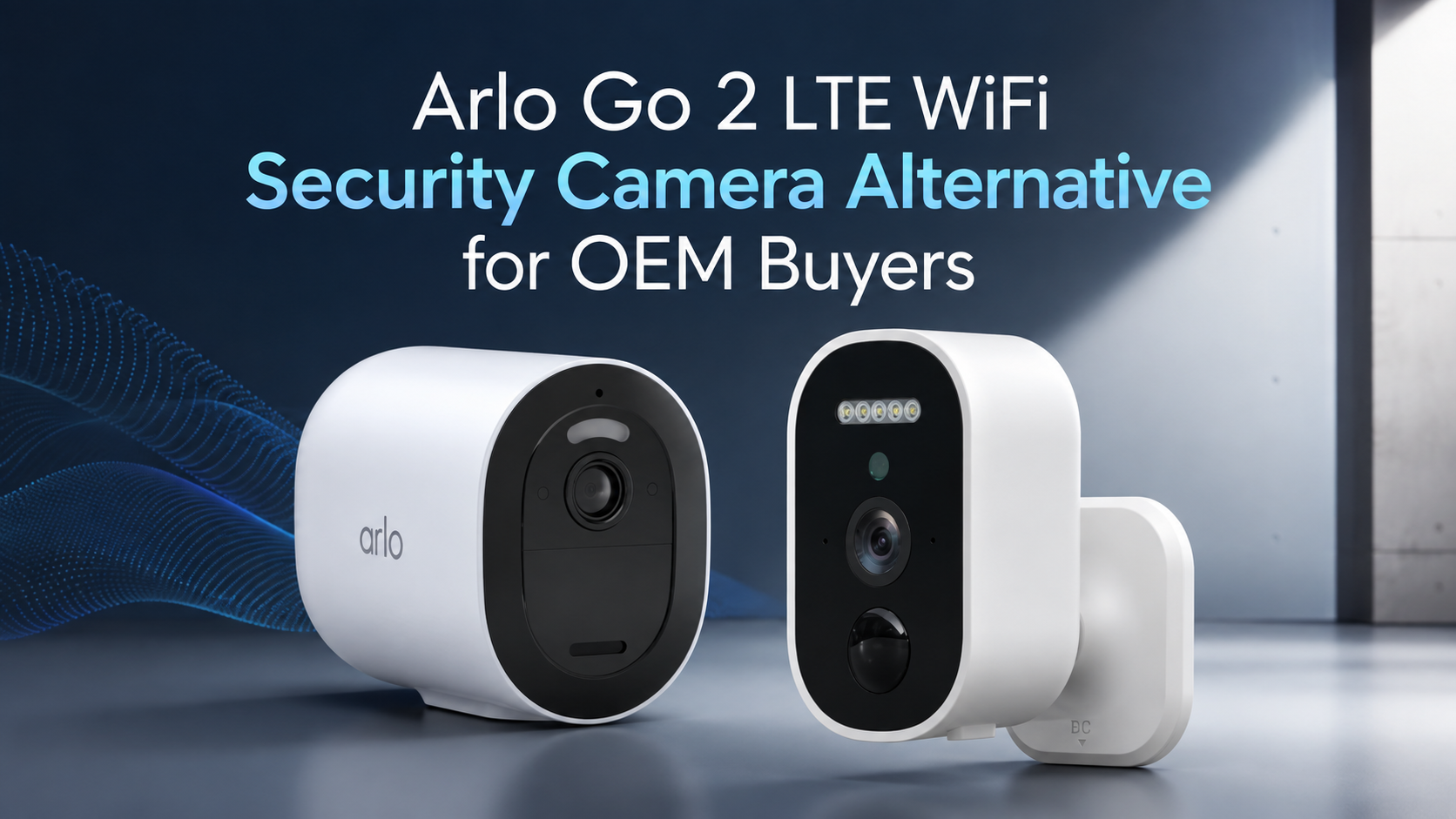
Do Arlo cameras record 24/7? Many users assume their Arlo security cameras automatically capture footage around the clock—but that’s not entirely true. By default, most Arlo models only record when motion or sound is detected. However, Arlo also offers a Continuous Video Recording (CVR) feature that allows select models to record nonstop, giving you complete, gap-free surveillance coverage.
In this ultimate guide, you’ll discover which Arlo cameras support 24/7 recording, how Arlo’s CVR system works, what it costs, and how to set it up correctly. You’ll also learn the pros and cons of using Arlo’s continuous recording so you can decide if it’s worth the investment.
Whether you’re protecting a home, office, or business, this guide breaks down everything you need to know about Arlo’s 24/7 recording capabilities—so you can choose the right setup for reliable, always-on security.
Arlo Brand Introduction
Arlo was founded in 2014 as a subsidiary of Netgear, and has rapidly become a leading brand in wireless smart cameras for home and business security. The company’s mission is to provide easy-to-use, smart, and wire-free security solutions that empower users to see, hear, and protect what matters most.
Key Arlo Camera Lineups and Their Features
Arlo’s cameras are modular and flexible, allowing users to mix and match different models in a single system. Their most recognized series include:
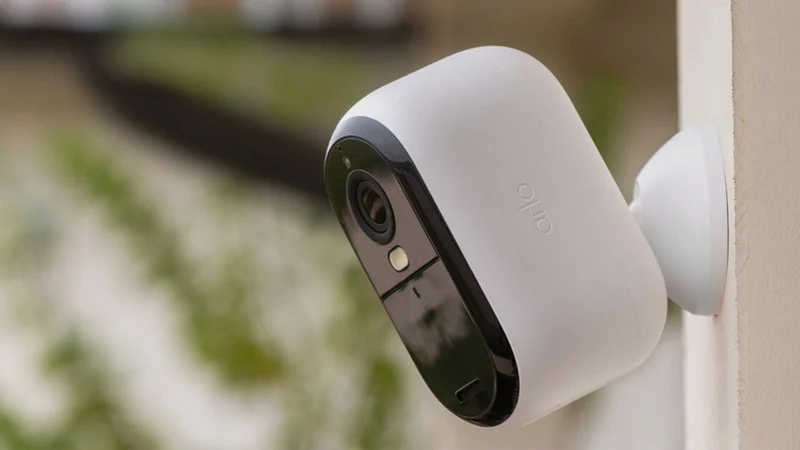
Arlo Pro Series
- Includes Pro, Pro 2, Pro 3, and Pro 4 models.
- Features: 2K resolution, weatherproof design, two-way audio, night vision, and a built-in siren.
- Requires an Arlo hub for operation.
- Pro 3 and Pro 4 offer advanced features and better battery life. But here’s the catch: the Pro 2 is the one that supports continuous recording with a CVR (Continuous Video Recording) plan.
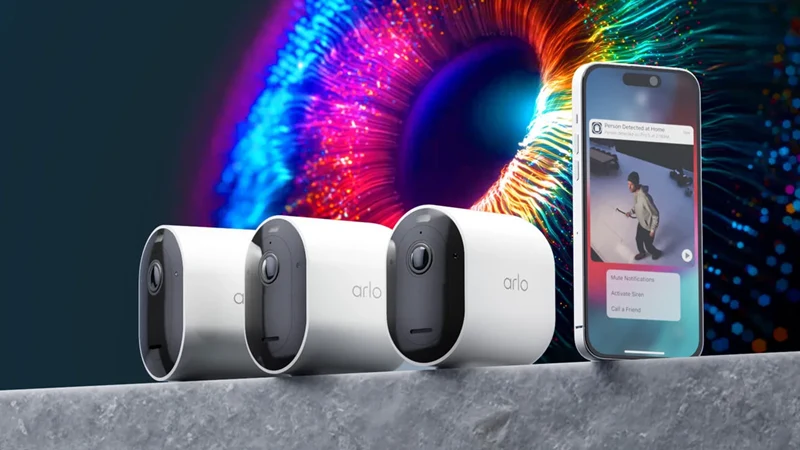
Arlo Ultra Series
- Top-tier Ultra 2 and Ultra 2 XL (extra battery) cameras.
- Features: 4K HDR video, color night vision, integrated spotlight and siren.
- Require a SmartHub for 4K streaming and full cloud functionality.
- Support CVR and 24/7 continuous recording. You need an Arlo Secure subscription and compatible hardware.
Arlo Essential Series
- Entry-level, budget cameras: Essential, Essential XL, and Essential Indoor.
- Features: 1080p HD video, weather resistance, two-way audio, spotlight, and simple Wi-Fi connectivity. No hub required.
- The Essential Indoor also offers a physical privacy shield for extra peace of mind.
- Note: Essential series cameras do not support 24/7 recording. They record clips based on motion or audio detection.
Modular Flexibility in Arlo Systems
I like Arlo’s modular approach. You can mix and match Ultra, Pro, and Essential cameras in one system. This lets you customize coverage and cost. But keep in mind: certain models (like Pro 2 and Ultra) can use continuous video recording. If 24/7 monitoring matters to you, choose these models.
Expanding Beyond Cameras
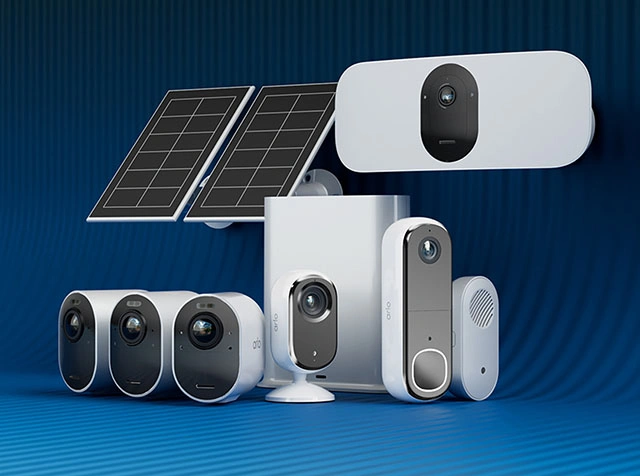
Arlo’s lineup also includes video doorbells, floodlights, and solar panel accessories. You manage all through the unified Arlo app. Cloud storage, smart detection, and advanced features require an Arlo Secure subscription. This subscription unlocks continuous video recording on supported models.
Based on my experience, Arlo’s modular and flexible camera system helps users handle different security needs. Just pay special attention to which series and models support true 24/7 recording. If that’s a must-have for your setup, choose wisely.
Do Arlo Cameras Record 24/7? Arlo’s Continuous Video Recording (CVR) Feature Explained
Most Arlo models—including the Ultra and Pro series—record short motion-triggered video clips by default. Arlo cameras can also record 24/7, but only with Continuous Video Recording (CVR) enabled—this is a paid, per-camera add-on for select models, requires wired power, and streams footage exclusively to the cloud. Default behavior is motion-triggered clips to cloud or local SD—no actual 24/7 local recording is possible without CVR. CVR offers gap-free evidence but at higher cost and with cloud-only storage.
How Continuous Video Recording (CVR) Works on Arlo
If you want 24/7 recording on Arlo cameras, you must buy the Continuous Video Recording (CVR) add-on. Here’s what you need to know about Arlo CVR:
CVR is a paid, per-camera cloud service—it costs $9.99/month for 14 days of rolling storage or $19.99/month for 30 days for each camera.
Recordings stream straight to the cloud and cannot be stored on local devices. Your internet speed and bandwidth matter here. For example, Arlo Ultra cameras require about 3 Mbps upload per camera for CVR.
Wired power is a must. Arlo will not allow CVR recording on battery power. Every camera set for 24/7 recording must be plugged into an outlet.
Not all models support CVR. The Arlo Pro 2 does when powered. The Ultra and Ultra 2 series do. But models like Essential do not support this feature. I suggest you check your camera’s specifications.
CVR footage is viewable within the Arlo app. You can’t download segments straight from the app. If you want a copy, you must record your screen while playing back the video in the app. That’s your method.
Pros and Cons of Arlo 24/7 CVR
Pros | Cons |
|---|---|
Never miss an event with gap-free footage | High cost: $9.99 or $19.99/month per camera |
Reliable for critical security and evidence | Cloud storage—no true local 24/7 backup |
Excellent for legal or insurance documentation | Depends on strong, stable internet |
Which Arlo Cameras Support 24/7 Recording?
You need three things for true 24/7 continuous video recording (CVR) with Arlo: the right camera model, a power source, and a subscription. Not all Arlo cameras can record around the clock. Here’s what you need to know:
Eligibility Criteria for 24/7 CVR
- CVR support: Arlo cameras must support CVR to record non-stop. This feature requires a compatible cloud subscription. I recommend getting Arlo Secure with the CVR add-on.
- Wired power source: You must plug the camera into a constant power source. Use an AC adapter or hardwired setup. Battery-powered cameras cannot use CVR. Batteries are built for motion-triggered recordings to save power.
Top Arlo Cameras that Support 24/7 Recording
| Model | Max Resolution | CVR (Wired) | Power | Key Features | Best Use Case | |
 | Arlo Ultra / Ultra 2 | 4K | Yes | Wired or Battery | 180° FOV, color night, auto-zoom/tracking | Large areas, high detail |
 | Arlo Pro 2 / Pro 4 | 2K/4K | Yes | Wired or Battery | Spotlight, versatile mounting | Indoor/outdoor flexibility |
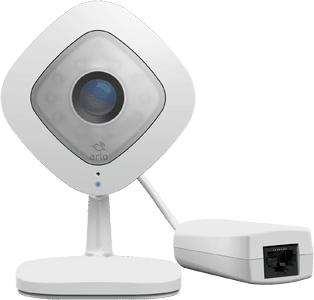 | Arlo Q / Q Plus | 1080p/2K | Yes | Wired Only | Privacy zones, local storage | Indoor, always-on needs |
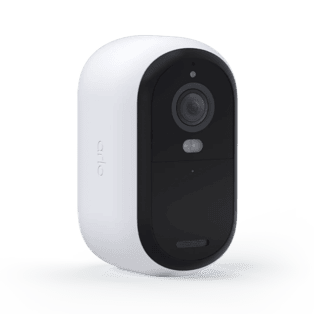 | Arlo Essential Series | 1080p/2K | Limited | Battery or Wired | Basic features, affordable | Entry-level, motion alerts |
Power & Setup Tips for CVR
Constant wired power is a must for all cameras in CVR mode. Use an AC adapter or hardwired setup.
Battery configurations do NOT enable continuous recording. This includes cameras with solar panels or extended batteries. They work on motion activation.
How to Check for CVR Capability
- Check the official Arlo website or product documentation for “Continuous Video Recording” or “CVR” support.
- Contact Arlo support if you’re unsure. I suggest this for new or updated models.
- CVR support can change with firmware updates. Verify before purchase if this is a must-have feature.
How to Set Up Arlo Cameras for 24/7 Continuous Recording (CVR)
I’ll show you how to set up your Arlo camera for 24/7 continuous recording. This process has a few key steps. Follow them, and you’ll get uninterrupted video coverage.
Step-by-Step Guide: Enabling Arlo Continuous Video Recording
1. Choose a Compatible, Wired Arlo Camera
Pick a model that supports CVR. I recommend the Arlo Pro 3, Pro 4, Ultra, or Essential Indoor (2nd Gen) cameras.
Plug the camera into a constant power source. Use the AC adapter that comes with it.
The camera won’t activate CVR if it runs on battery power.
2. Subscribe to an Arlo CVR Plan
Open the Arlo app or web portal.
Go to Settings > Subscription.
Add a CVR subscription for each camera you want to record 24/7.
CVR plans offer two options: 14-day video history ($9.99/month) or 30-day video history ($19.99/month) per camera.
3. Activate CVR in Camera Settings
Open the camera’s settings in the Arlo app.
Find Recording Options or Video Recording Settings.
Turn on Continuous Video Recording for that camera.
Pick your preferred retention period.
4. Verify and Optimize Setup
Use the timeline view in the app. Check that your recording is seamless with no gaps.
Adjust activity zones to cut down on extra uploads.
This helps avoid recording areas where nothing happens.
Make sure your camera location has a strong Wi-Fi signal. You need this for reliable uploads.
5. Repeat for Multiple Cameras
Set up CVR on each camera one by one.
Important Data and Figures
Internet Service: I suggest a minimum 2 Mbps upload speed per CVR camera. This keeps things running smooth.
Camera Limits: Most broadband plans handle 2–4 cameras with CVR. After that, network performance starts to drop.
Recording Retention: 14 days (basic CVR plan); 30 days (extended CVR plan)
Playback: You access all continuous footage through a scrollable timeline. It does not show up in standard motion clip libraries.
Reminders
Check model and regional CVR compatibility before you subscribe. I recommend doing this first.
Monitor your network usage. Adding several CVR-enabled cameras puts a big load on your upload bandwidth.
The CVR plan activates true 24/7 recording. Arlo Secure alone does not support continuous video capture.
Arlo cameras offer flexible security options—but if you’re wondering “Do Arlo cameras record 24/7?”, the answer depends on the model, power setup, and whether you subscribe to Arlo’s Continuous Video Recording (CVR) plan. To recap:
- Only select Arlo models (like Ultra, Ultra 2, and Pro 2) support true 24/7 recording.
- CVR requires a wired power source and an active subscription.
- Recordings are cloud-based—no local CVR storage.
- Reliable internet speed (2 Mbps upload per camera) is essential for smooth streaming.
At iCSeecam, a leading CCTV camera manufacturer in China, we specialize in customized and OEM surveillance cameras for brands, distributors, wholesalers, and e-commerce sellers worldwide.
Looking to build your own smart camera brand or offer 24/7 security solutions under your label? Contact iCSeecam today to explore OEM opportunities—or share your thoughts about Arlo’s CVR feature in the comments below!