Do Blink cameras record 24/7, or are they limited to motion-triggered clips?
It is one of the most common questions among Blink users in 2025—and for good reason. As one of Amazon’s top-selling smart home security brands, Blink cameras are known for their affordable price, effortless setup, and long battery life. But when it comes to continuous recording, things get a bit more technical.
In this guide, we’ll break down everything you need to know about continuous recording on Blink cameras. You’ll learn how Blink’s motion-activated system works by default, which models (like the Blink Gen 3) can be configured for 24/7 non-stop recording, and how to set them up using RTSP firmware and third-party software.
Whether you’re a homeowner, renter, or small business owner looking for round-the-clock surveillance, this article explains the capabilities, limitations, and best setup methods for continuous recording on Blink devices—helping you make the most of your smart security system.
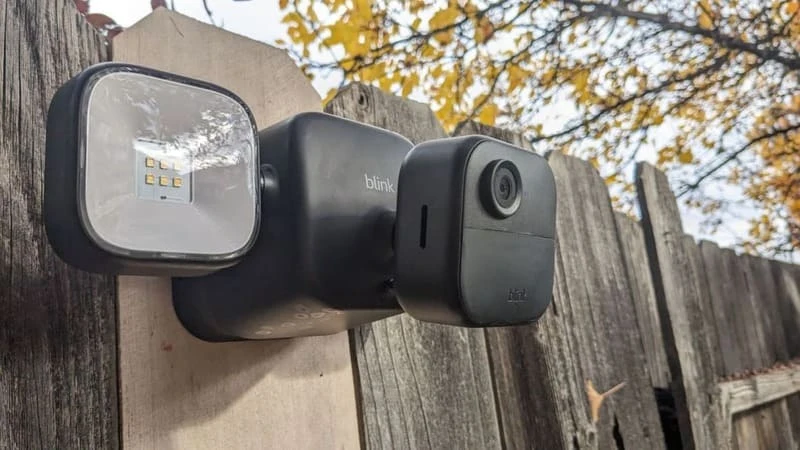
Blink Camera Brand Background and Core Features
Blink, an Amazon-owned smart security camera brand, was founded by Immedia Semiconductor in Massachusetts. Initially introduced through a successful Kickstarter campaign in 2014, Blink gained attention for its wireless cameras powered by just two AA batteries. This breakthrough technology allowed the cameras to last up to two years on a single pair of batteries, setting Blink apart from competitors. In 2017, Amazon acquired Blink for $90 million, leveraging its energy-efficient technology to enhance its own devices and integrate Blink into Amazon’s smart home ecosystem.
Innovative Technology and Long Battery Life
Blink had one key advantage: its proprietary low-power chip technology. This chip allowed Blink cameras to run up to two years on just two AA lithium batteries. No other connected camera offered this battery life. I think this feature remains Blink’s strongest selling point across all models.
Amazon Acquisition and Strategic Growth
Amazon acquired Blink in December 2017 for around $90 million. Amazon wanted Blink’s energy-efficient chip technology. The chip could extend battery life in other Amazon smart devices, including Cloud Cam and Echo.
After the acquisition, Blink grew fast. The company launched the Blink XT2, which added two-way audio. Blink also released the Blink Mini, an affordable wired option. The company added accessories like the Blink Floodlight and Solar Panel Mount.
Core Features and Market Strength
- Wireless, cable-free design: for easy DIY installation.
- Affordable pricing: the original $99 Blink camera made advanced home security accessible to more households.
- Flexible storage options: Later models added local storage alongside cloud options. This appealed to privacy-focused and budget-conscious buyers.
- Strong Alexa integration: Users can manage Blink cameras with Alexa-enabled devices. This taps into Amazon’s ecosystem.
- Rapid distribution and broad reach: Amazon’s distribution network helped Blink expand worldwide.
Based on my experience, Blink’s mix of innovative technology, competitive pricing, and Amazon integration gives it a strong position in the affordable smart home camera market. I recommend Blink for anyone seeking budget-friendly home security.
Can Blink Cameras Continuously Record?
Default Recording Mode: Motion Activation
Blink cameras use motion-activated recording by design. Video clips start when the camera sees movement. That’s it. I like this setup because it saves battery life. It also uses less storage space. Blink built these cameras to last long on batteries.
Is 24/7 Non-Stop Recording Possible?
Blink cameras do not natively support continuous recording. But you can make it work. Here’s how some users do it:
- Some Blink Gen 3 cameras can record non-stop. You need to install beta firmware with RTSP support. You can get this from Blink’s official website.
- After you enable RTSP, you can stream your camera feed to other software. I recommend BlueIris or Xeoma. These tools capture video all the time. They save footage to your local hard drive or network device.
- You can also try a DIY method. Use a Raspberry Pi with MotionEyeOS. This creates a custom recording system.
Power Limits and How to Fix Them
Non-stop recording drains battery-powered cameras fast. If you record 24/7, your AA batteries will die fast. I suggest these fixes:
- Get power adapters made for Blink cameras.
- Use solar panel mounts for outdoor models.

Which Blink Cameras Support 24/7 Continuous Recording?
With standard settings, all Blink cameras use motion activation. This helps save battery life and storage space. But the Blink Generation 3 cameras can support continuous 24/7 recording, this feature does not work by default.
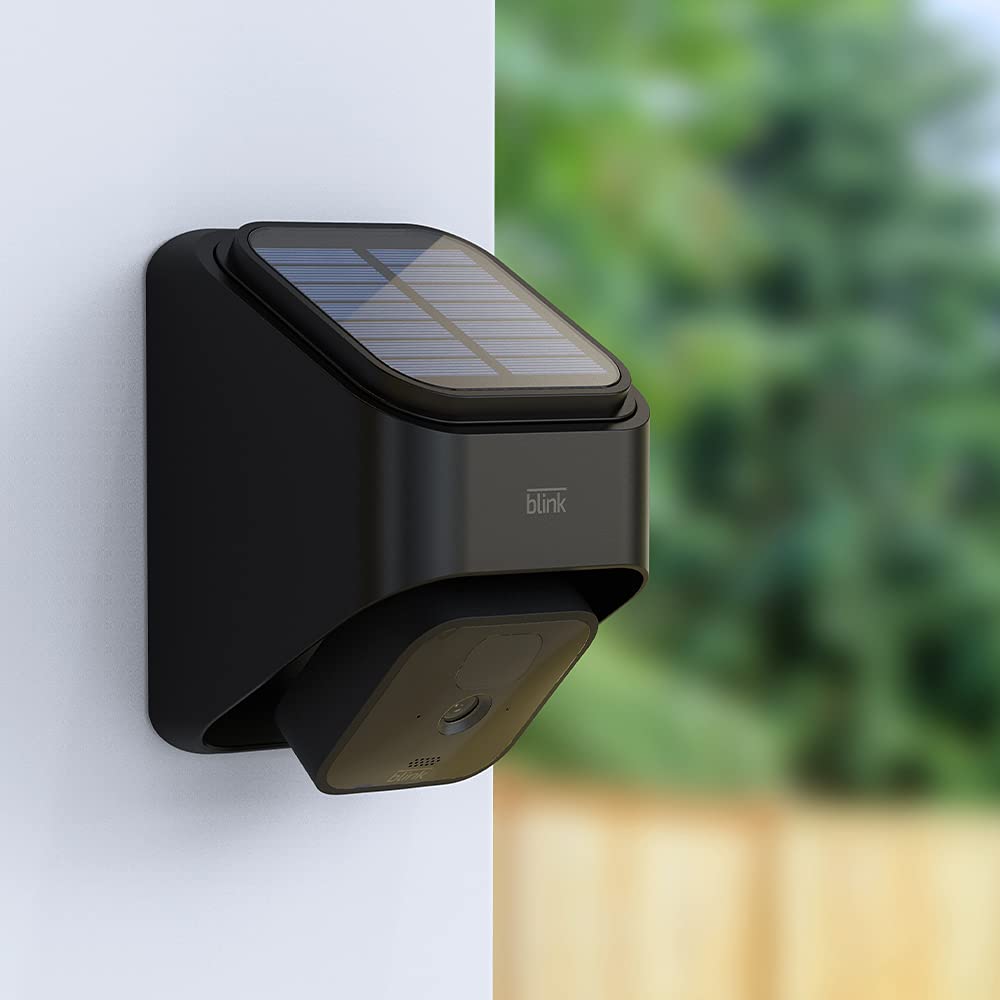
Blink Gen 3 Camera Core Specifications
- Video Quality: 1080p HD at up to 30 fps, fixed focus from 3 feet to infinity, 110° field of view.
- Imaging and Audio: Full color with auto white balance and exposure, IR night vision (850nm LED), two-way audio.
- Motion Detection: Infrared sensor with adjustable sensitivity. Range is 6–20 feet.
- Environmental Rating: IP-65 water resistance for outdoor use. Temperature range: -4°F to 113°F (outdoor), 32°F to 95°F (indoor).
- Features: Advanced privacy zones, adjustable activity zones, disable recording LED, photo capture every hour.
- Sync Module 2: Required for operation and enables local USB storage.
Limitations for Other Blink Models
Unsupported Models: Previous Blink models do not support 24/7 recording. Gen 3 cameras without RTSP firmware also lack this feature. They can record motion-triggered clips.
Sync Module 2 and Local Storage: Even with Sync Module 2 and USB storage, non-RTSP Blink cameras save motion-triggered recordings. They cannot record non-stop footage.
Power Supply Considerations
Continuous recording drains battery power fast. To avoid frequent battery replacement, I suggest pairing your Blink Gen 3 cameras with dedicated power adapters or compatible solar panels. This ensures uninterrupted recording.
Default batteries are two AA 1.5V lithium non-rechargeable. They can last up to two years for typical motion-based usage. They will not last for constant streaming.
How to Set Up Continuous 24/7 Recording on Blink Cameras
Blink cameras work well for motion-based security. But what if you need non-stop surveillance? There’s a solution—with Blink Gen 3 models.
Enabling RTSP Firmware for Continuous Recording
To make Blink Gen 3 cameras record 24/7, you must install the RTSP (Real-Time Streaming Protocol) beta firmware. Get it from Blink’s official website. This firmware update is essential. It unlocks the ability to stream your live camera feed to other devices or software.
Steps to Set Up 24/7 Continuous Recording
- Install RTSP firmware on Blink Gen 3 cameras from the official site.
- Download and set up third-party recording software, like BlueIris or Xeoma.
- Add your Blink camera’s RTSP URL in the software.
- Configure the recording settings. Enable 24/7 continuous footage capture.
- Monitor both live and stored videos through the chosen software.
Key Notes and Limitations
- Without the RTSP firmware, Blink cameras record clips triggered by motion. These clips run 5 seconds to 1 minute. There’s a reset delay between clips.
- Continuous recording will drain batteries fast. I recommend using dedicated power adapters or solar panels.
- Continuous non-stop recording works with the RTSP firmware and compatible Gen 3 models. Older Blink cameras are limited to motion-activated clips. You cannot modify them to record 24/7.
So, do Blink Cameras record 24/7? The clear answer is that it’s possible, but not simple. Out of the box, Blink cameras are optimized for convenience and battery life, using efficient motion-activated recording to serve the needs of most users. This is precisely why they dominate the market for affordable, easy-to-use DIY security.
However, for those who require unwavering, non-stop surveillance, the path is narrow but exists. By leveraging the RTSP firmware on Blink Gen 3 cameras and pairing them with a continuous power source and third-party software, you can unlock 24/7 recording. This solution transforms your Blink from a motion-sensing sentry into a constant guardian.
Ready to set up 24/7 recording on your Blink camera? Start by updating your firmware and using third-party software for seamless recording.
If you found this guide helpful, don’t forget to share your thoughts in the comments below or tweet it to help others. For customized CCTV camera solutions, reach out to iCSeecam—we’re here to support brands, distributors, and e-commerce sellers with top-notch surveillance technology.