$10 a month for a security camera subscription sounds harmless. Do the math, though. That’s $600 over five years — to watch your own footage. Ring, Nest, and Arlo have built a business on that model, and more homeowners are now looking for the best home security camera without subscription to avoid ongoing costs.
Here’s the good news: the best home security cameras without a subscription in 2026 are better than ever. Local storage has gotten smarter, on-device AI is now standard, and some models even include free remote viewing without locking features behind a paywall. You no longer have to sacrifice video quality or usability to choose a home security camera without monthly fees.
Protecting a front porch? A garage? An entire property? This guide cuts through the options and shows you which cameras actually deliver — and which ones only appear to be the best home security camera without subscription but still hide limitations.
Best Home Security Camera Without Subscription: Top 5 Picks
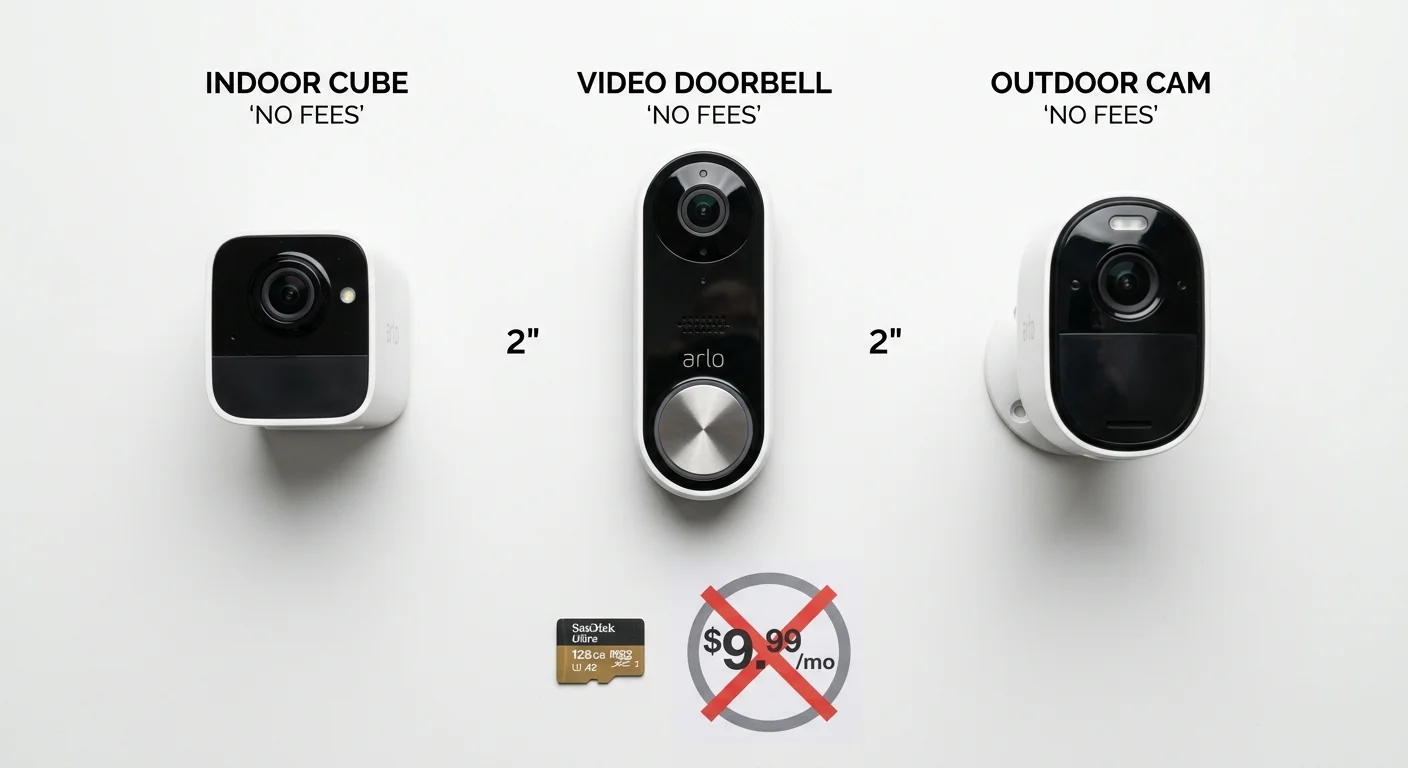
Five cameras made the list. Not because they’re the cheapest, the flashiest, or backed by the biggest marketing budgets — but because they actually deliver as the best home security cameras without subscription and keep working without asking for anything extra after purchase.
The selection criteria were strict: local storage (microSD or a dedicated base station), no mandatory monthly fees, smart detection that tells people apart from trees, 2K resolution or better where possible, and reliability scores above 8.0/10 across real-world testing. Indoor, outdoor, battery, wired — the mix covers most situations a homeowner will face day to day when choosing the best home security camera without subscription.
Here’s what made the cut.
1. Eufy Indoor Cam C120 — Best Indoor Camera Without Subscription
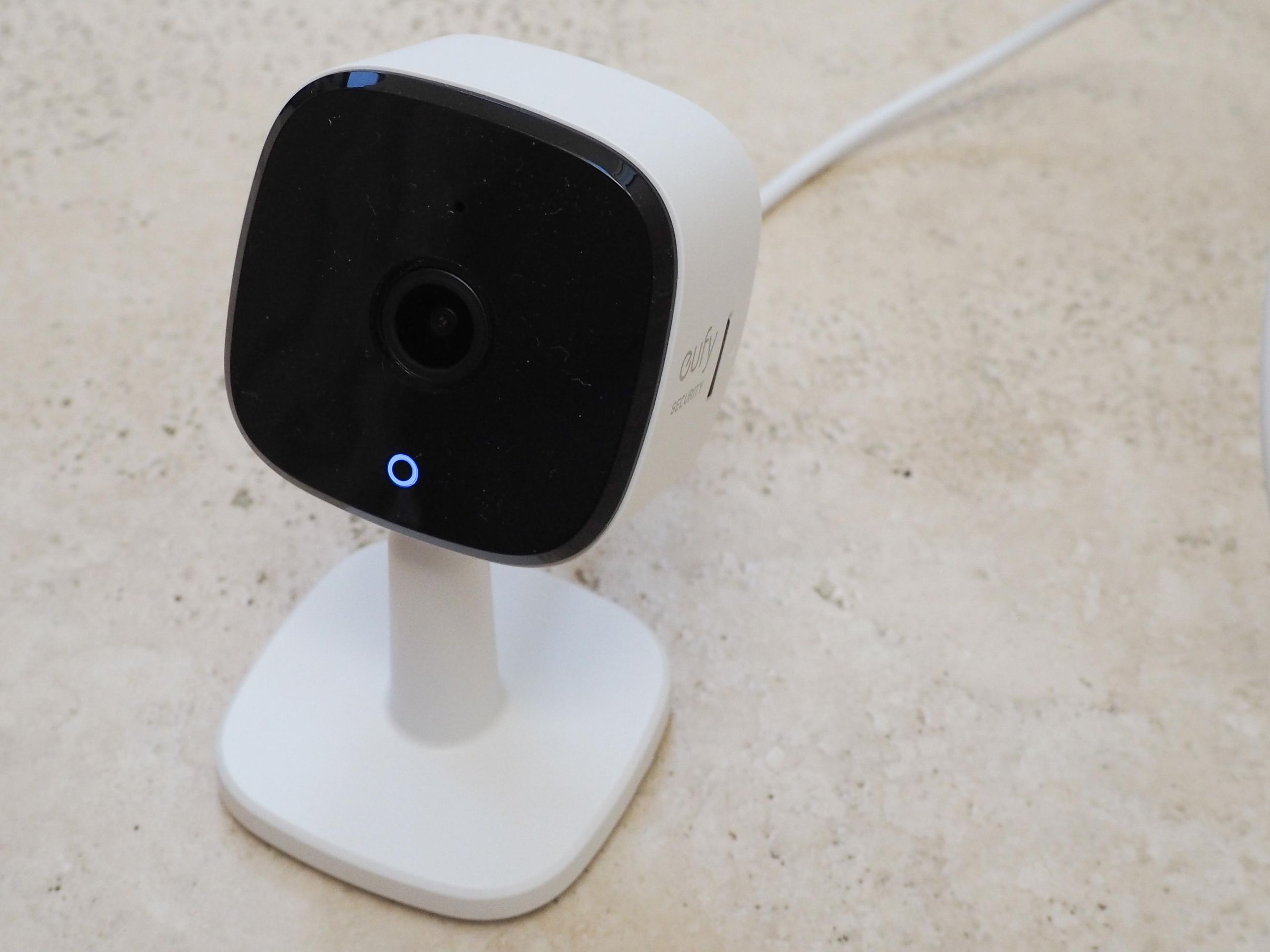
~$40 | 2K | microSD up to 128GB | Battery or Wired
The C120 earns its spot among the best home security cameras without subscription for indoor use on pure substance. You get 2K resolution on a $40 camera — that’s a lot for the price. Response time clocks in under two seconds from trigger to alert. Fast enough to matter. Battery life runs three to six months, depending on traffic. Most households can set it up and forget it exists.
What sets it apart from cameras at a similar price is the alert intelligence. It doesn’t just detect motion. It tells the difference between people, pets, and environmental sounds, like a baby crying. That kind of specificity cuts down on notification fatigue. All processing runs on-device. No footage leaves your home. No cloud account required — exactly what you want from a home security camera without subscription.
Resolution: 2K
Smart alerts: People, pets, loud noise detection
Storage: Local microSD (up to 128GB)
Privacy: On-device AI, end-to-end encrypted
Best for: Living rooms, nurseries, home offices
2. Eufy Video Doorbell C31 — Best Subscription-Free Doorbell Camera
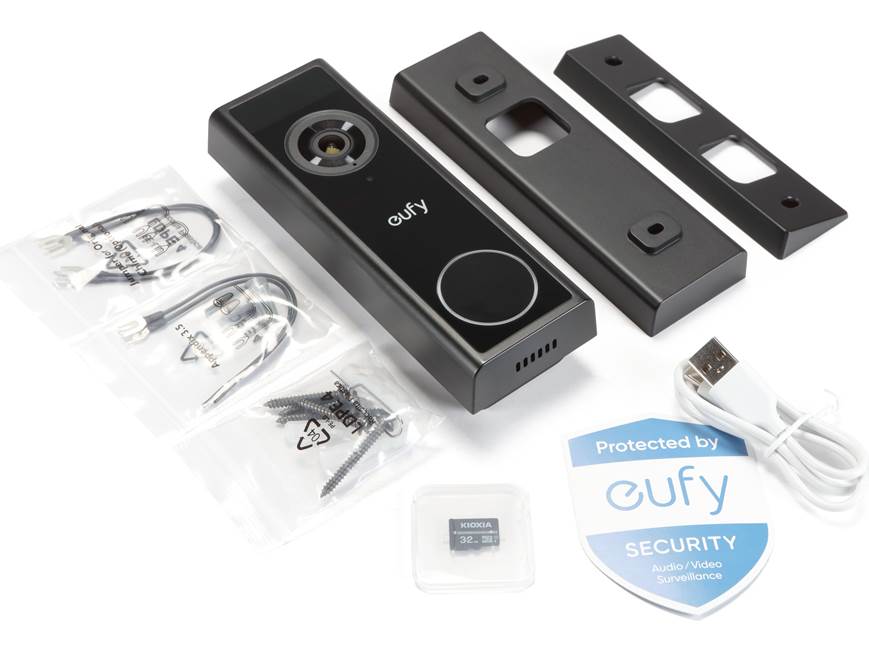
~$60 | 2K | 16GB HomeBase or microSD | Battery
A doorbell camera that runs for four months on a single charge and stores everything on-device is still rare enough to mention. For homeowners searching for the best home security camera without subscription at the front door, the C31 fills that gap well. The 160° field of view captures the full porch width. No awkward cropping of package deliveries at the frame edge. The 6,500mAh battery is the real story here. It keeps recording through seasons without turning into a maintenance chore.
Storage sits on a built-in 16GB HomeBase or expands via microSD. Data security testing rates it very good. Privacy handling is solid, though not perfect — worth knowing if you care a lot about that layer. For a local storage security camera at the front door with zero subscription requirement, the C31 is hard to beat.
Resolution: 2K | FOV: 160°
Battery: 4 months / 6,500mAh
Storage: HomeBase 16GB built-in + microSD option
Best for: Front doors, rental properties, apartment entryways
3. ADT with Google Nest Cam — Best Whole-Home Coverage
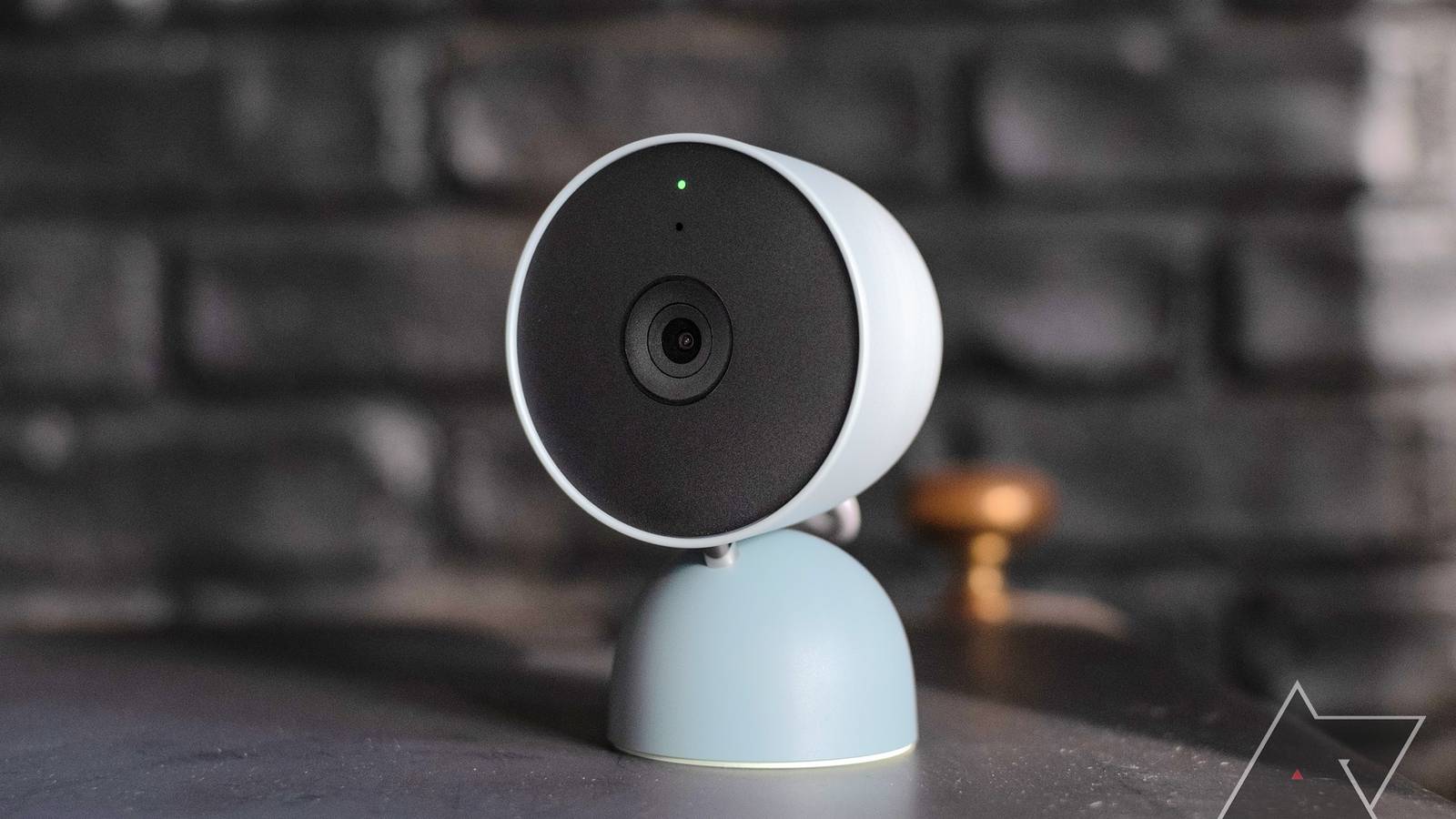
~$100/camera | 1080p HDR | Local event storage + hub expansion
This one plays a different game. It’s not the sharpest image on the list. It’s not the cheapest either. What it offers is integration — sensors, cameras, and professional monitoring infrastructure that communicate with each other. For users looking for the best home security camera without subscription as part of a broader home security setup, this system stands out.
The local three-hour event storage works with no subscription at all. Expand through the hub for longer retention. Wired models run without limit. The battery version lasts seven months. Your goal may be whole-home security rather than a single camera fix — this is the only pick on the list built for that scope.
Resolution: 1080p HDR | Smart alerts: People, vehicles, animals
Storage: 3-hour free local events; expandable via hub
SecureScore: 9.3/10
Best for: Homeowners wanting integrated sensor + camera systems
4. Lorex 4K PoE — Best NVR Security Camera System for Serious Coverage

~$150 | 4K | Local NVR up to 16TB | Wired PoE
Lorex sits at a higher resolution level than everything else on this list. If you’re searching for the best home security camera without subscription for full-property monitoring, this is the heavy-duty option. You get 4K footage over a PoE security camera system with up to 16TB of local NVR storage. No compromises on image quality. No compromises on how long footage stays stored. Color night vision reaches 150 feet. IP67 weatherproofing handles real outdoor exposure. The system records 24/7 with no cloud dependency.
This is the self-hosted security camera pick for users who want total control. No third-party servers. No subscription is buried in the fine print. The upfront cost is higher. For a multi-camera DVR home security system or NVR security camera system setup, the per-camera cost still holds up well.
Resolution: 4K | Night vision: 150ft color
Storage: Local NVR up to 16TB HDD
Weatherproofing: IP67 | Recording: 24/7 continuous
Best for: Garages, driveways, multi-camera property setups
5. Wyze Cam v3 — Best Budget Outdoor Camera No Subscription
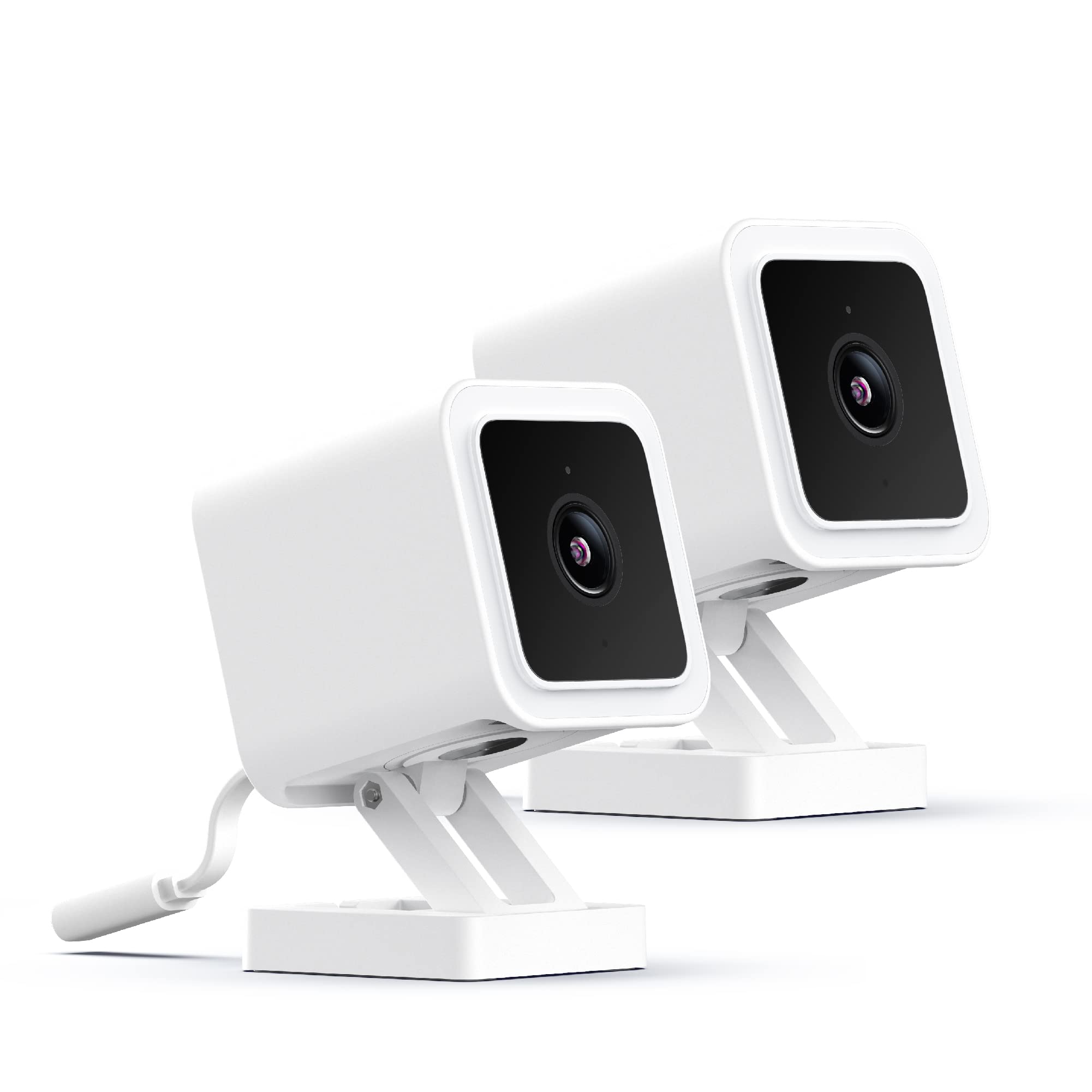
~$35 | 1080p | microSD up to 256GB | Wired
Thirty-five dollars. IP65 weatherproof rating. Color night vision at 25 feet. MicroSD supports up to 256GB. The Wyze Cam v3 doesn’t match the resolution of the cameras above it. What it does is cover the fundamentals without a single dollar of ongoing cost. For budget buyers looking for the best home security camera without subscription, this is the lowest-cost entry point that still includes essential features.
Person, package, and vehicle detection all run on-device for free. Cam Plus is optional — never required. SecureScore sits at 8.7/10. The 130° field of view handles standard mounting positions without blind spots. Protecting a single entry point on a tight budget? The v3 is the most cost-efficient outdoor security camera without subscription tested.
Resolution: 1080p | FOV: 130°
Storage: microSD up to 256GB
Weatherproofing: IP65 | SecureScore: 8.7/10
Best for: Budget buyers, supplementary cameras, covered outdoor areas
Every camera on this list qualifies as a best home security camera without subscription by keeping footage local, running smart detection on-device, and eliminating monthly fees. Over five years, that removes roughly $300–$900 in subscription costs — without losing live streaming, motion alerts, or playback access.
The range here is intentional. A $35 Wyze and a $150 Lorex solve very different problems. The right pick depends on coverage area, installation preference, and resolution needs — all key factors when choosing the best home security camera without subscription for your home.
Comparison Table of the Best Home Security Cameras Without Subscription
Five cameras. One table. If you’re deciding on the best home security camera without subscription, this side-by-side comparison highlights the differences that actually matter — storage, recording type, AI detection, installation, and cost.
Model | Resolution | Storage Type | AI Detection (Free) | 24/7 Recording | Power | Best Use | Price |
|---|---|---|---|---|---|---|---|
Eufy Indoor Cam C120 | 2K | microSD (128GB) | Person/pet/sound | No (event-based) | Battery / wired | Indoor monitoring | ~$40 |
Eufy Video Doorbell C31 | 2K | 16GB HomeBase + SD | Person detection | No (event-based) | Battery | Front door/apartment | ~$60 |
ADT + Nest Cam | 1080p HDR | Local events + hub | Person/animal/vehicle | No (event clips) | Battery / wired | Whole-home systems | ~$100 |
Lorex 4K PoE | 4K | NVR (up to 16TB) | Person/vehicle | Yes (continuous) | Wired / PoE | Outdoor full coverage | ~$150 |
Wyze Cam v3 | 1080p | microSD (256GB) | Person/package/vehicle | No (event-based) | Wired | Budget outdoor use | ~$35 |
Three differences help narrow down the best home security cameras without subscription for different situations: resolution, storage method, continuous recording, and budget.
Lorex is the only option here that supports true 24/7 continuous recording with no subscription required. If you want nonstop footage instead of motion-triggered clips, this is the strongest pick.
Wyze offers the most affordable entry point while still including local storage and AI detection. For tight budgets or adding extra cameras, it remains one of the most practical no-subscription choices.
Eufy and ADT + Nest focus more on convenience and smart alerts. These models work better for indoor monitoring, front doors, or users who want a simpler setup without running cables.
Why Choose the Best Home Security Camera Without Subscription?
Most people don’t realize they’re paying a rental fee on their own footage. You bought the camera. You own the house. Yet every month, Ring and Nest pull $10–$20 from your account just to let you see what happened on your porch last Tuesday. That’s exactly why more homeowners are switching to the best home security camera without subscription instead of committing to long-term cloud fees.
The math is simple. A home security camera without subscription sometimes costs more upfront. But once you stop paying monthly fees, the savings add up fast. Over three years, that’s $180 to $600 back in your bank account. Over five years, it’s even more. Got multiple cameras? Those numbers grow with each one — making a no-subscription security camera a smarter long-term investment.
Beyond cost, three reasons push people to choose the best home security cameras without subscription:
Privacy stays in your control.
Local storage keeps your footage on an SD card or NVR inside your home — not on a corporate server somewhere you’ll never see. For many users, choosing a security camera without subscription is really about keeping data private.
Cloud dependency becomes a non-issue.
Internet goes down during a break-in? A cloud-only camera may stop recording. A local storage home security camera without subscription keeps recording even when Wi-Fi drops, ensuring you still have footage when it matters most.
Full features without a paywall.
Motion alerts, live streaming, AI detection, and playback — the best home security camera without subscription includes these features out of the box. No upgrade tiers. No locked features. No ongoing fees.
The subscription model exists because it creates recurring revenue for manufacturers. Choosing the best home security camera without subscription — whether with local storage or optional free cloud backup — puts that control back in your hands.
Do No-Subscription Security Cameras Have No Monthly Fees?
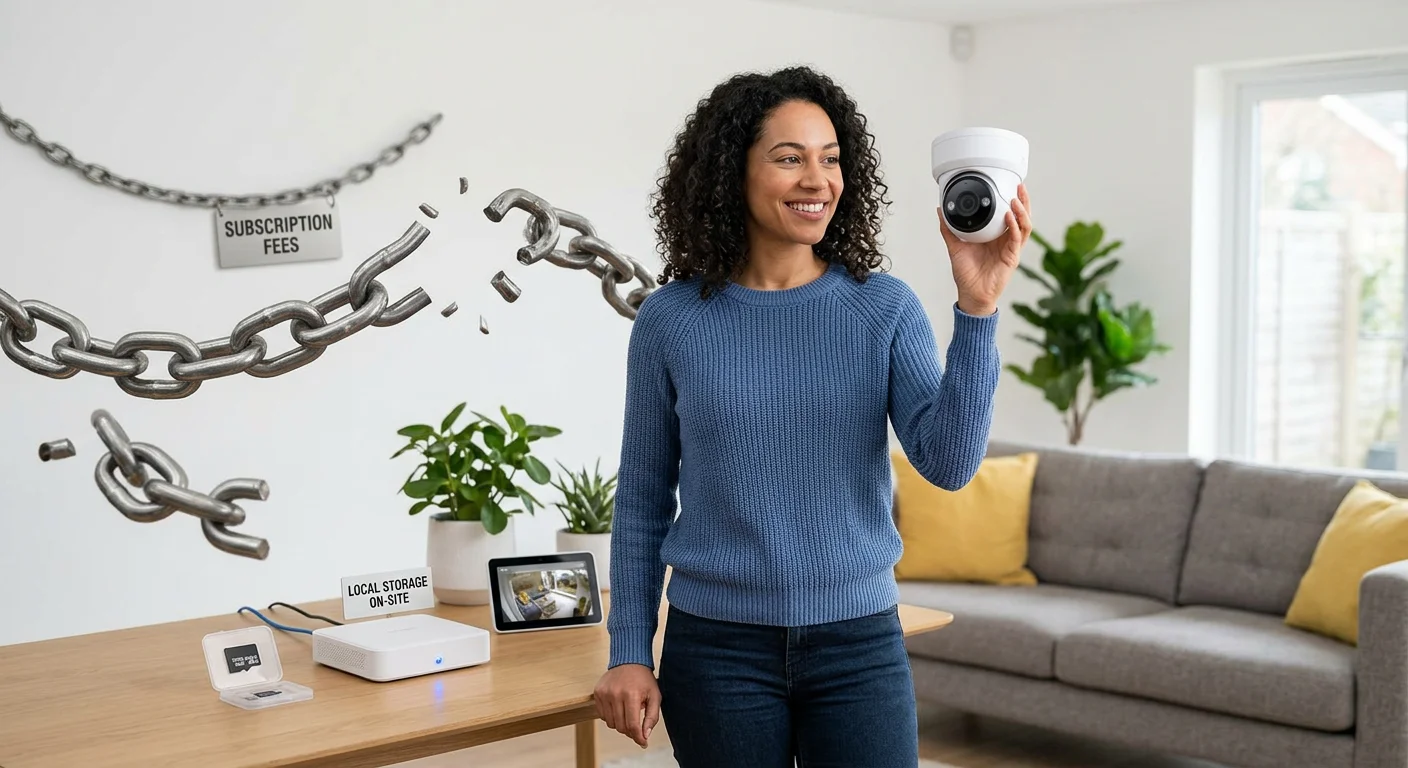
Yes, but check the fine print first when choosing the best home security camera without subscription.
The core promise holds up: buy the camera, store footage locally, pay nothing each month. A true home security camera without subscription provides live streaming, motion alerts, and playback directly from local storage. That’s not marketing language — it’s how these cameras are designed to work.
Where things get complicated is the optional layer. Some brands keep local recording free but charge for cloud backup or advanced AI features. For example, certain models offer paid cloud history, smarter notifications, or extended storage. These aren’t required fees, but they exist — and buyers looking for the best home security cameras without subscription should know the difference.
Here’s the key distinction: required subscription vs optional upgrade.
They sound similar, but they are not.
A required subscription means the camera won’t function properly without paying monthly. Recording, alerts, or playback may be locked.
An optional upgrade means you get extra features if you pay — but the camera works fully without a subscription. Local storage, live view, and motion alerts remain free.
Every best home security camera without subscription in this guide falls into the second category. You can install it, record locally, and access footage without paying anything monthly. Optional cloud features may exist, but they’re never required.
Your footage stays yours either way — which is the main reason many homeowners choose a security camera without monthly fees in the first place.
Can You View Cameras Remotely Without Cloud Storage or Subscription?
Yes. Remote access is a standard feature on the best home security camera without subscription, and it works without paying for cloud storage. Most no-subscription cameras use peer-to-peer (P2P) connections, allowing you to securely view live video from anywhere without port forwarding or advanced setup. Open the app, tap the camera, and you’re watching your home in seconds.
Here’s how remote viewing works across the most common types of home security cameras without subscription:
SD card cameras (Eufy, Wyze, Tapo, Reolink)
Install the manufacturer app, pair the camera, and enable remote access. Live streaming works over Wi-Fi or mobile data, and playback pulls clips directly from the SD card . No cloud plan required. This is the most common setup for the best home security cameras without subscription.
NVR systems (Lorex and similar PoE setups)
Connect the NVR to your router and enable P2P access. Once configured, every connected camera becomes remotely viewable through the mobile app. The system still records locally even if the internet drops, which is a major advantage over cloud-only cameras.
Cellular security cameras
These cameras use a SIM card instead of Wi-Fi. They’re useful for rural properties, garages, construction sites, or vacation homes. While they don’t require a cloud subscription, they do require a mobile data plan, which is separate from camera subscriptions.
One limitation still applies: no internet connection means no remote viewing. The camera can continue recording locally, but you won’t be able to access the feed until connectivity returns. This applies to every best home security camera without subscription, regardless of brand.
For most homes, the trade-off is worth it. You still get live streaming, motion alerts, and remote playback — all without paying a monthly subscription fee.
Key Features to Look for in the Best Home Security Camera Without Subscription
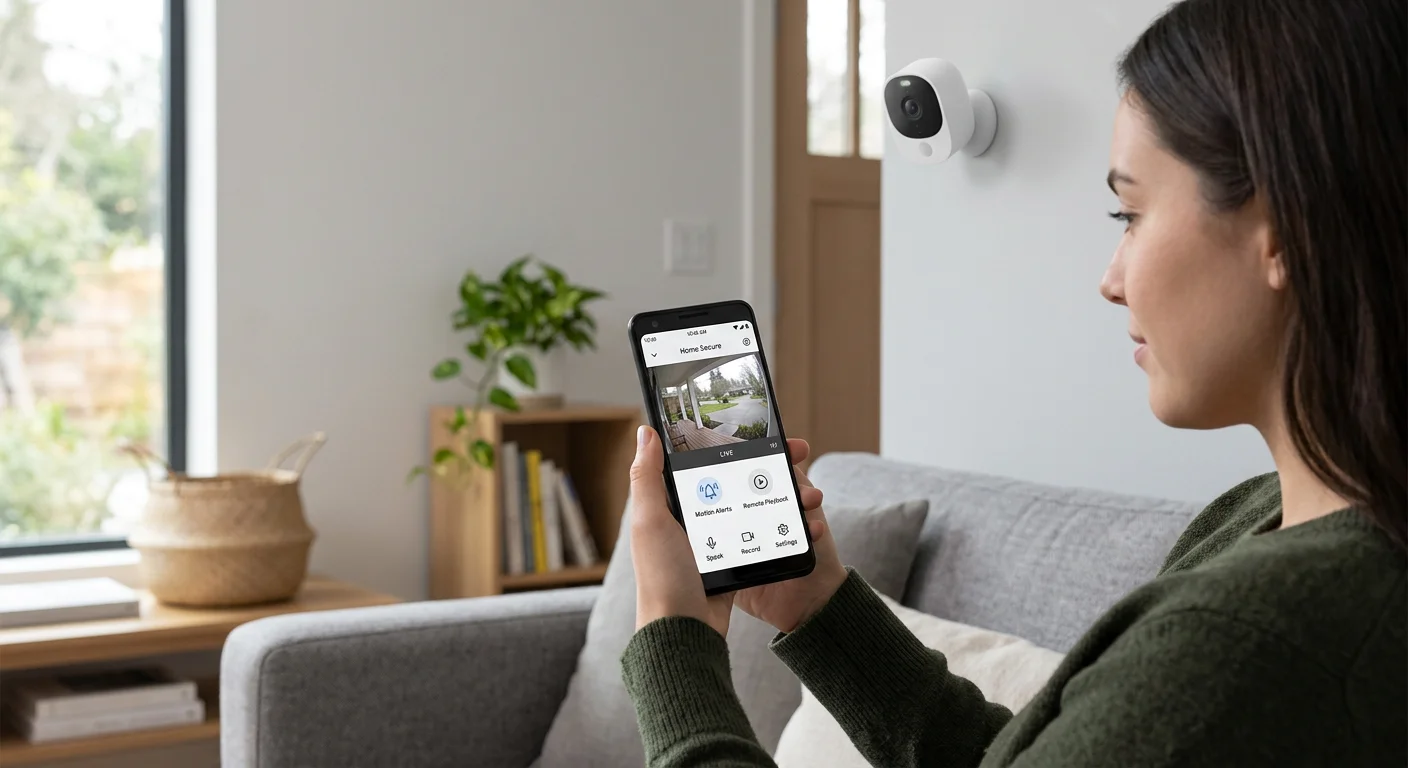
When choosing the best home security camera without subscription, a few features matter far more than marketing claims. Focus on these essentials to avoid hidden costs, missed alerts, and poor video quality — especially when comparing multiple no monthly fee security cameras.
Choose 2K or 4K Resolution for Clear Identification
Resolution directly affects whether you can actually identify people, packages, or vehicles.
1080p works for basic monitoring, but 2K is the practical starting point for most homes. Faces appear sharper, and license plates are easier to read at short distances.
For outdoor areas like driveways, garages, and front yards, 4K models are often the best home security cameras without subscription because they preserve more detail and allow better digital zoom. Cameras with 4K resolution and color night vision provide clearer evidence instead of dark silhouettes.
Decision tip:
Indoor monitoring → 2K is enough
Front door/porch → 2K or 4K recommended
Driveway/yard → choose 4K
Look for Color Night Vision, Not Just IR
Most home security cameras without subscription include infrared night vision, but color night vision adds meaningful detail. Clothing color, vehicle type, and package appearance are easier to identify in low-light conditions.
This matters most for outdoor security, where street lighting allows color sensors to work effectively. The best home security camera without subscription for outdoor use typically includes spotlight-based color night vision rather than basic IR-only recording.
Decision tip:
Indoor camera → IR night vision is fine
Outdoor camera → choose color night vision
Large yard or driveway → color night vision strongly recommended
Make Sure AI Detection Is Free and On-Device
The best home security cameras without subscription should include AI detection without monthly fees. Look for cameras that offer person, pet, vehicle, or package detection directly on the device.
On-device AI has three advantages:
No subscription required
Faster alerts
Better privacy protection
Some cameras also include sound detection, motion zones, and smart filtering to reduce false alerts. Avoid models that lock these features behind paid plans, especially when evaluating a home security camera without monthly fees.
Decision tip:
Basic home use → person detection is enough
Pet owners → choose pet detection
Front porch → package detection helps
Busy street → activity zones are essential
Check Local Storage Options and Capacity
Local storage is what makes the best home security camera without subscription truly subscription-free. Most cameras support microSD cards, typically ranging from 128GB to 512GB.
For larger homes or multi-camera setups, NVR-based systems offer far more storage. These setups support continuous 24/7 recording and longer video history without cloud fees, making them ideal for users who want a full-property security camera without subscription.
Decision tip:
Single camera → microSD is enough
2–4 cameras → choose larger SD capacity
Whole home coverage → consider NVR storage
24/7 recording → NVR recommended
Choose the Right Field of View to Reduce Blind Spots
The field of view determines how much area a single camera can cover. A minimum of 125° is recommended for most indoor spaces. Wider angles reduce the need for additional cameras.
Doorbell cameras and outdoor cameras often provide wider coverage, which helps monitor entryways, packages, and walkways more effectively. Many of the best home security cameras without subscription use wider lenses to reduce blind spots without requiring multiple devices.
Decision tip:
Indoor room → 120°–130°
Front door → 140°+
Backyard → wide-angle recommended
Narrow hallway → standard angle is fine
By prioritizing these features, you can quickly identify the best home security camera without subscription that fits your home, avoids monthly fees, and still delivers reliable protection.
FAQ About the Best Home Security Camera Without Subscription
Real questions, straight answers. No filler.
Do no-subscription cameras include free AI detection?
Yes — most of the top models do. Wyze handles person detection and activity zones at zero cost. Eufy C120 goes further — people, pets, and crying baby alerts all run on-device with no subscription required. TP-Link KC410S covers person and loud noise detection for free. The AI runs directly on the hardware, making these the best home security cameras without subscription for privacy-conscious users.
Is local storage safe if the power goes out?
Absolutely. SD cards store footage even after a power loss — Eufy and TP-Link both operate this way. Lorex NVR keeps recordings on its own hub, so if a camera goes offline, the hub preserves what it has already recorded. When power returns, your footage remains intact.
Do these cameras work for renters?
Yes. Wyze, Blink Mini 2, and Eufy C120 all install without drilling a single hole. Peel-and-stick mounts and battery power make them fully portable. You can take them when you move, making them the best home security cameras without subscription for rental properties.
Can I connect to a NAS or third-party NVR?
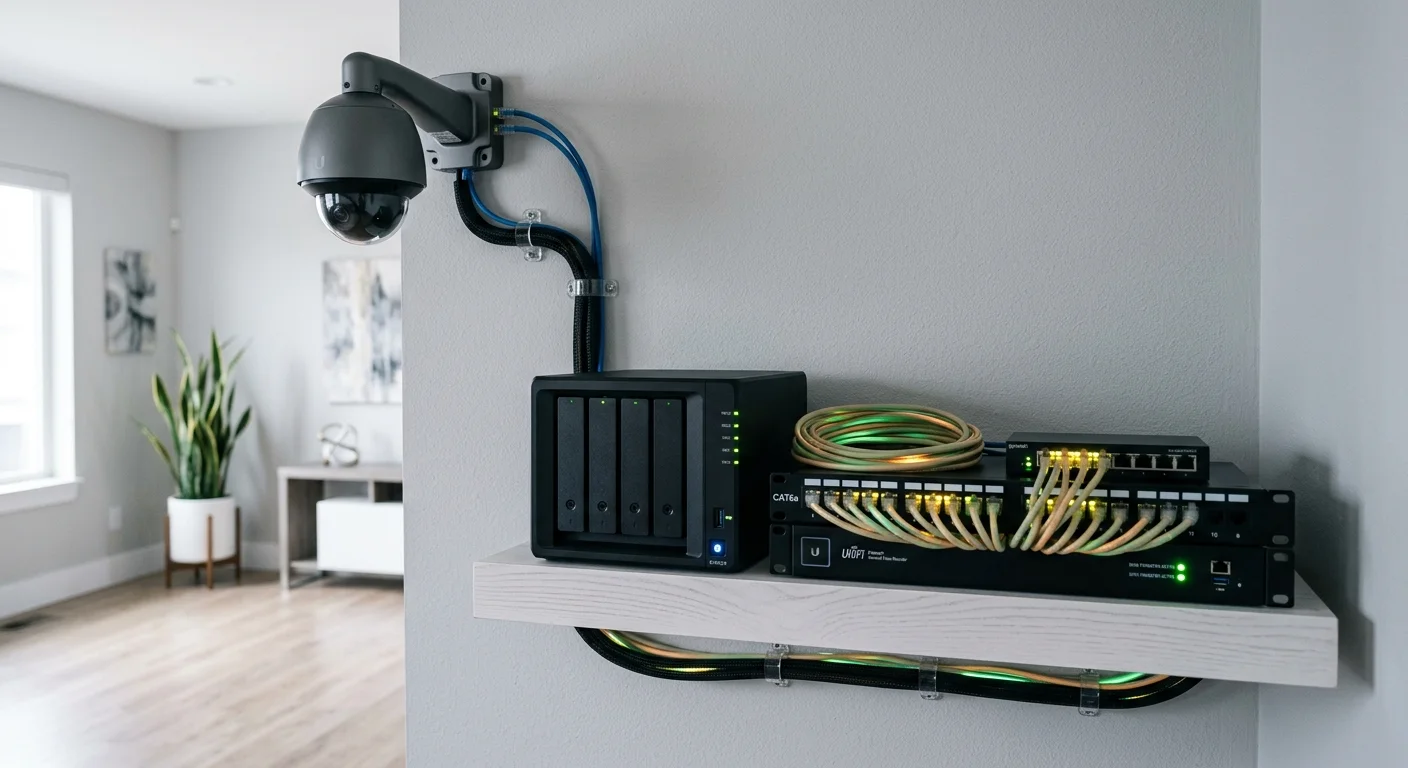
Some models support it. Lorex works with ONVIF and DVR/NVR systems right out of the box. Wyze supports RTSP via firmware updates, and select Eufy cameras also support ONVIF. If self-hosted storage is important, these cameras are the best home security cameras without subscription to start with.
Paying $10 a month might seem small — until you add it up. Over five years, that’s $600 gone, and all you have is footage stored on someone else’s server.
Choosing the best home security camera without subscription isn’t a compromise. It’s a smarter, more cost-effective choice. In 2026, cameras from brands like Reolink, Eufy, Wyze, and Lorex prove that local storage systems can match — and often outperform — subscription-based cameras in resolution, night vision, AI detection, and remote access. You’re not settling for less. You’re taking control of your home security without ongoing fees.
Here’s how to take action:
Identify your setup: indoor, outdoor, wired, or wireless
Revisit the comparison table and shortlist the cameras that fit your needs
Choose the camera or system that meets your coverage and storage requirements
No overthinking needed. Your home. Your footage. Your call — with no monthly subscription eating into your budget.